


BETAFPV Micro TX V2 Module (ELRS 915/868MHz) 2W 2000mW, 200Hz, TCXO, OLED, 5D Button
BETAFPV Micro TX V2 Module (ELRS 915/868MHz) 2W 2000mW, 200Hz, TCXO, OLED, 5D Button
BETAFPV
Couldn't load pickup availability


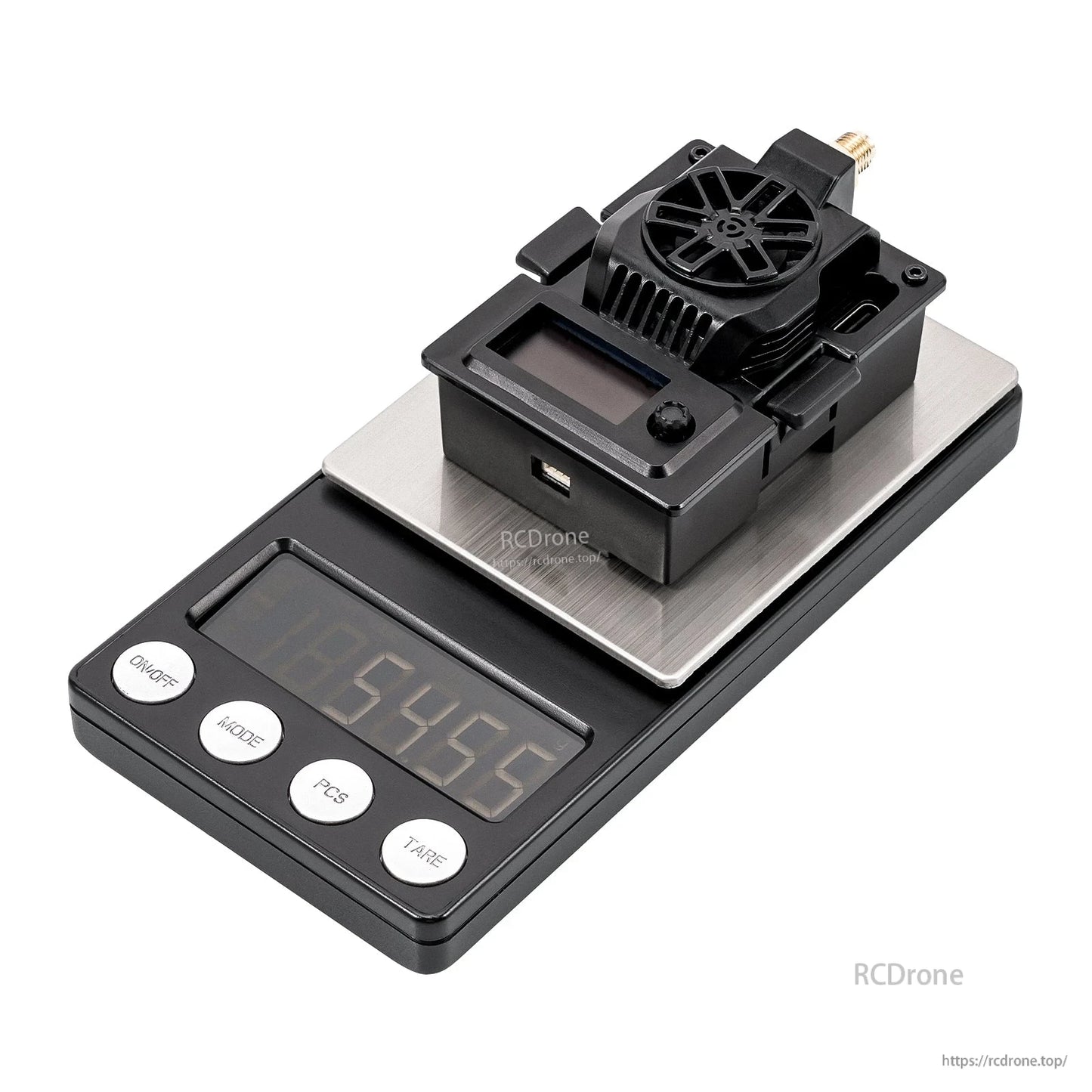
Overview
The BETAFPV Micro TX V2 Module is an ExpressLRS (ELRS) RF TX module for radio transmitters with a Micro module bay (AKA JR/SLIM module bay). It supports up to 2W (2000mW) RF output and up to a 200Hz packet rate, with a built-in TCXO and an upgraded cooling system for stable link performance and anti-interference operation.
Key Features
- Max RF power: 2000mW (2W)
- Packet rate options: up to 200Hz
- Built-in TCXO (temperature-compensated crystal oscillator)
- Upgraded cooling: CNC aluminum alloy heat sink, enlarged airflow vents, 2507 axial fan
- OLED display + 5D button for settings and firmware flashing convenience
- Backpack function support (wireless communication via TX-Backpack/espnow)
- Ports/interfaces include XT30 (external power), USB Type-C, SMA-KE antenna connector, and GH1.25 (GND, 5V, CRSF)
For setup and compatibility help, contact [email protected] or visit https://rcdrone.top/.
Specifications
| Item | BETAFPV Micro TX V2 Module | ELRS 915/868MHz |
| Color | Black |
| Weight | 54.8g |
| Frequency band | 915MHz FCC / 868MHz EU |
| RF power | 10mW / 25mW / 50mW / 100mW / 250mW / 500mW / 1000mW / 2000mW |
| Packet rate | 25Hz / 50Hz / 100Hz / 100Hz Full / 200Hz / D50 |
| Antenna connector | SMA-KE |
| Backpack | Support |
| Input voltage | 7V~13V DC |
| Rated current | 10V, 1A @ 2000mW, 200Hz, 1:128 |
| USB port | Type-C |
| Fan voltage | 5V |
| Default firmware version | ExpressLRS V3.4.3 |
| Target name | BETAFPV Micro 900MHz TX V2 |
| Pin labels (module port) | NC / 7V-13V / GND / CRSF Serial Port |
| Additional connector label | GH1.25 (GND, 5V, CRSF) |
Upgrade Comparison (vs. ELRS Micro TX Module)
| Micro TX V2 | Micro TX | |
| Max RF Power | 2W | 1W/500mW |
| Frequency Band | 900MHz | 900MHz/2.4GHz |
| Fan | 2507 12000RPM | 2510 8000RPM |
| RF Chip | SX1276 | SX128X/SX1276 |
| External Power Supply | Supported 5-25V | Supported 5-12V |
Controls (OLED + 5D Button)
- Long press: Unlock and enter the menu page, or apply current settings on the menu page
- Up/Down: Move to the last/next row
- Left/Right: Change the value of this row
- Short press: Enable binding status or WiFi upgrade status
Note: When the RF TX module enters WiFi Upgrade status, the button will be invalid. Re-power the RF TX module after the firmware update via WiFi.
Compatibility & Basic Configuration
The Micro TX V2 Module is compatible with radio transmitters that have a Micro module bay (AKA JR/SLIM module bay), for example Frsky Taranis X9D and TBS Mambo. It supports most ELRS receivers and all OpenTX controllers, plus some non-OpenTX remote controls like T161Z, T16SZ, T18SZ, and ET16.
The module defaults to the Crossfire serial data protocol (CRSF). The radio transmitter’s TX module interface must support CRSF signal output. In EdgeTX: set Internal RF to OFF, enable External RF, and set Mode to CRSF.
Lua Script:
- Download
elrsV3.luaon the BETAFPV official website or ExpressLRS configurator - Save it to the radio transmitter SD card:
Scripts/Tools - Enter Tools (SYS/Menu) and run “ExpressLRS”
Bind & External Power Supply
The Micro TX V2 Module comes with the official major release ExpressLRS V3.4.3 protocol and no Binding Phrase included. Ensure the receiver works on the official major release ExpressLRS V3.0.0 protocol and no Binding Phrase set.
- Put the receiver into binding mode and wait for the connection
- Use the button and OLED to move to Bind and short-press the button to enter binding status, or click “Bind” in the Lua script
Note: If the TX module firmware has been reflashed with a Binding Phrase, set the same binding phrase on the receiver for automatic binding.
Power consumption at 500mW or above is relatively high and may shorten the radio controller’s usage time. An external battery can be connected through the XT30 port.
Note: For optimal safety and performance when operating at 2W high power, use the XT30 connector with an external power supply configured for 2–4S (supports 5V to 25V).
Note: Assemble the antenna before powering on. Otherwise, the TX module’s PA chip will be permanently damaged.
Note: Ensure the battery is fully charged before powering up the TX module to prevent reboot due to insufficient power supply.
Moxon Antenna V2 (Included)
- Directional
- High gain: 5.7dBi (868M) / 5.9dBi (915M)
- SMA male connector
Applications
- FPV racing
- Long-range flight
- Cinematic shooting
Manuals / Firmware
- User Manual (BETAFPV Support)
- Firmware (BETAFPV Support)
- ExpressLRS Backpack Wiki
- ExpressLRS TCXO / Crystal Frequency Error Reference
What’s Included
- 1 x Micro TX V2 Module
- 1 x Moxon Antenna V2
- 1 x GH1.25-FUTABA Male Adapter Cable
- 1 x User Manual
- 1 x USB to Type-C Data Cable
- 1 x Service Card
Details

Get up to 2000mW output with an OLED + 5D button interface for fast setup and field adjustments.
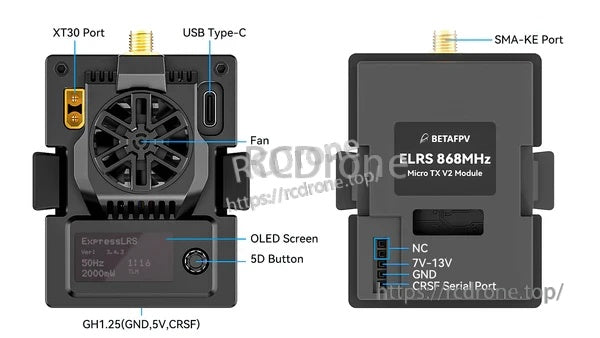
All key connections are easy to access: XT30 external power, USB‑C, SMA‑KE antenna, and the GH1.25 CRSF port.
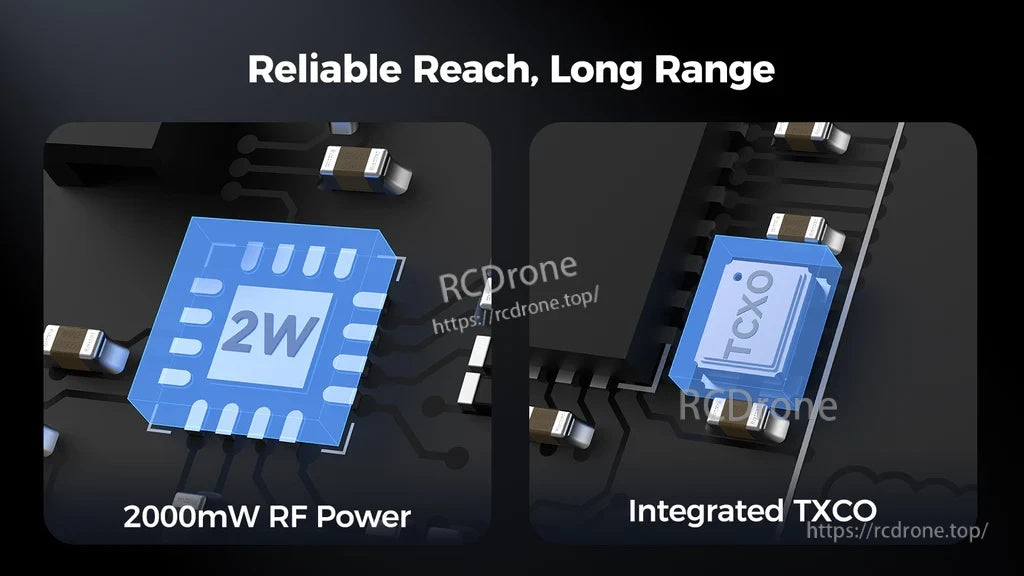
A built-in TCXO helps keep the link stable across temperature changes during long sessions.

Designed for low-latency control in racing, dependable long-range flights, and smoother cinematic cruising.
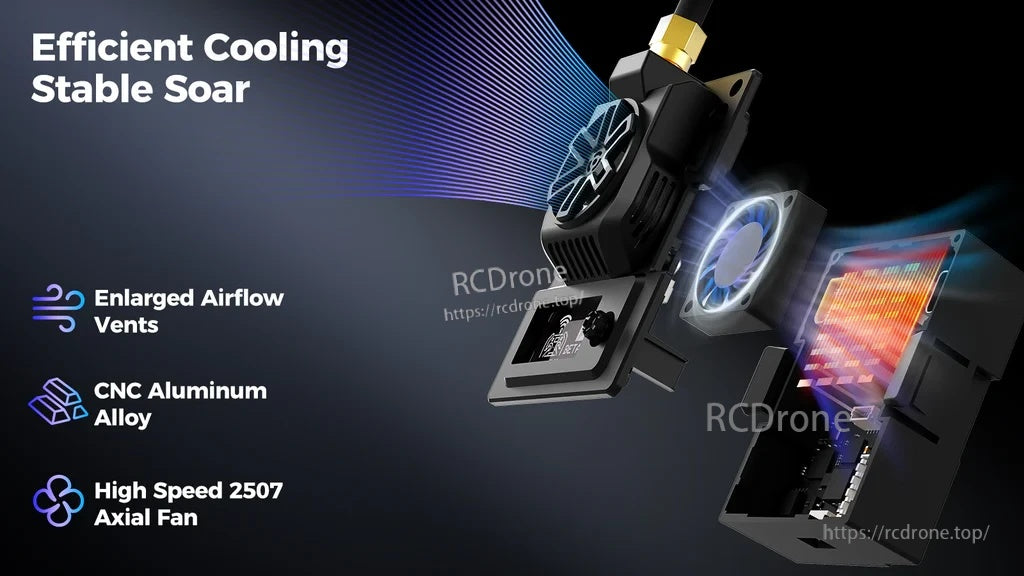
Upgraded cooling combines a CNC aluminum heat sink, enlarged vents, and a 2507 fan for steady high-power operation.
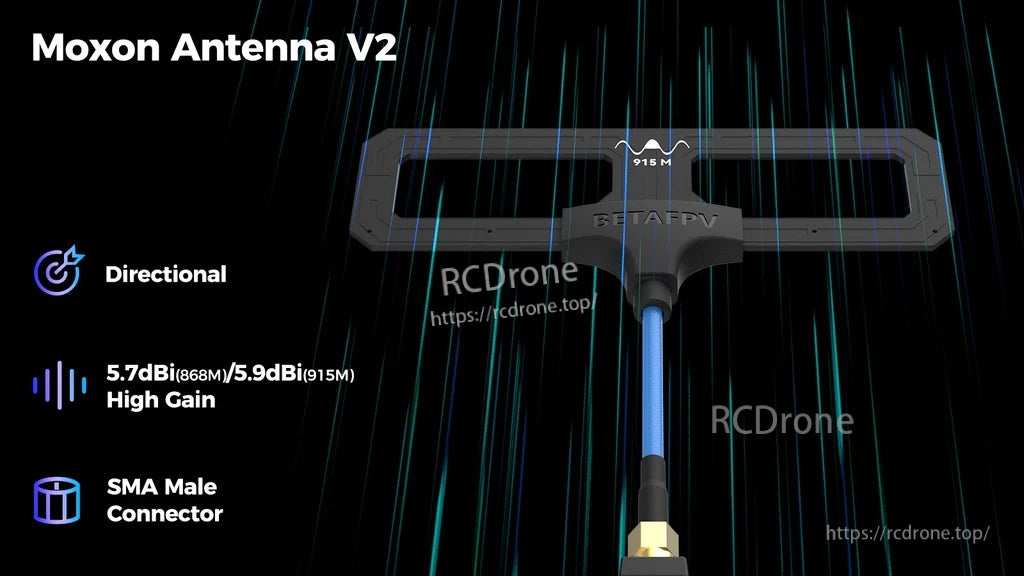
The included directional Moxon Antenna V2 uses an SMA male connector for a secure, efficient RF connection.
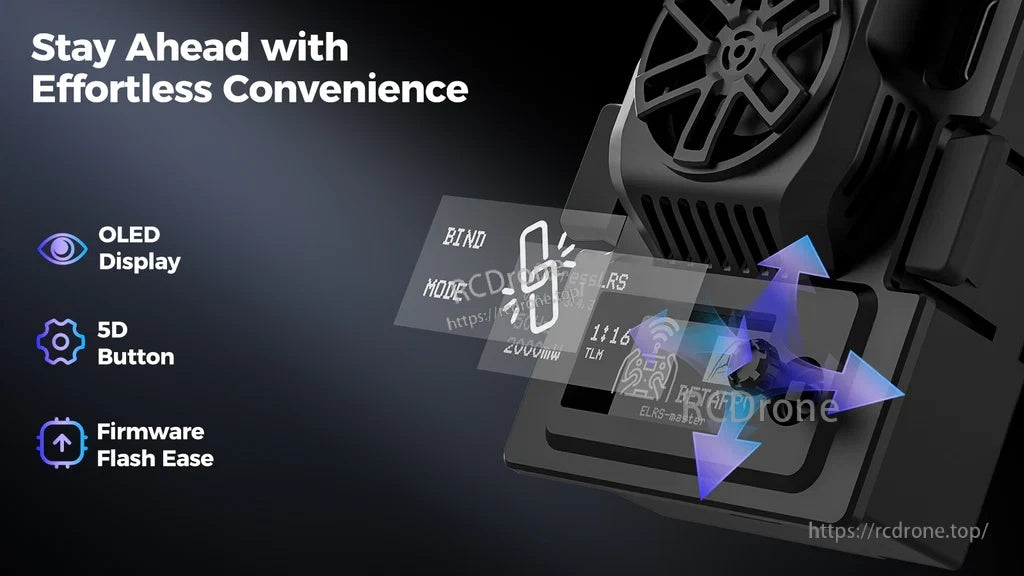
On-module OLED controls keep essential functions like bind and WiFi update within quick reach.
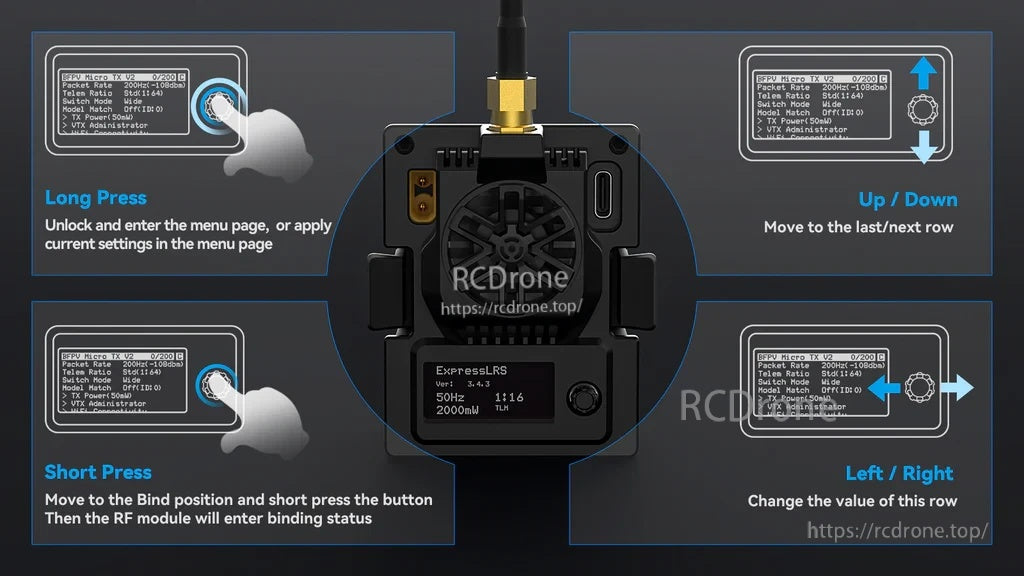
5D button navigation makes it simple to enter the menu, move through options, and apply settings without a PC.
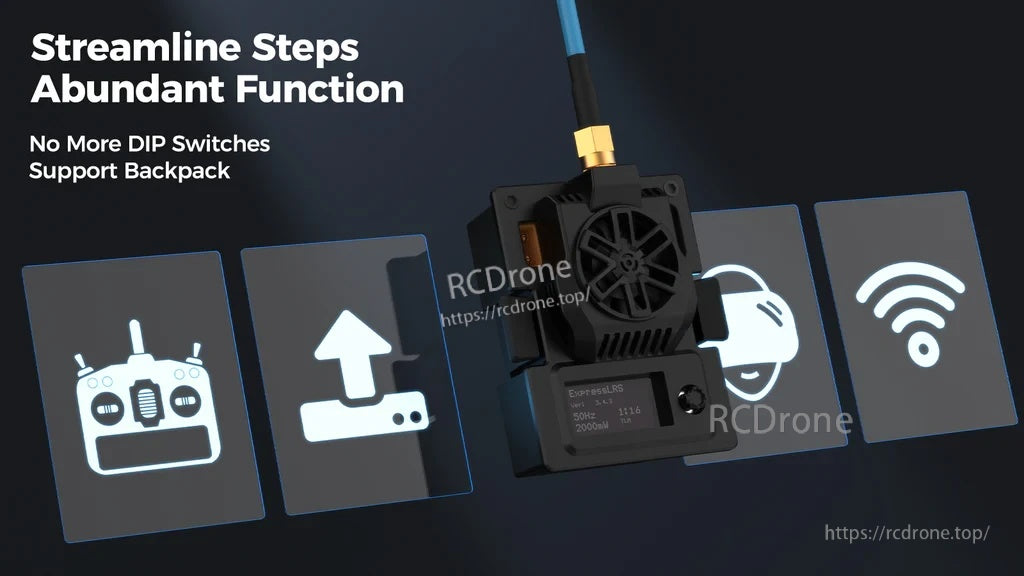
No DIP switches to manage—use ExpressLRS features like Backpack support for streamlined workflows.

Fits transmitters with a Micro (JR/SLIM) module bay and works with a wide range of ELRS receivers.
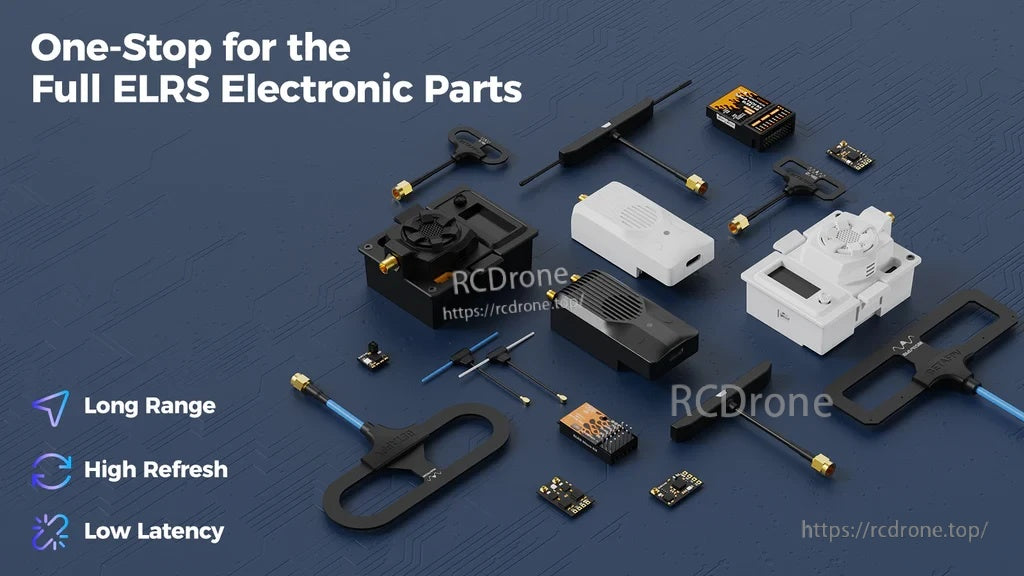
Build an ELRS long-range setup by pairing the module with compatible receivers and antennas.
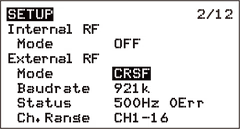
Set the external module protocol to CRSF in your radio’s model setup to start configuring ELRS.
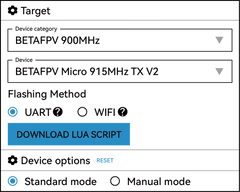
Install the ExpressLRS Lua script to adjust key module settings directly from the transmitter menu.

Use the Lua script to confirm the module target and quickly view or change packet-rate options.

Binding and menu actions are handled with the front 5D button for quick field operation.
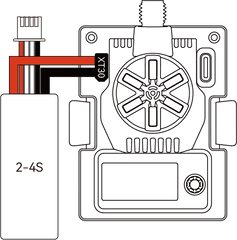
USB‑C provides a convenient way to flash firmware and manage configuration without extra adapters.
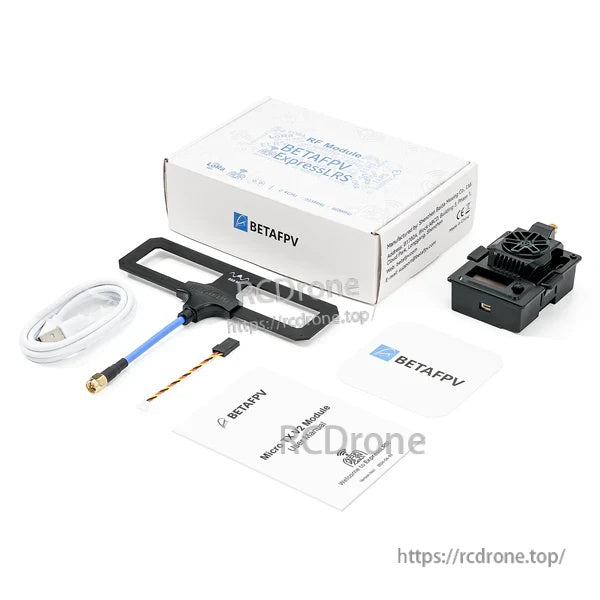
Everything needed to get started comes in the box, including the module, antenna, USB‑C cable, and accessories.


