


RadioMaster ERS-RB01 RPM-BLDC Brushless Tachometer Sensor for ExpressLRS PWM Receivers (CRSF/EdgeTX)
RadioMaster ERS-RB01 RPM-BLDC Brushless Tachometer Sensor for ExpressLRS PWM Receivers (CRSF/EdgeTX)
RadioMaster
Couldn't load pickup availability


Overview
The RadioMaster ERS-RB01 is a brushless tachometer (RPM-BLDC sensor) designed to measure motor RPM by tapping directly into any two wires of a brushless ESC output. It captures real-time RPM data, sends it to a compatible ExpressLRS PWM receiver via the CRSF interface, and relays telemetry back to an EdgeTX radio for live monitoring.
As part of the ERS sensor family, the ERS-RB01 supports daisy chain expansion (linear, pass-through) for scalable telemetry when using multiple ERS sensors.
Launch Video
Key Features
- Accurate RPM monitoring: Real-time monitoring of brushless RPM data
- ExpressLRS integration: Works with compatible ExpressLRS receivers via CRSF
- Plug and play: Plug-and-play with supported receivers
- Multi-unit support: Multiple ERS-RB01 sensors can be used to monitor several units simultaneously (set RPM ID when using more than one RPM sensor)
- Daisy chain expansion: Pass-through expansion for additional telemetry modules
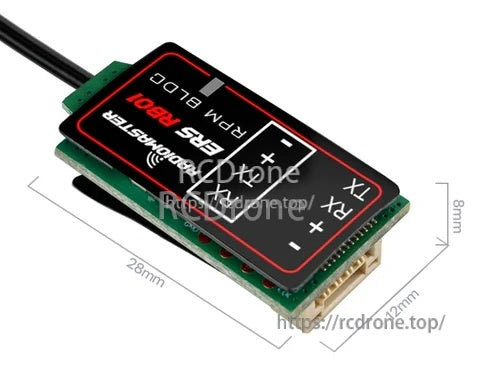
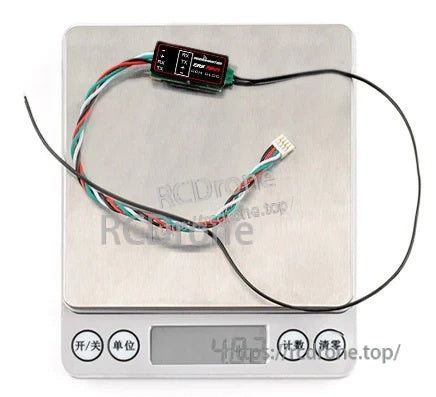
- Compact and lightweight: 28 x 12 x 8 mm; 4.8 g
For setup help, compatibility questions, or replacement accessories, contact [email protected] or visit https://rcdrone.top/.
Compatible ExpressLRS PWM Receivers
Plug and Play
- ER6 2.4GHz ExpressLRS PWM Receiver
- ER8 2.4GHz ExpressLRS PWM Receiver
- ER8G ExpressLRS PWM Receiver
- ER8GV ExpressLRS PWM Receiver
Adapter Required
- ER4
- ER5C-i
- ER5A
- ER5C
- ER6G
- ER6GV
Using Sensors with Non-Plug-and-Play PWM ExpressLRS Receivers
Most PWM ExpressLRS receivers are compatible. Receivers without an available UART port require reconfiguration to support external sensors: reassign two PWM output pins as a serial UART (one TX and one RX) using the receiver Web UI (WiFi mode) or the ExpressLRS LUA script. This enables sensor connectivity while preserving remaining PWM channels for servos or ESCs.
For receivers that only provide standard servo pins, an optional adapter cable can be used to convert the sensor UART connector to two standard servo plugs (TX and RX).
Sensor Configuration & Telemetry Logging
To configure the sensor and view telemetry on an EdgeTX radio, install the RadioMaster Sensor Configurator LUA. It enables sensor settings adjustments, proper telemetry display, and data logging.
- Copy LUA files to:
/SCRIPTS/TOOLS/ - Motor poles must be set for accurate RPM data (motor pole pairs are LUA configurable).
Example configurator items visible in the tool include: LED ONOFF, SENSOR POWER, REBOOT, Set RPM ID, Moto poles, SET RATE OFFSET, RESET CONFIG.
Specifications
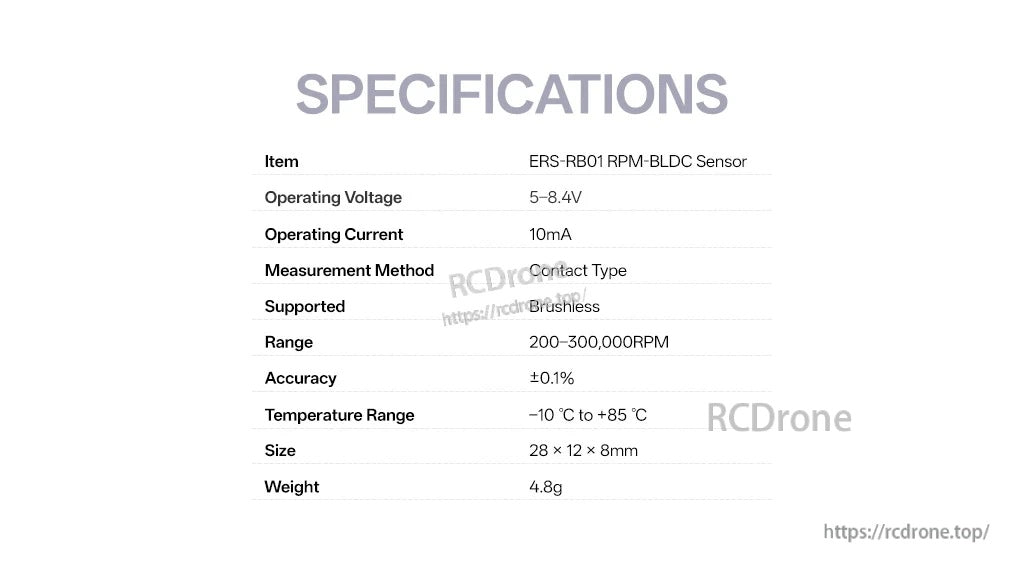
| Item | ERS-RB01 RPM-BLDC Sensor |
| Operating voltage | 5–8.4 V |
| Operating current | 10 mA |
| Measurement method | Contact type |
| Supported | Brushless |
| Motor pole pairs | LUA configurable |
| Range | 200–300,000 RPM |
| Accuracy | ±0.1% |
| Temperature range | −10 °C to +85 °C |
| Size | 28 x 12 x 8 mm |
| Weight | 4.8 g |
Downloads
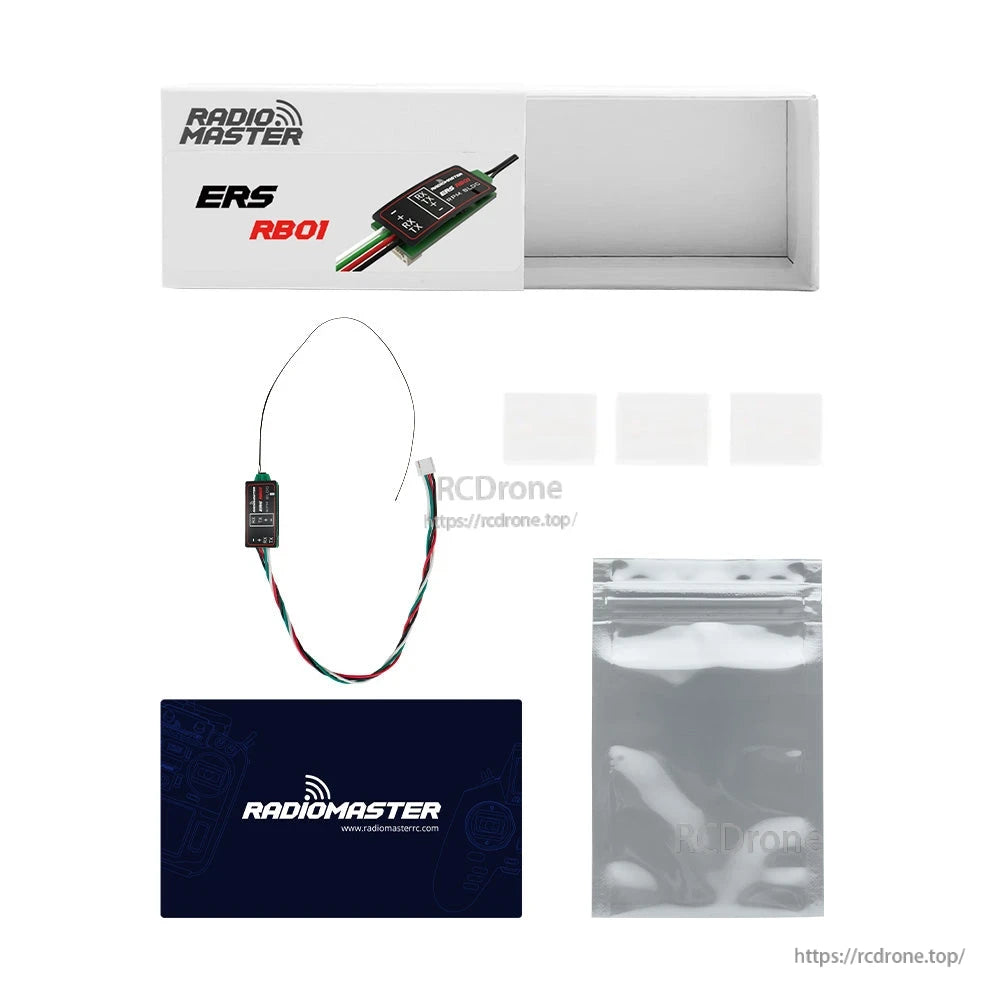
What’s Included
- 1 x ERS-RB01 RPM-BLDC Sensor
- 3 x Heat-shrinkable tube
- 1 x Manual QR code card
Details
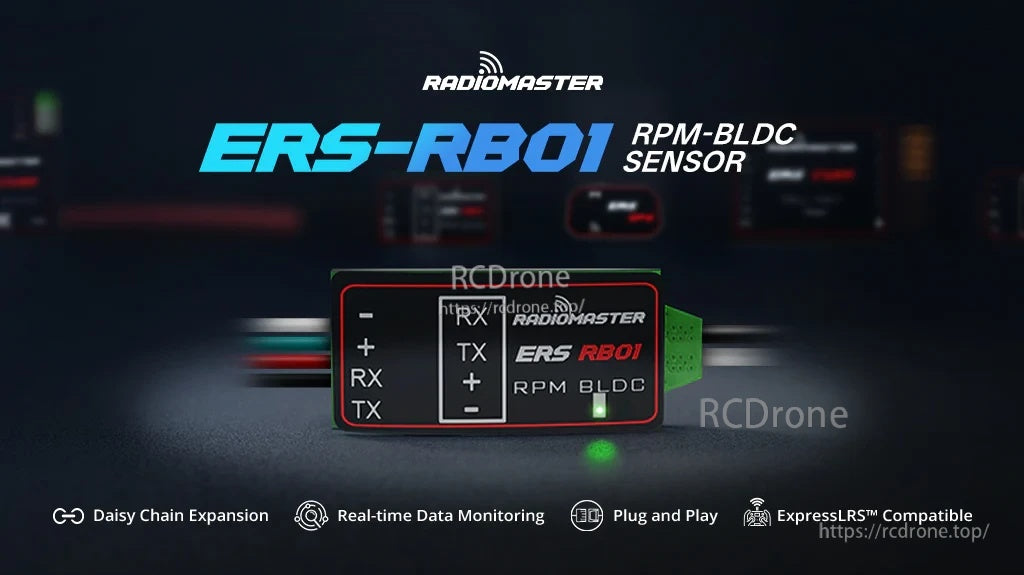
Add live brushless motor RPM telemetry to an ExpressLRS PWM setup over CRSF, with simple plug-and-play wiring.
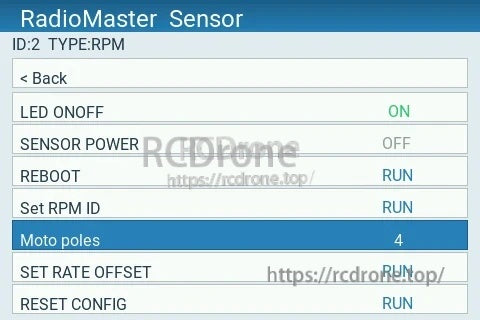
Use the RadioMaster Sensor Configurator LUA on EdgeTX to set motor poles and tune sensor options for accurate RPM.
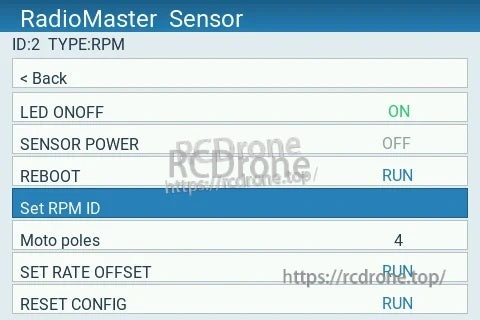
When running more than one RPM sensor, assign a unique RPM ID so each motor’s telemetry stays separated.
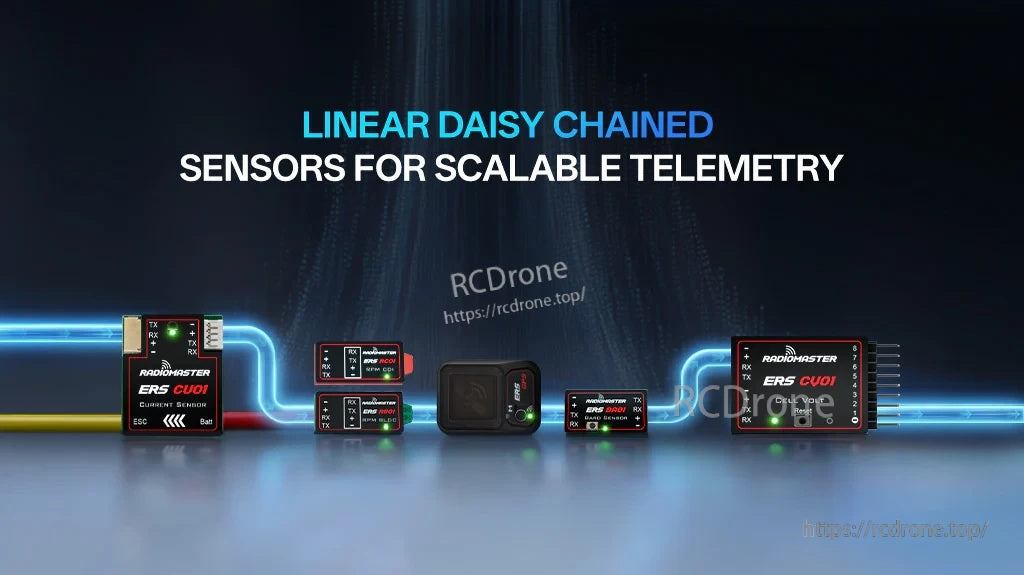
Linear daisy-chain pass-through makes it easy to expand telemetry by adding more ERS sensors in series.
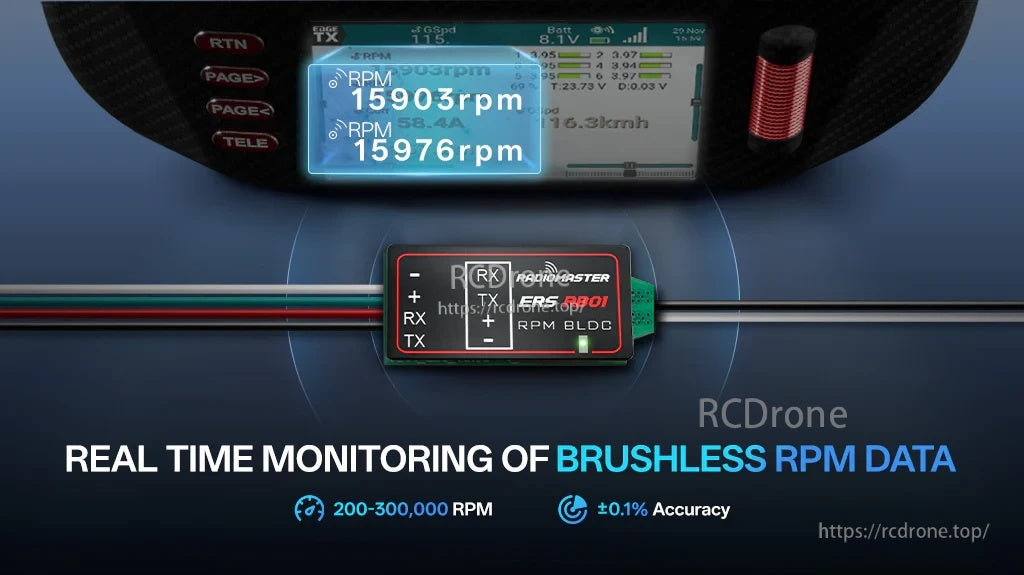
Real-time RPM readouts display directly on the radio, making it easier to monitor performance during setup and flight.
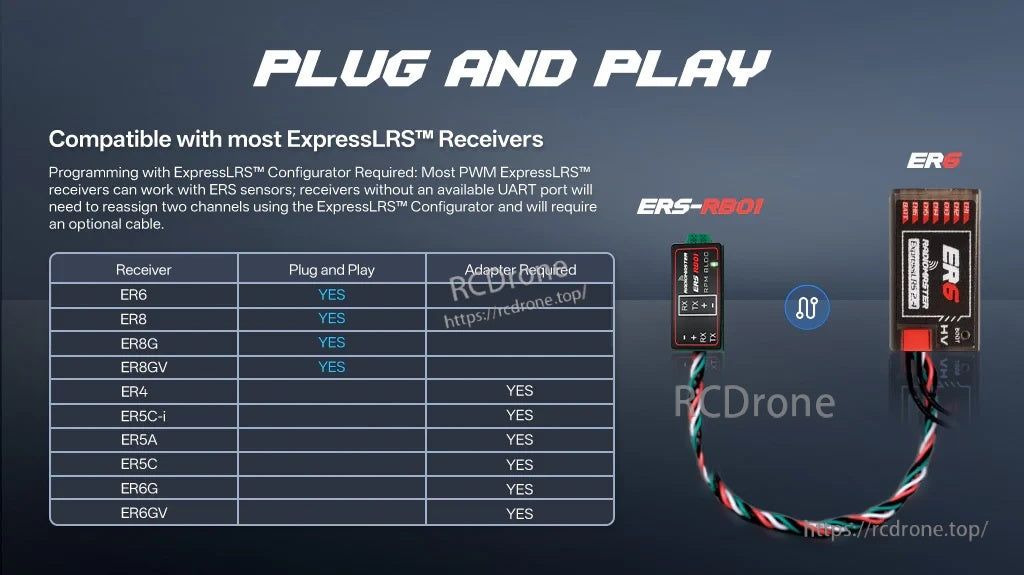
Compatible with most ExpressLRS PWM receivers; some builds may require UART pin reassignment or an adapter cable.
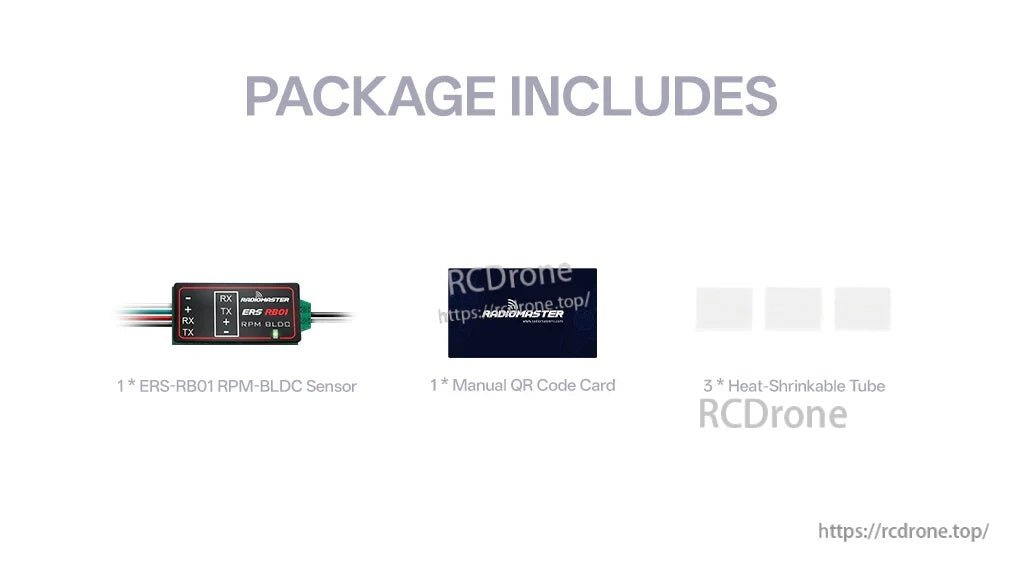
Everything needed to start includes the sensor module, a QR code manual card, and heat-shrink tubing for a clean install.