


Flashhobby Smart-03 Servo Programmer for Helical Servo Series, USB Connection, 2S/7.4V Input
Flashhobby Smart-03 Servo Programmer for Helical Servo Series, USB Connection, 2S/7.4V Input
Flashhobby
Couldn't load pickup availability


Overview
The Flashhobby Smart-03 Servo Programmer is a servo programmer designed for the Flash Hobby helical servo series, supporting PC connection via USB for parameter setup and writing settings to the servo.
Key Features
- USB PC connection (device has a USB-C port labeled “USB”).
- Working light indicator.
- Supports servo/battery connection (labeled “SERVO - BATTERY”).
- PC software functions shown: Read parameter, Import parameter, Derived parameter, Save Setting, Writing device.
- Servo angle position offset setting area for LOW PWM / MDN PWM / HIGH PWM.
- Fast mode switching between normal digital control signal and mainstream remote control modes (select mode name, then use Writing device).
Specifications
| Brand | FLASH HOBBY |
| Model | SMART-03 |
| Product Type | Servo Programmer |
| Rated Input Voltage | IN 2S/7.4V BATTERY |
| PC Connection | USB (USB-C port) |
PC Software UI (Visible Fields & Buttons)
- Computer connection port (COM selection) and “connection” button; status bar prompts current working status.
- Data progress bar.
- PWM output status scale.
- Control signal input function setting area fields shown: PWM MIN, PWM MAX, CONTROL ANGLE, SENSOR ANGLE, PWM SENSITIVITY, DIRECTION, SIGNAL LOSS, plus mode buttons: STANDAR, SR, SSR, SFR, SXR, UR.
- Servo operating angle position offset setting area: LOW PWM, MDN PWM, HIGH PWM (each with a slider and a SAVE button).
- Servo performance parameter area fields shown: SOFT STARTUP, OUTPUT POWER, BRAKE, BACK CENTER, DEAD ZONE, RESPONSE SPEED, SENSITIVITY, OUTPUT PROTECTION, PROTECTION TIME.
- Bottom buttons shown: Read parameter, Import parameter, Derived parameter, Save Setting, Writing device.
Parameter Notes (Visible Descriptions)
- SOFT STARTUP: slow start function; the larger the value, the faster the speed.
- OUTPUT POWER: maximum output power percentage of the motor (maximum 100, minimum 0).
- BRAKE: brake and overshoot settings; values cannot exceed -16 to +16.
- Rigidity setting note: the higher the value, the greater the rigidity and the easier to jitter; value range 0 to 63.
- DEAD ZONE: return to the dead zone of the midpoint; smaller value gives more accurate return of the load and is prone to jitter.
- RESPONSE SPEED: higher value gives faster speed and is prone to jitter.
- SENSITIVITY: lower value gives higher sensitivity.
- OUTPUT PROTECTION note: “Percentage of output power blocked”; larger value is easy to damage the motor.
- PROTECTION TIME note: smaller value enters protection faster; larger value may damage the motor.
- PWM MIN: minimum input value of PWM control signal.
- PWM MAX: maximum value of PWM control signal input.
- CONTROL ANGLE: maximum angle of rotation of the steering gear.
- SENSOR ANGLE: angle sensor maximum angle (cannot be changed unless special requirements).
- PWM SENSITIVITY: higher value = lower resolution; smaller value = higher resolution.
- DIRECTION: forward or reverse rotation setting.
- SIGNAL LOSS: when the control signal is lost, the steering gear locks the current position or releases the locking force.
Programming Sequence (Visible Instructions)
- Step 1: Select the computer connection port number and click CONNECTION to connect and access the programming card.
- Step 2: Click the three buttons to check whether the servo rotates; if it does not rotate, check whether the PC programming card and servo connection is correct.
- Step 3: Click Read parameter to read the servo internal raw parameter. The progress bar at the top improves reading success to 100% (required before each programming change; this step must be performed first).
Angle Offset Settings (Visible Instructions)
- Midpoint offset: click MDN PWM to let the servo respond and go to the original midpoint, then adjust with the slider. Move left or right to set the desired position and click SAVE; then click Writing device (no need to click Writing device again to move).
- Low-side offset: click LOW PWM to let the servo respond and go to the original low side, then adjust with the slider. Move left or right to set the desired position and click SAVE (no need to click Writing device again to move). Click Read parameter again after the location reads the changed parameter.
- High-side offset: click HIGH PWM to let the servo respond and go to the original high side, then adjust with the slider. Move left or right to set the desired position and click SAVE (no need to click Writing device again to move). Click Read parameter again after the location reads the changed parameter.
What’s Included
- Flashhobby SMART-03 Servo Programmer
- USB cable
Support
For setup assistance or compatibility questions with the helical servo series, contact [email protected] or visit https://rcdrone.top/.
Details

The Flashhobby SMART-03 servo programmer connects via USB-C and includes a servo/battery lead, with a rated input of 2S/7.4V battery.
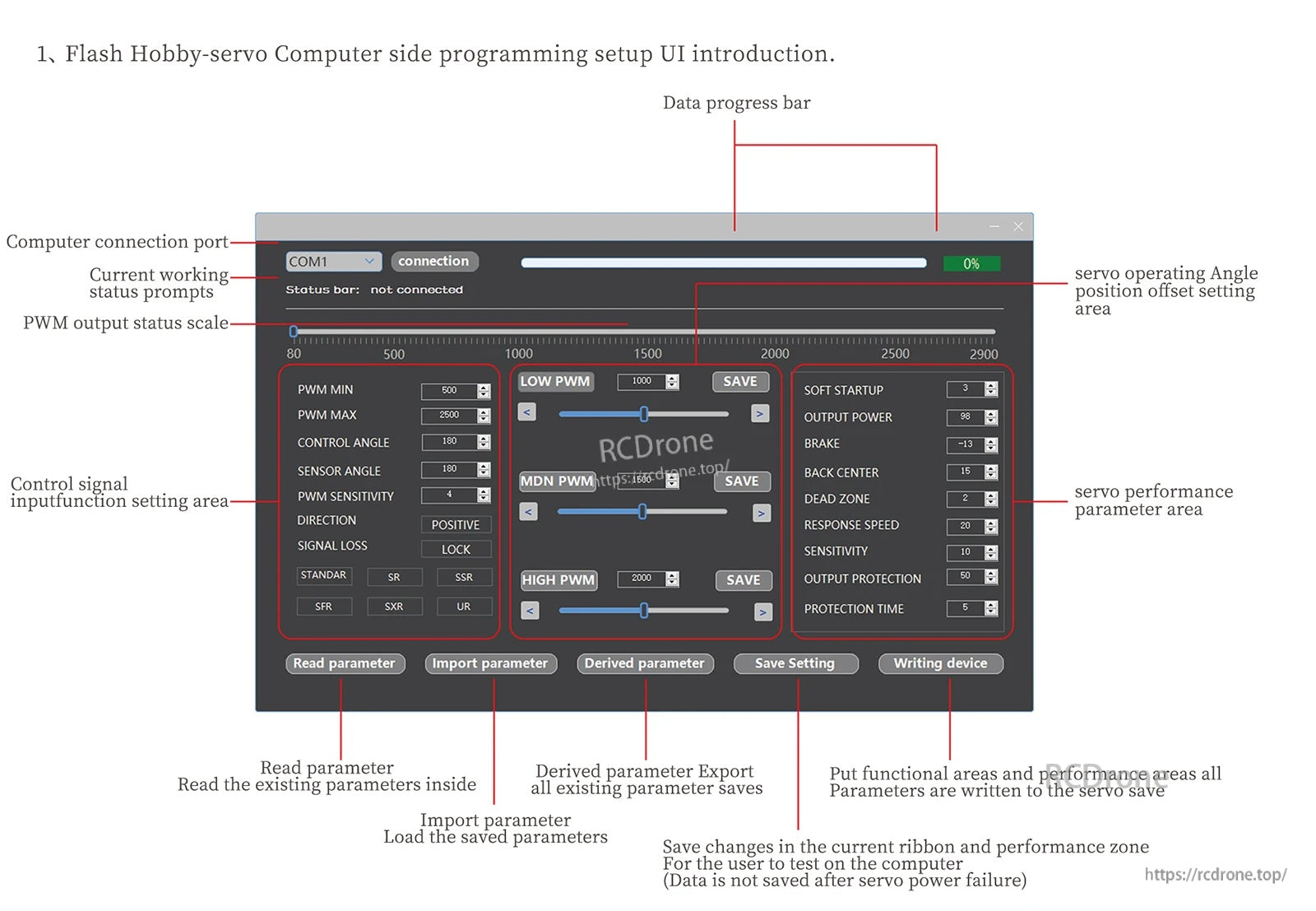
Flashhobby Smart-03 PC software provides menus for adjusting PWM limits, control angle, direction, and servo response parameters.

Flashhobby Smart-03 uses a PC interface with COM port connection plus read/save controls to adjust PWM ranges and servo response settings.
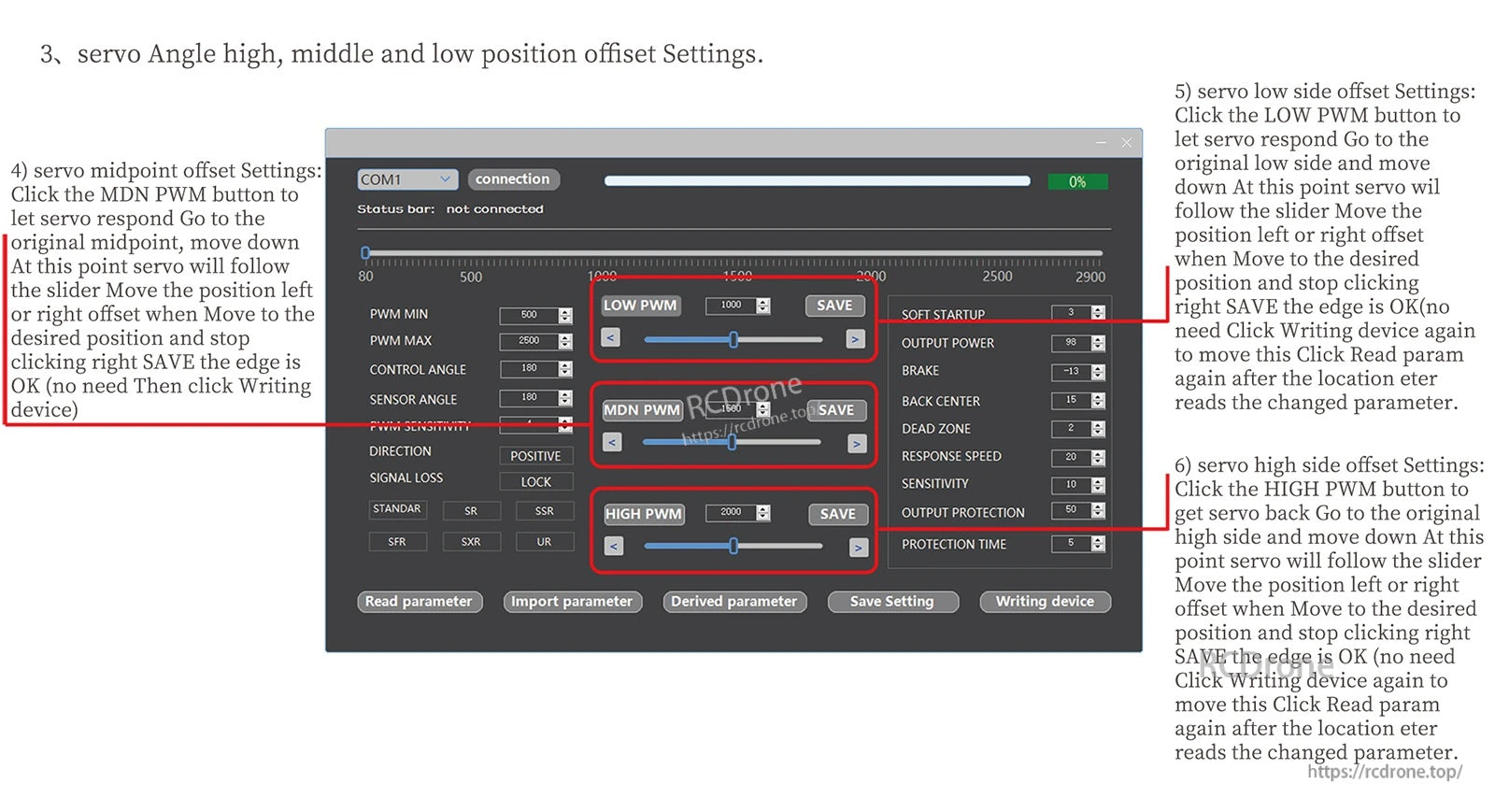
The Smart-03 programming software lets you adjust PWM endpoints, center/offset positions, and other servo parameters before saving them to the device.

The Smart-03 servo programmer software provides adjustable PWM, angle, dead zone, and response speed settings for servo tuning.
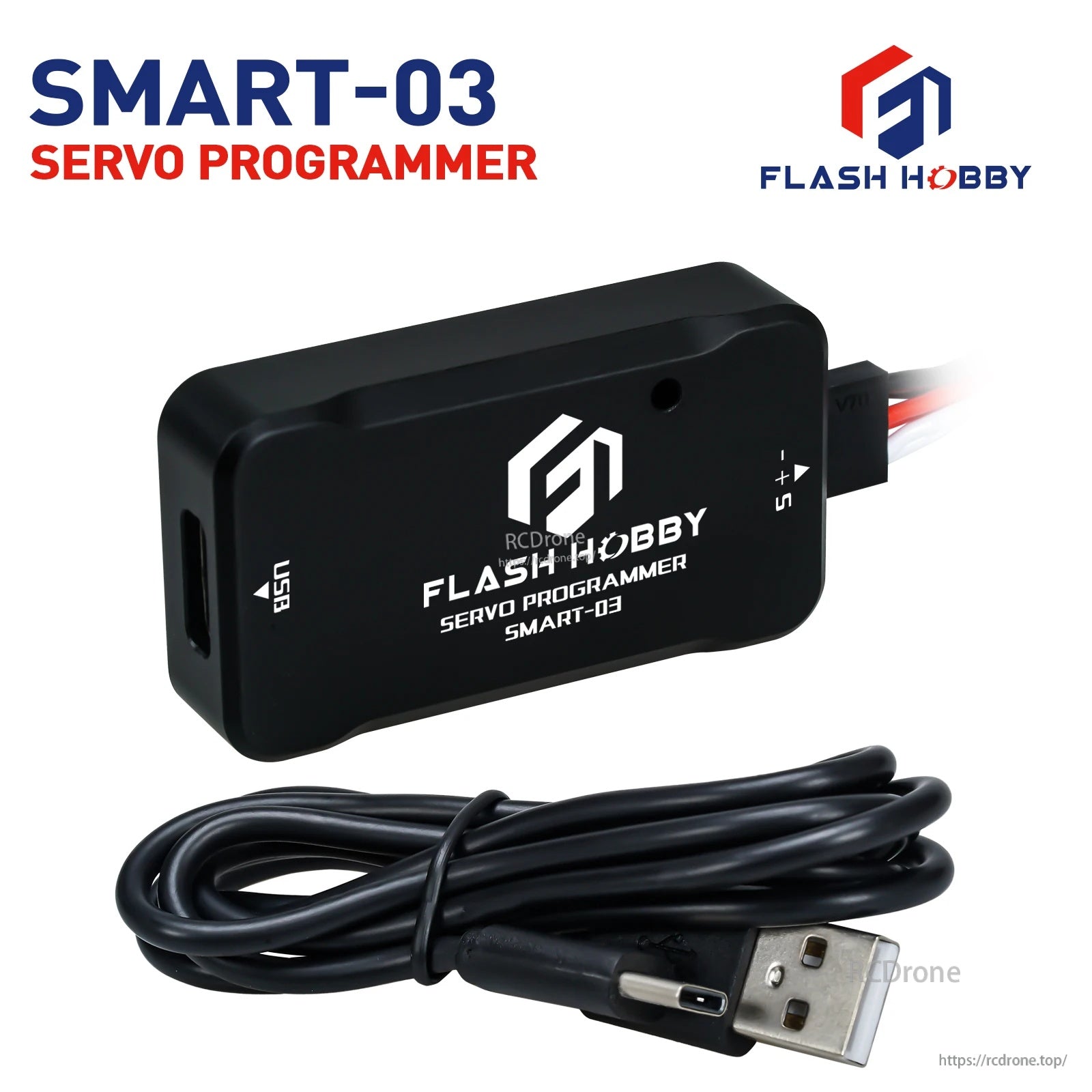
The Flashhobby Smart-03 servo programmer includes a compact programming module with a USB-C connection and a servo lead port for quick setup.
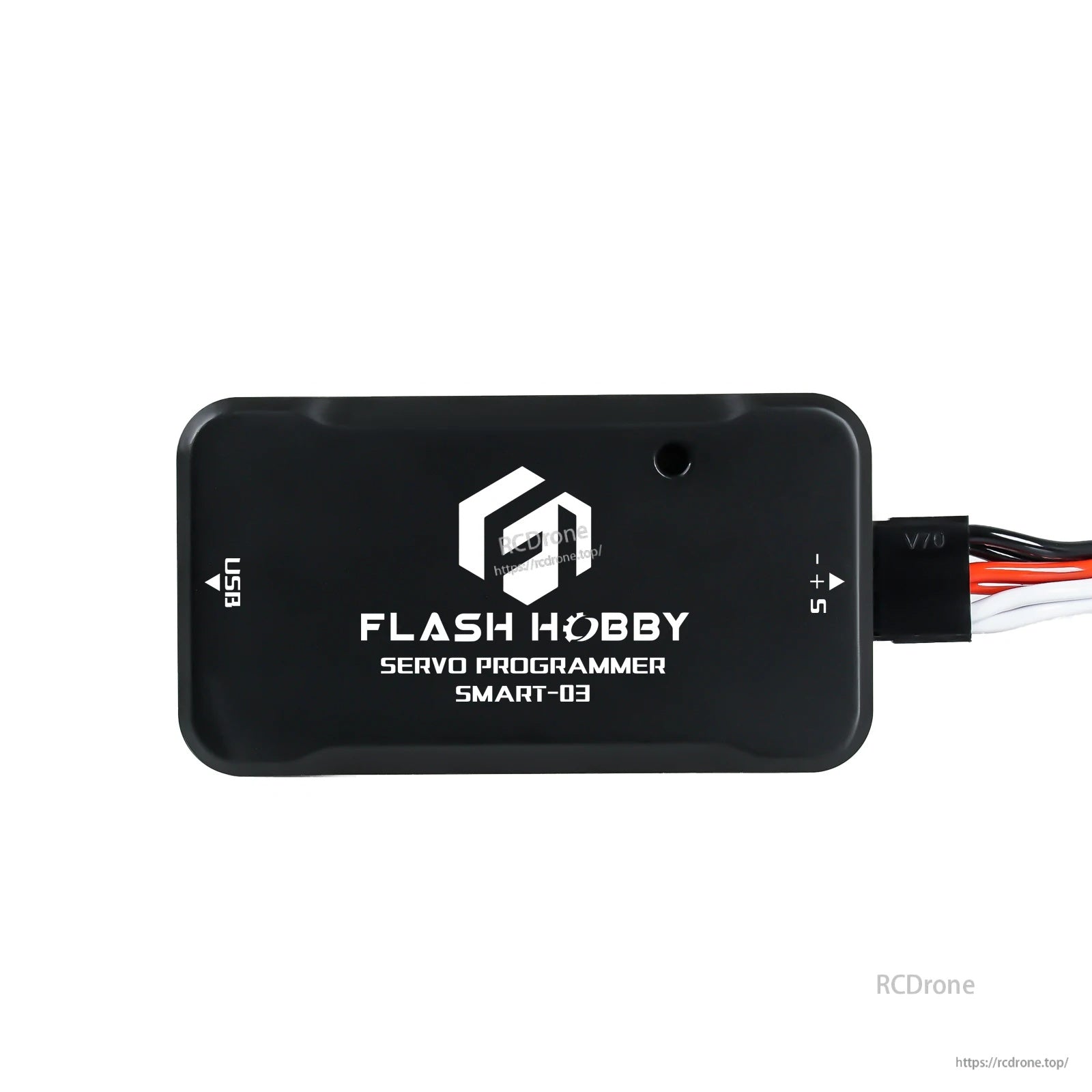
The Flashhobby Smart-03 servo programmer uses a clearly labeled S/+/- output and USB connection for simple servo setup.
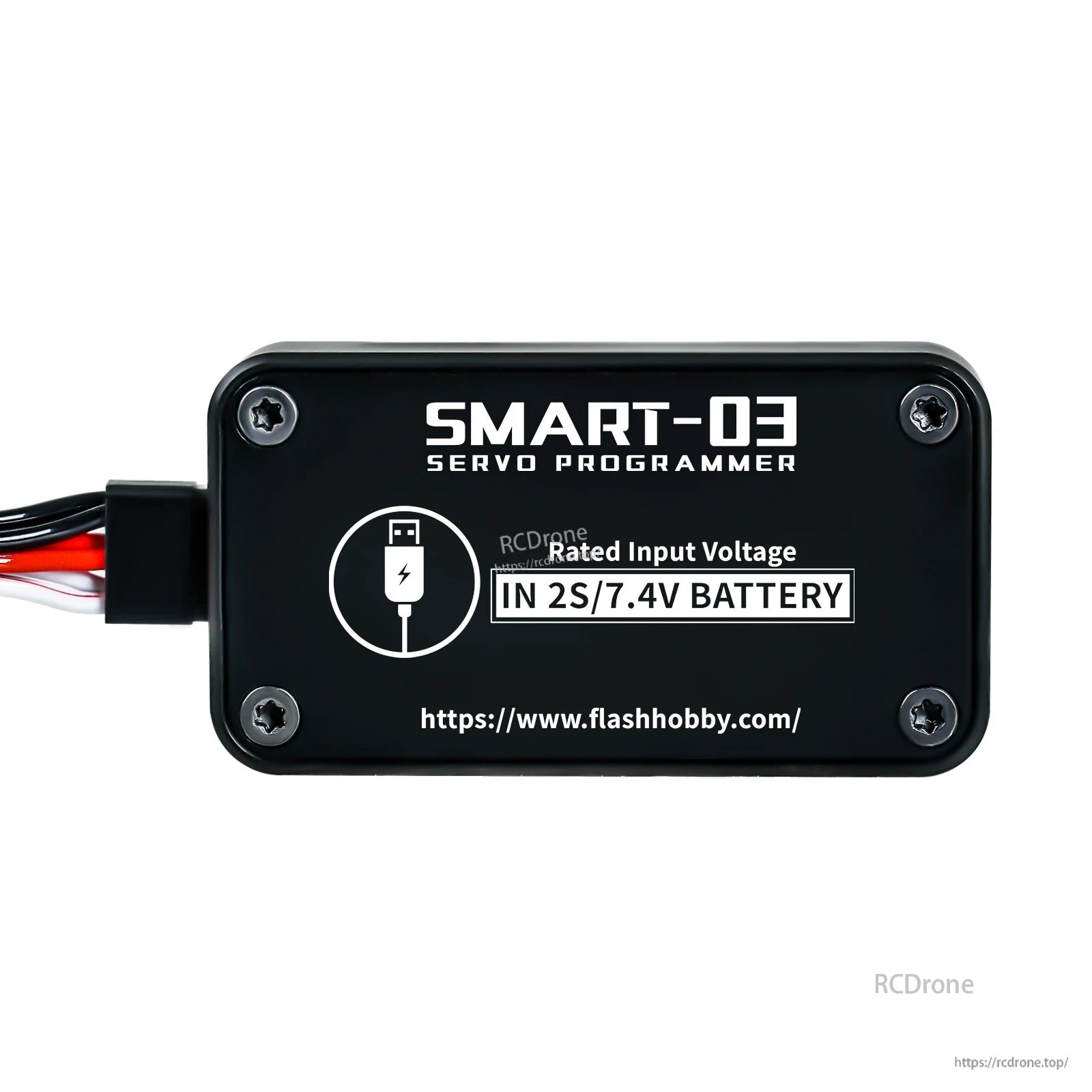
The Flashhobby Smart-03 servo programmer is labeled for 2S/7.4V battery input to power your setup during servo programming.
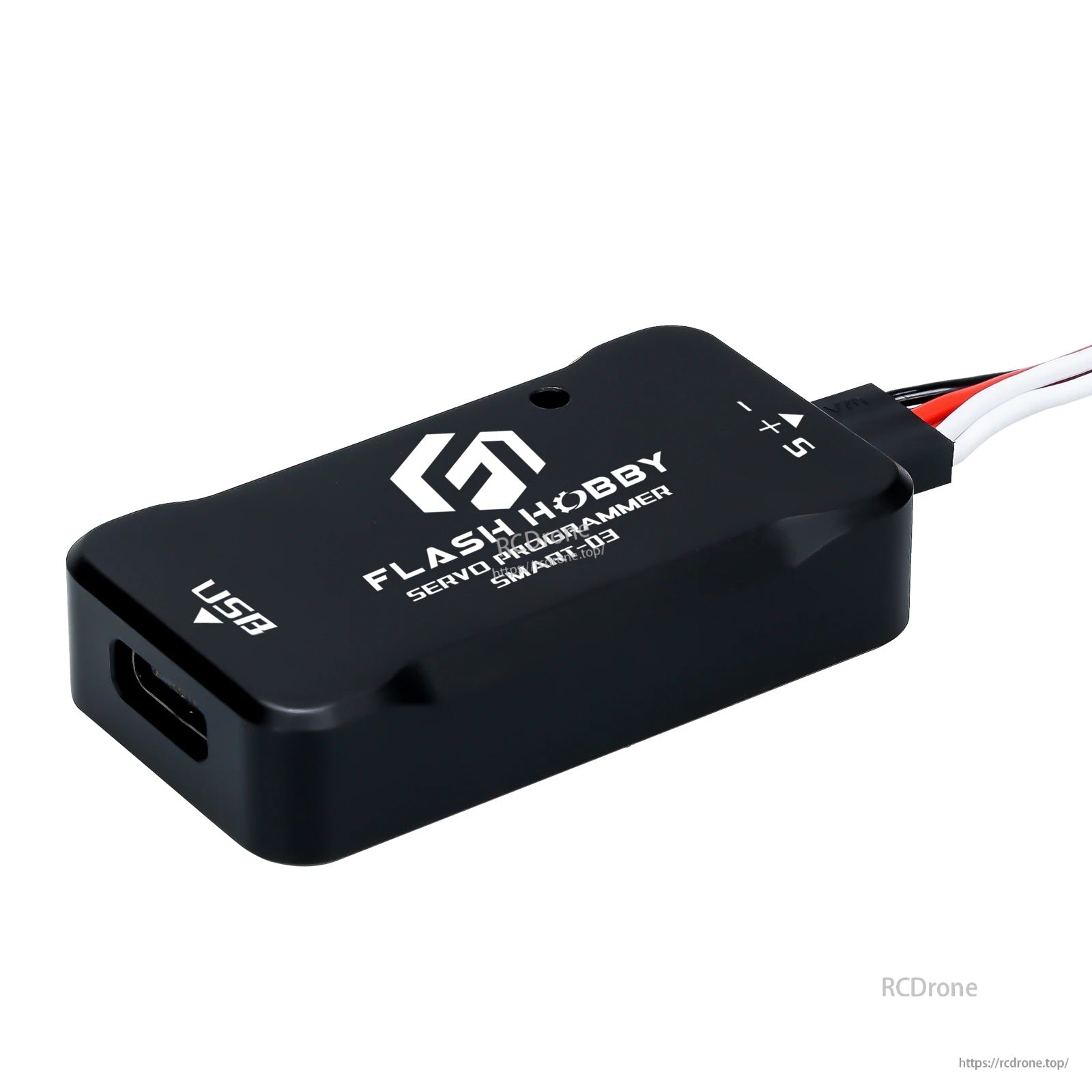
The Flashhobby Smart-03 servo programmer features a USB port and a clearly labeled +/−/S servo connection for quick setup.
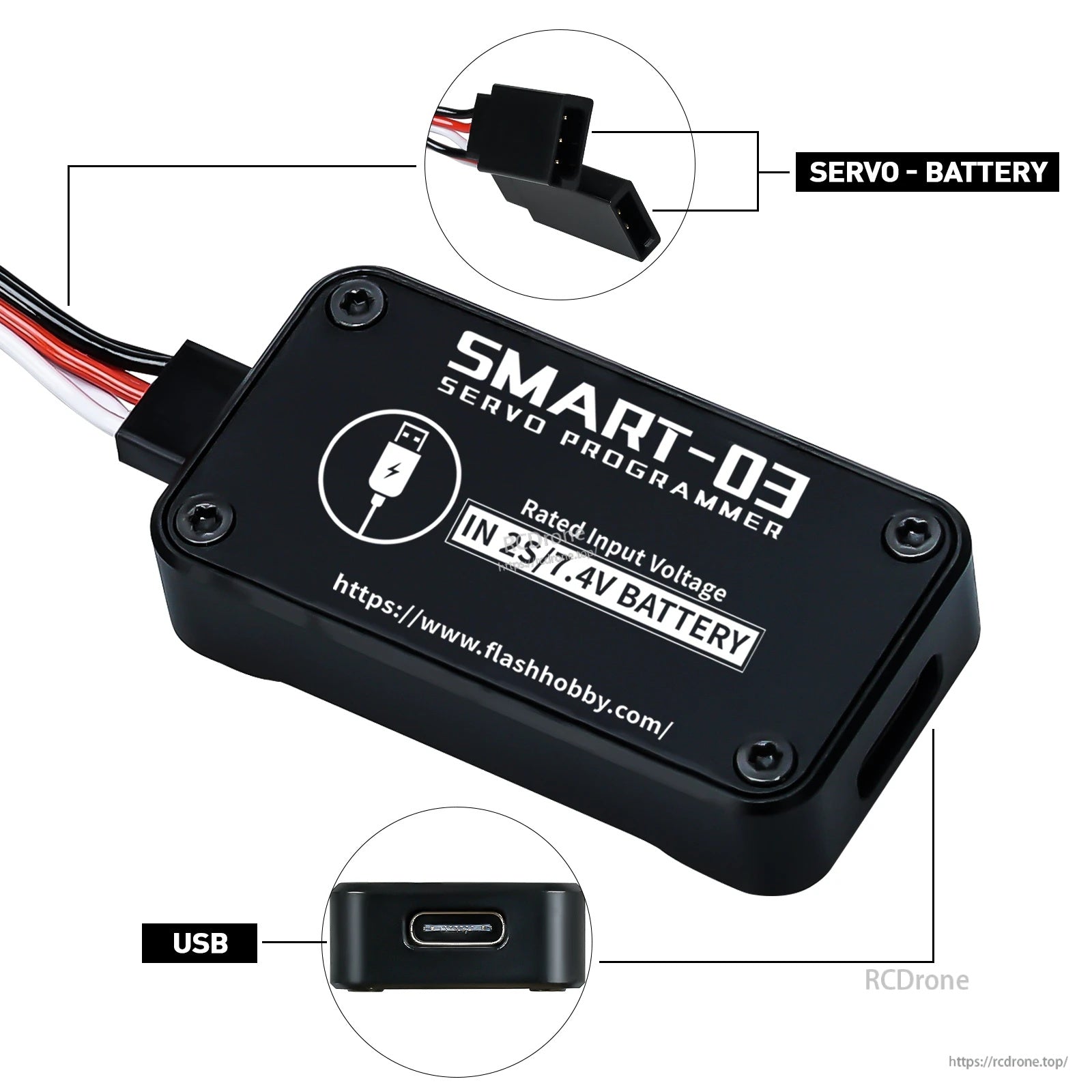
The Flashhobby SMART-03 servo programmer features a USB port and a servo-to-battery lead for quick bench setup with a 2S 7.4V battery.
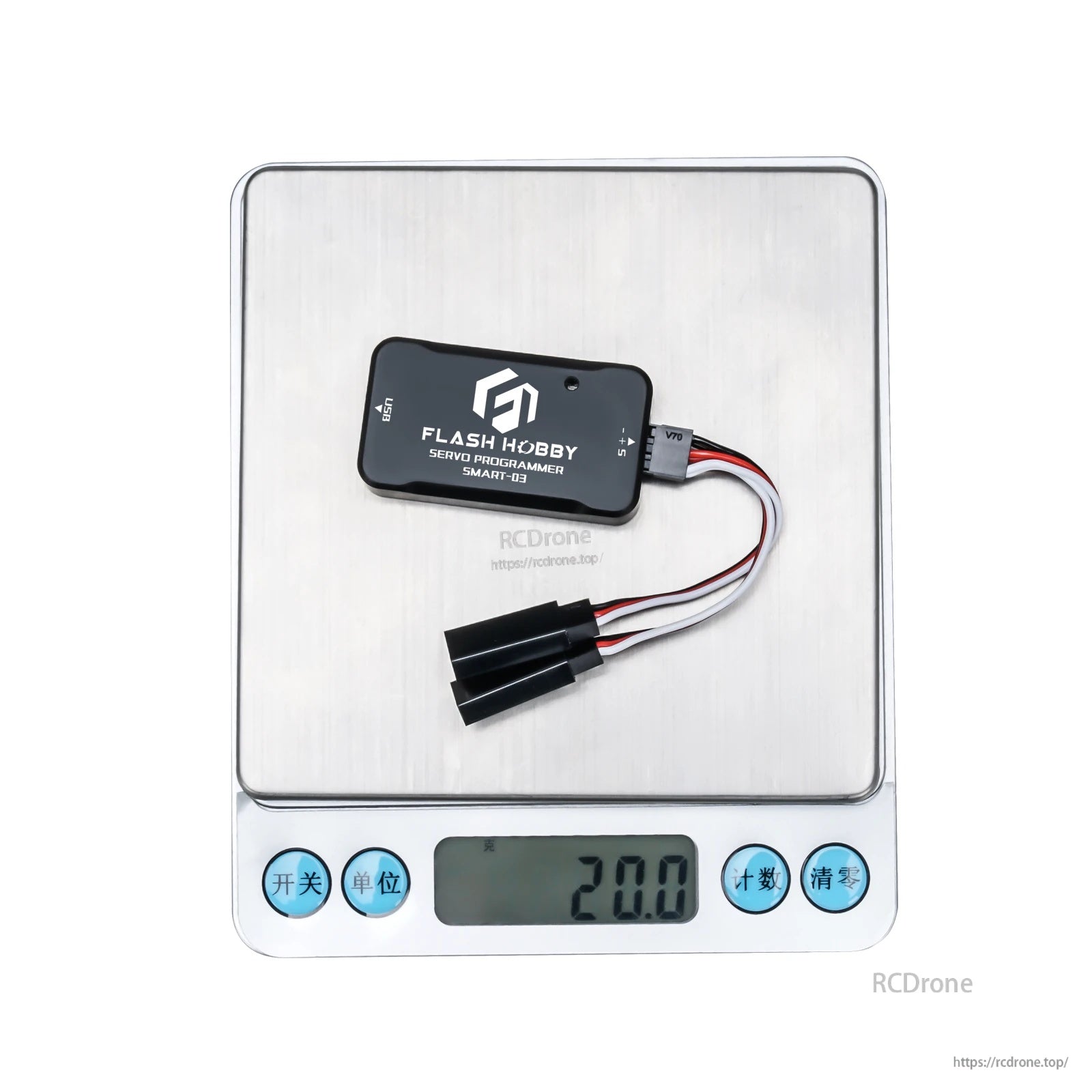
The Flashhobby Smart-03 servo programmer includes a USB port and servo lead adapter and weighs about 20 g.

The Flashhobby Smart-03 servo programmer uses a USB connection and supports a rated input of 2S/7.4V battery power for setup and adjustments.