


iFlight Skyviz Analog FPV Goggles (Dual 0.49in 1080p Micro-OLED 100Hz, DVR, Micro HDMI/AV, 2-6S)
iFlight Skyviz Analog FPV Goggles (Dual 0.49in 1080p Micro-OLED 100Hz, DVR, Micro HDMI/AV, 2-6S)
iFlight
Regular price
$615.99 USD
Regular price
Sale price
$615.99 USD
Unit price
per
Taxes included.
Shipping calculated at checkout.
Couldn't load pickup availability


Overview
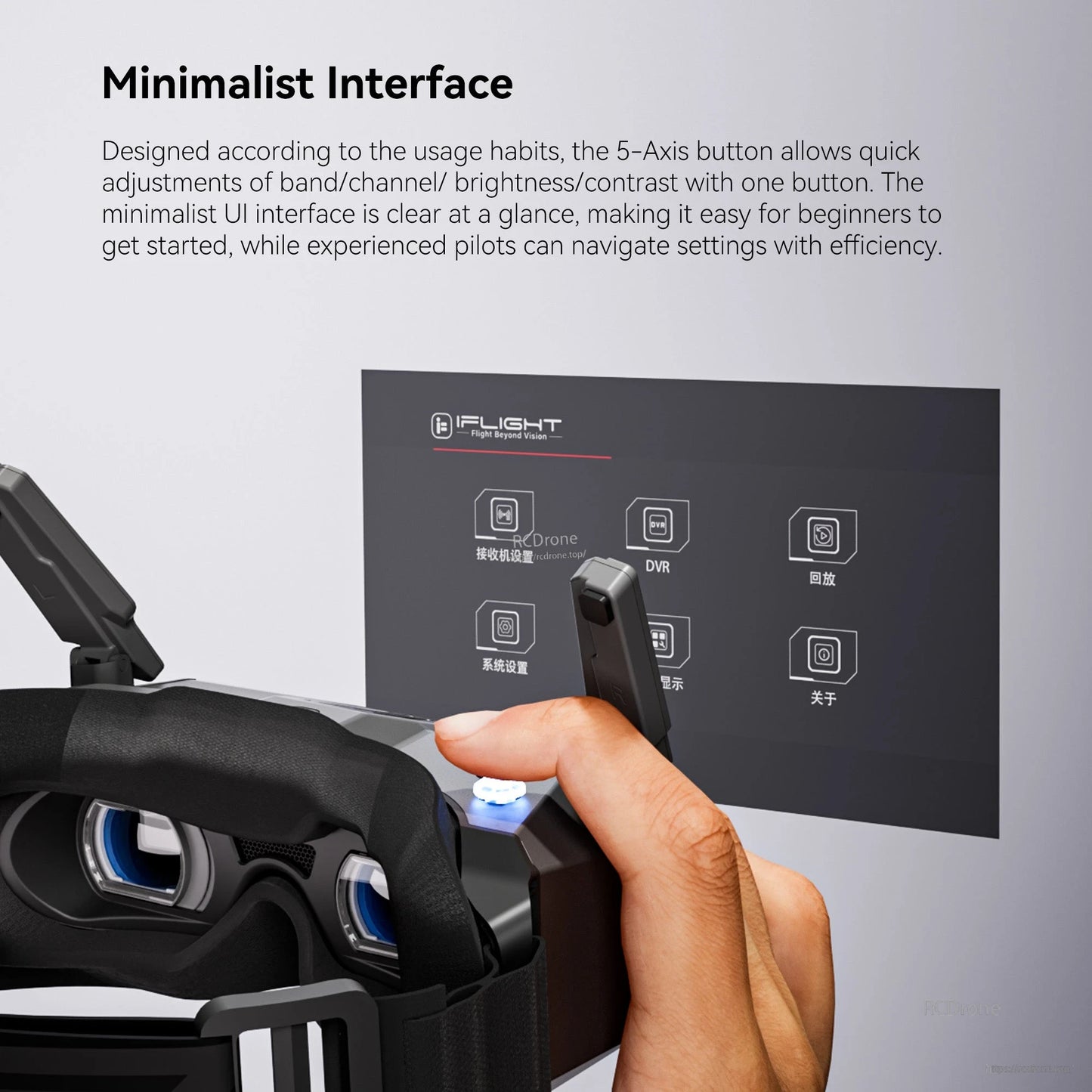
The iFlight Skyviz is an analog FPV goggles system with a mecha-style, highly integrated design, featuring a built-in fusion receiver and foldable antenna layout for a compact, ergonomic fit. A minimalist UI with intuitive controls is paired with dual Micro-OLED displays (up to 100 Hz) and a 7-element aspherical lens system for sharp visuals with no screen-door effect, plus IPD and diopter adjustment for fit and focus.
Key Features
- Dual Micro-OLED displays with up to 100 Hz refresh rate
- 7-element aspherical lens system for a sharp, distortion-free view
- Diopter adjustment: -7.0 D to +2.0 D
- IPD adjustment: 56-72 mm
- Built-in receiver; also supports third-party receivers
- Input modes: VRX, AV, and HDMI (Micro HDMI)
- Display settings: Race/Freestyle FOV modes; brightness/contrast/color/sharpness; 16:9 and 4:3 aspect ratios; focus chart-assisted calibration
- DVR recording and playback (MP4), plus voltage display and calibration
- Multilingual interface: Chinese and English
- Manual fan control (switch and speed) and customizable LED colors
Specifications
| Product Name | Skyviz Analog Goggles |
| Weight | Approx. 300 grams (headband included) |
| Dimensions (L x W x H) | 174.5 x 101.6 x 69.5 mm (antenna folding) |
| Screen Size (single screen) | 0.49-inch |
| Resolution (single screen) | 1920 x 1080 |
| Refresh Rate | 100 Hz (Max) |
| FOV (single screen) | 44° |
| Aspect Ratio | 16:9 / 4:3 |
| Interpupillary Distance Range (IPD) | 56-72 mm |
| Diopter Adjustment Range | -7.0 D to +2.0 D |
| Receiver | Built-in receiver |
| Language | Chinese, English |
| Power Interface | DC4.5 |
| Power Input | 2-6S |
| HDMI-IN | Micro HDMI |
| AV-IN | 3.5 mm |
| Headphone Jack | / |
| DVR Format | MP4 |
| DVR Frame Rate | 30 FPS (CVBS) |
| Antenna | Omnidirectional linear polarization antenna |
| Operating Temperature Range | -10°C to 40°C (14°F to 104°F) |
| Supported SD Cards | microSD (up to 64 GB) |
Whats Included
- 1 x Skyviz Goggles
For compatibility questions (VRX/AV/HDMI input, receiver options, power setup, or DVR storage), contact [email protected] or visit https://rcdrone.top/.