


Cavo Micro-HDMI a HDMI per Raspberry Pi 5/4B, 30cm/100cm/150cm, Placcato Oro, Nero, 4K-60Hz
Cavo Micro-HDMI a HDMI per Raspberry Pi 5/4B, 30cm/100cm/150cm, Placcato Oro, Nero, 4K-60Hz
Yahboom
Impossibile caricare la disponibilità di ritiro


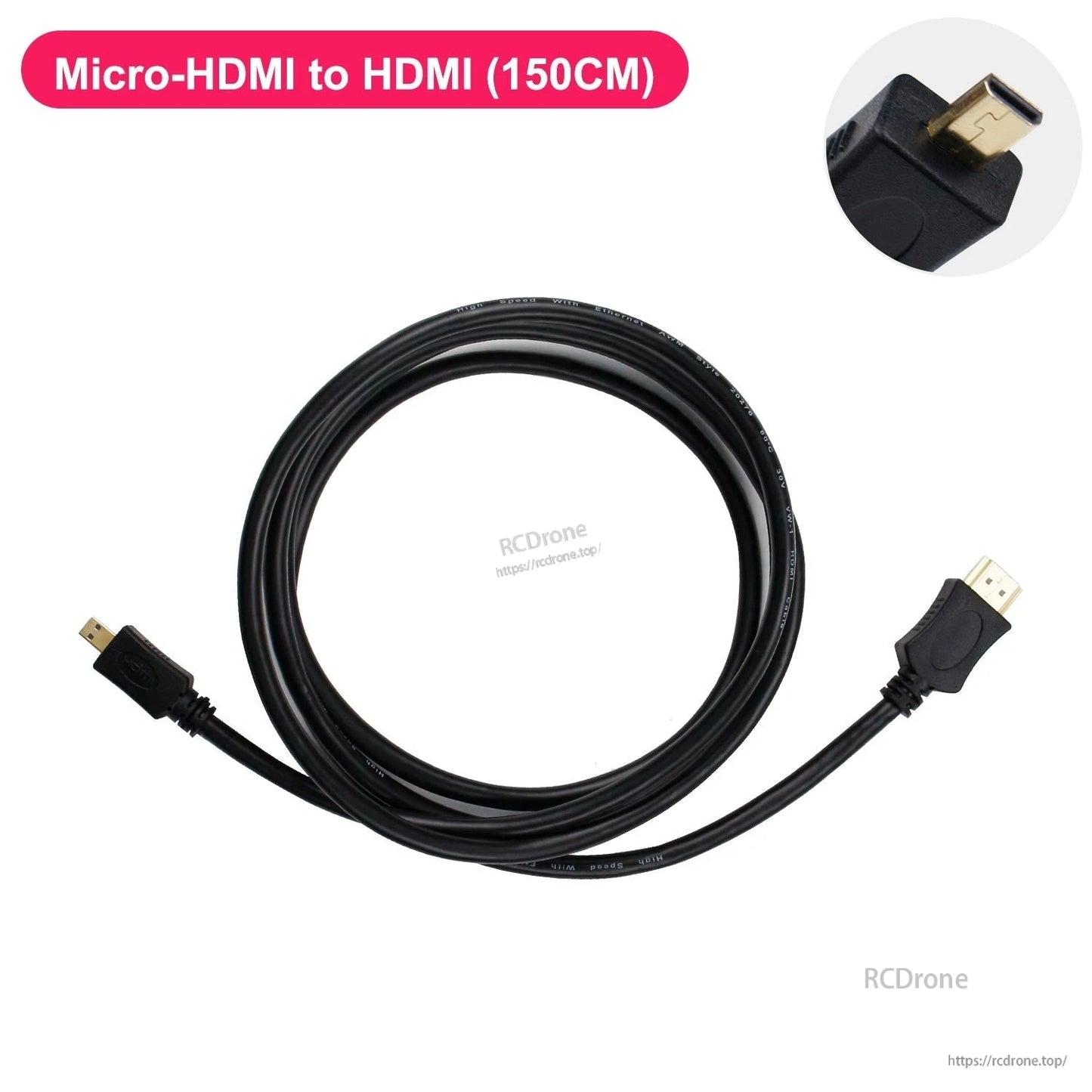
Panoramica
Questo cavo micro-HDMI a HDMI è progettato per Raspberry Pi 5 e Raspberry Pi 4B, che utilizzano porte micro-HDMI doppie per l'uscita video HD 4K a doppio canale. Presenta un'interfaccia placcata in oro e una guaina esterna in PVC per resistenza all'ossidazione e alla corrosione e una trasmissione del segnale più stabile.
Caratteristiche principali
- Progettato per Raspberry Pi 5 / Raspberry Pi 4B
- Connessione Micro-HDMI a HDMI per uscita display
- Interfaccia placcata in oro (processo di placcatura in oro)
- Guaina esterna ecologica in PVC; forte e morbida; resistente all'ossidazione e alla corrosione
- Plug and play
- Opzioni di lunghezza del cavo: 30cm / 100cm / 150cm
- Opzione 100cm mostrata come tipo a L (salvaspazio); opzioni 30cm e 150cm mostrate come testa dritta
Specifiche
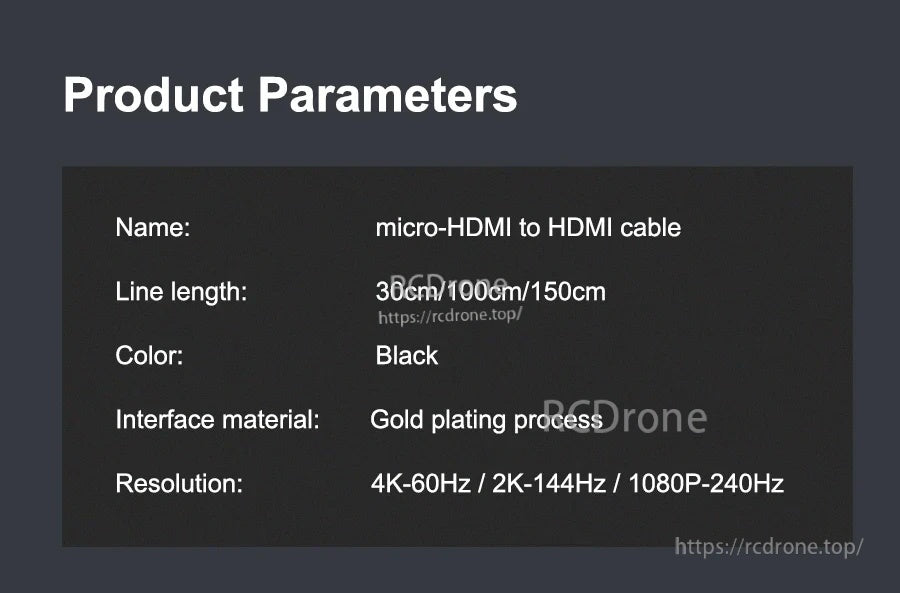
| Nome | cavo micro-HDMI a HDMI |
| Lunghezza del cavo | 30cm / 100cm / 150cm |
| Colore | Nero |
| Materiale dell'interfaccia | Processo di placcatura in oro |
| Risoluzione | 4K-60Hz / 2K-144Hz / 1080P-240Hz |
Applicazioni
- Raspberry Pi 5 / Raspberry Pi 4B per connessione display HDMI
- Notebook / TV HD / iPad / monitor / proiettore
- Configurazioni display PC e display touch screen
- Progetti di robotica e display embedded
Note di Connessione
- Questo cavo utilizza un'interfaccia micro-HDMI (non un'interfaccia micro USB).
- Assicurati che l'orientamento del connettore micro-HDMI sia corretto prima di inserirlo. Un collegamento invertito può danneggiare il cavo e l'interfaccia del Raspberry Pi.
Cosa è incluso
- 1x cavo micro-HDMI a HDMI (la lunghezza/lo stile del connettore dipende dall'opzione selezionata)
Per domande sulla compatibilità o supporto per gli ordini, contatta [email protected] or visita https://rcdrone.top/ .
Dettagli
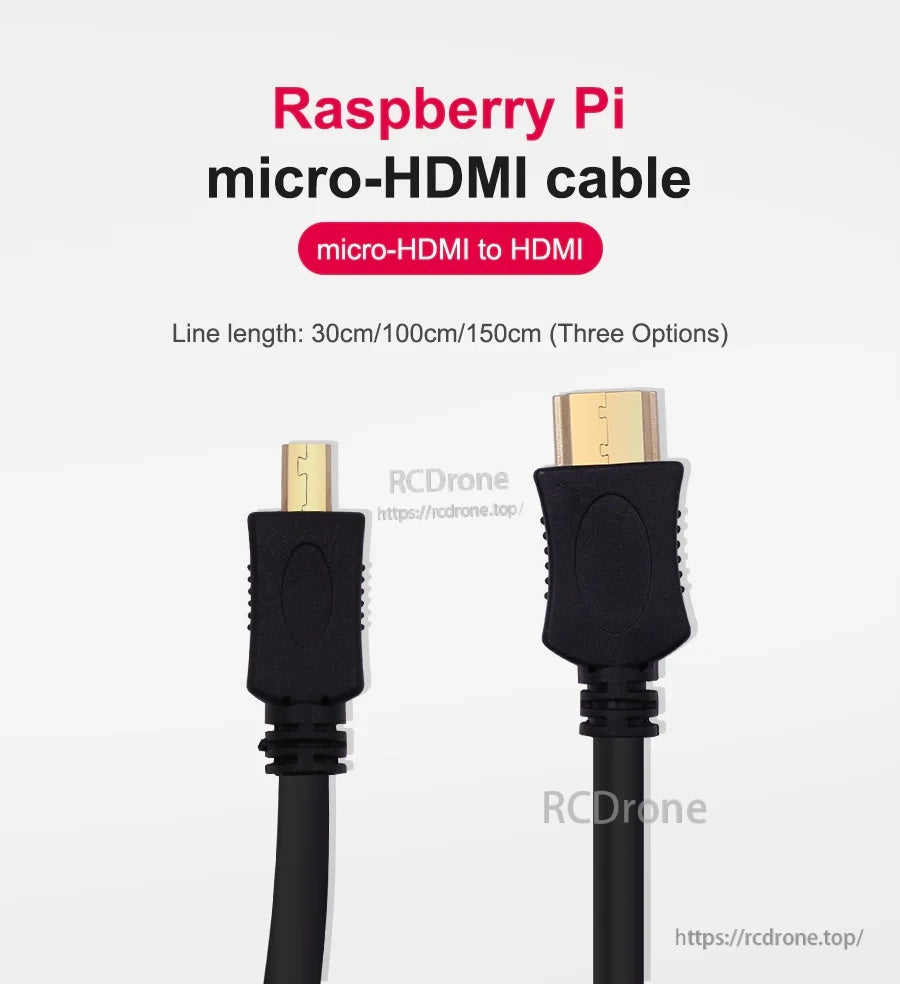
Collega Raspberry Pi 5 o Raspberry Pi 4B a qualsiasi display HDMI con un cavo compatto micro‑HDMI a HDMI.
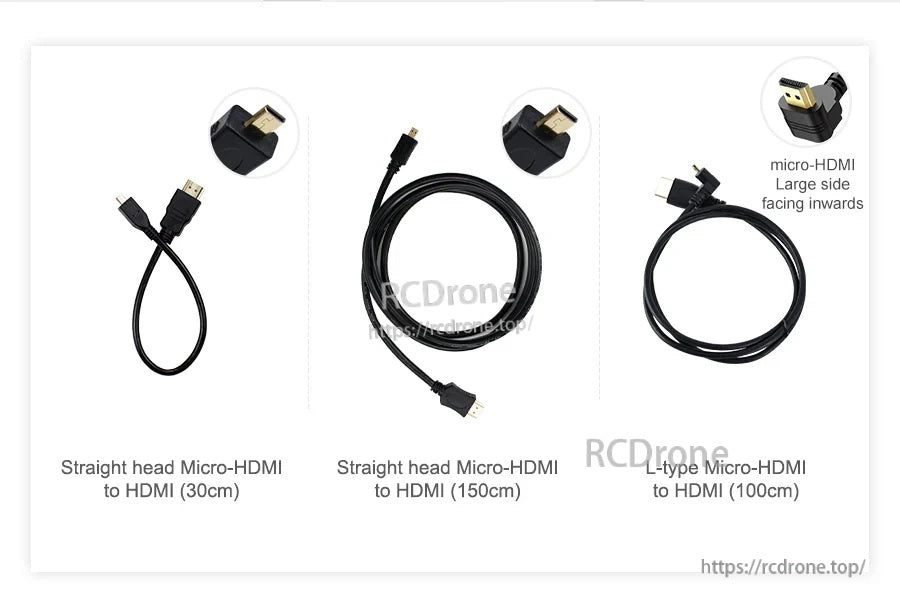
Scegli la lunghezza e lo stile del connettore che meglio si adatta alla tua configurazione: teste dritte per un instradamento flessibile o un connettore a L per spazi ristretti.
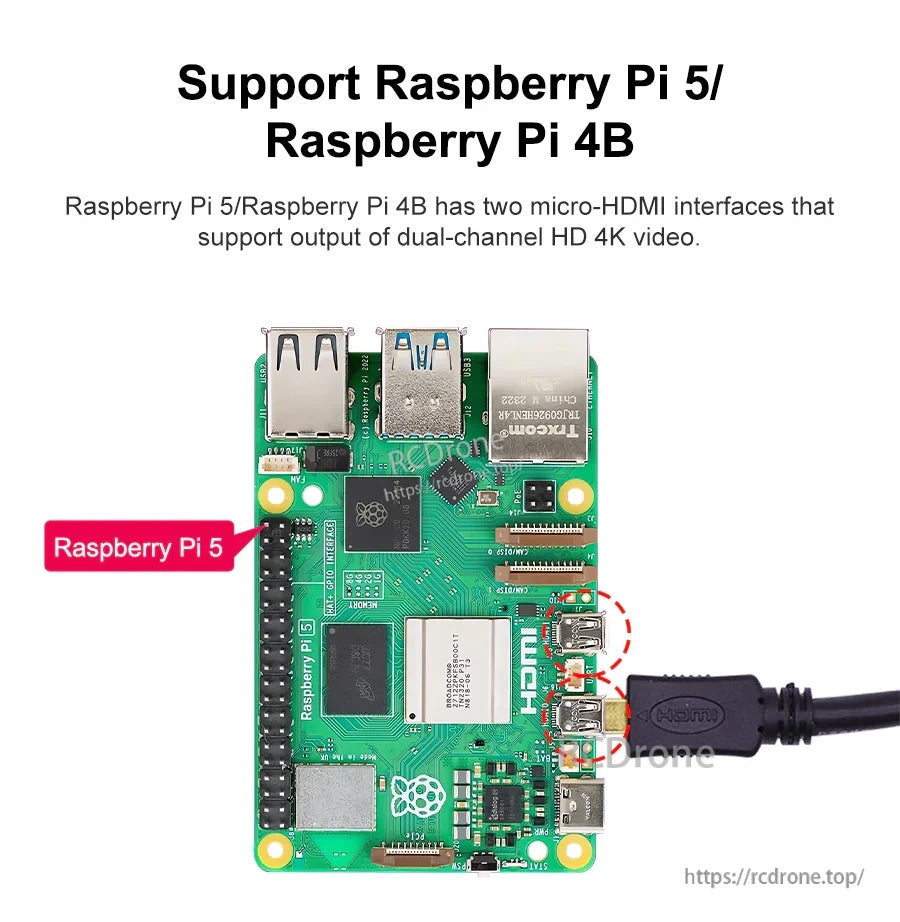
Realizzato per schede Raspberry Pi con doppie porte micro‑HDMI, supportando configurazioni multi-display pulite.
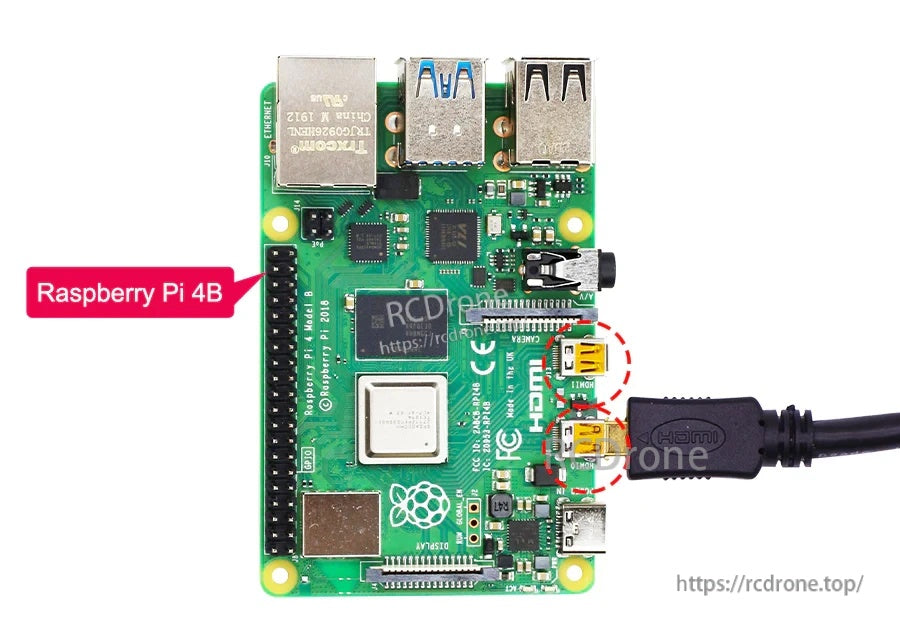
Compatibile con l'uscita display micro‑HDMI di Raspberry Pi 4B per monitor, TV e proiettori.
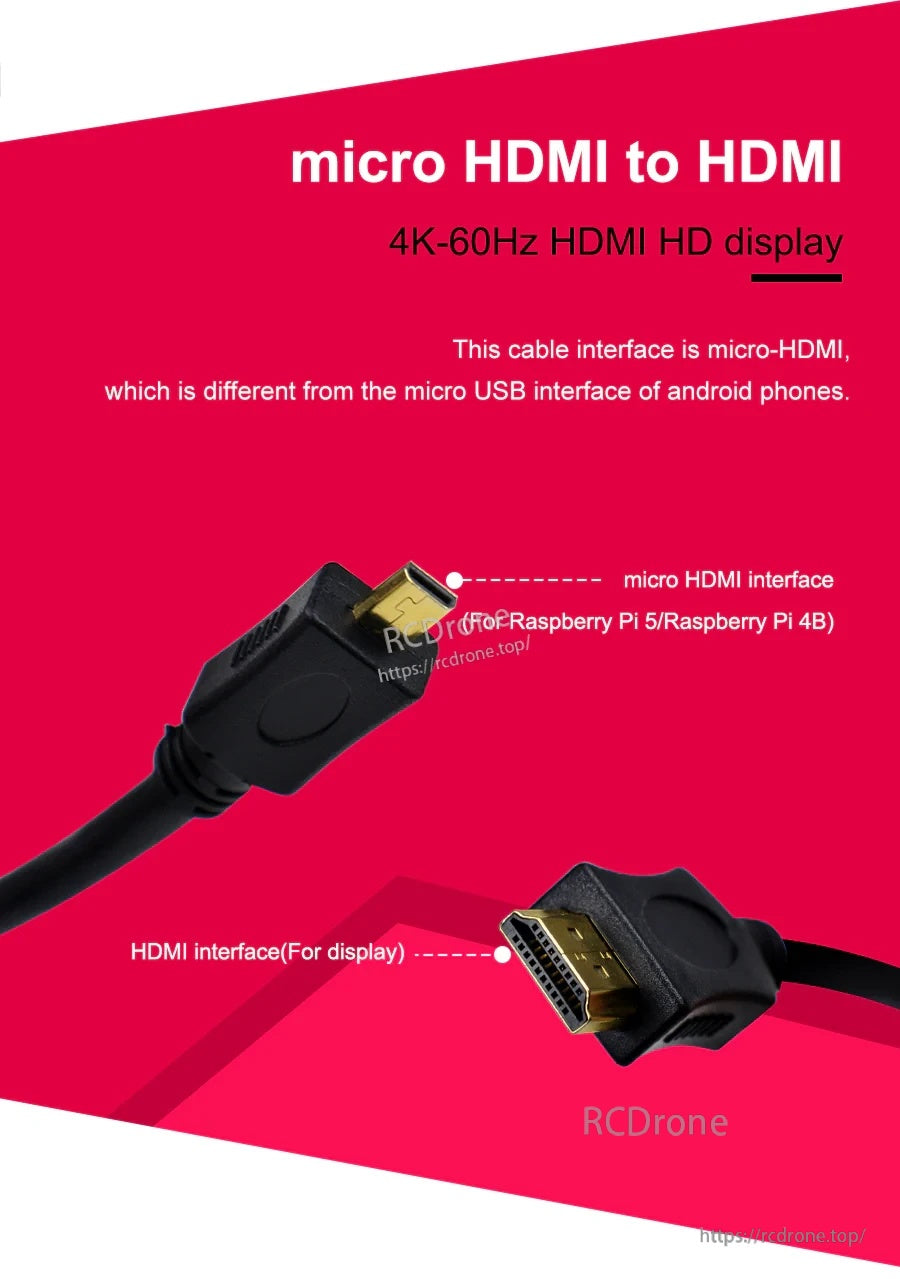
Micro‑HDMI è diverso da micro‑USB; controlla attentamente il tipo di connettore prima di collegarlo per proteggere la porta del tuo Raspberry Pi.
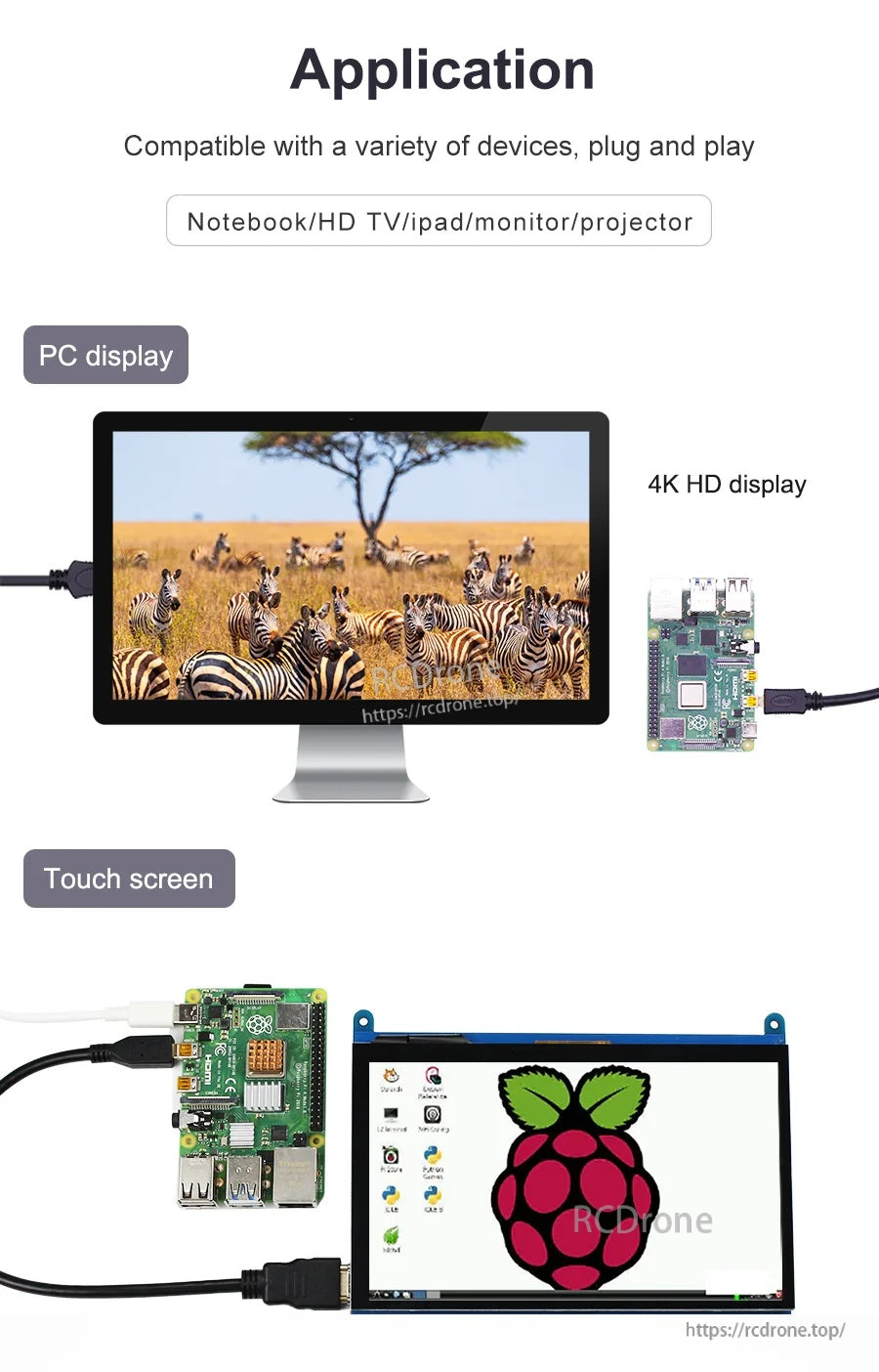
Un modo semplice plug-and-play per utilizzare display HDMI, inclusi monitor desktop e pannelli touchscreen in progetti embedded.
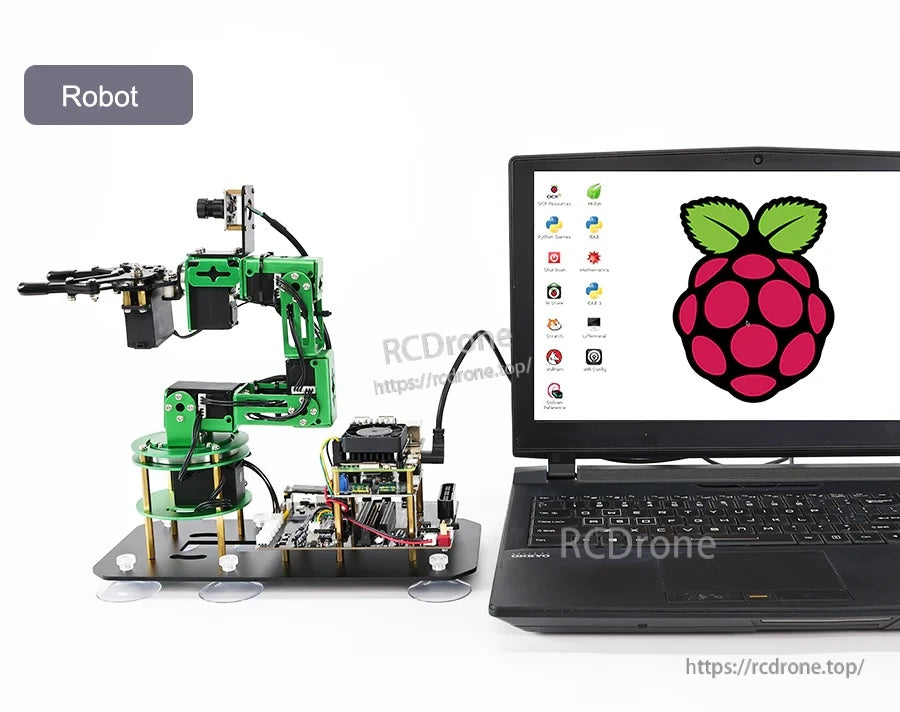
Utile per la robotica e lo sviluppo embedded dove una connessione display affidabile accelera i test e il debugging.
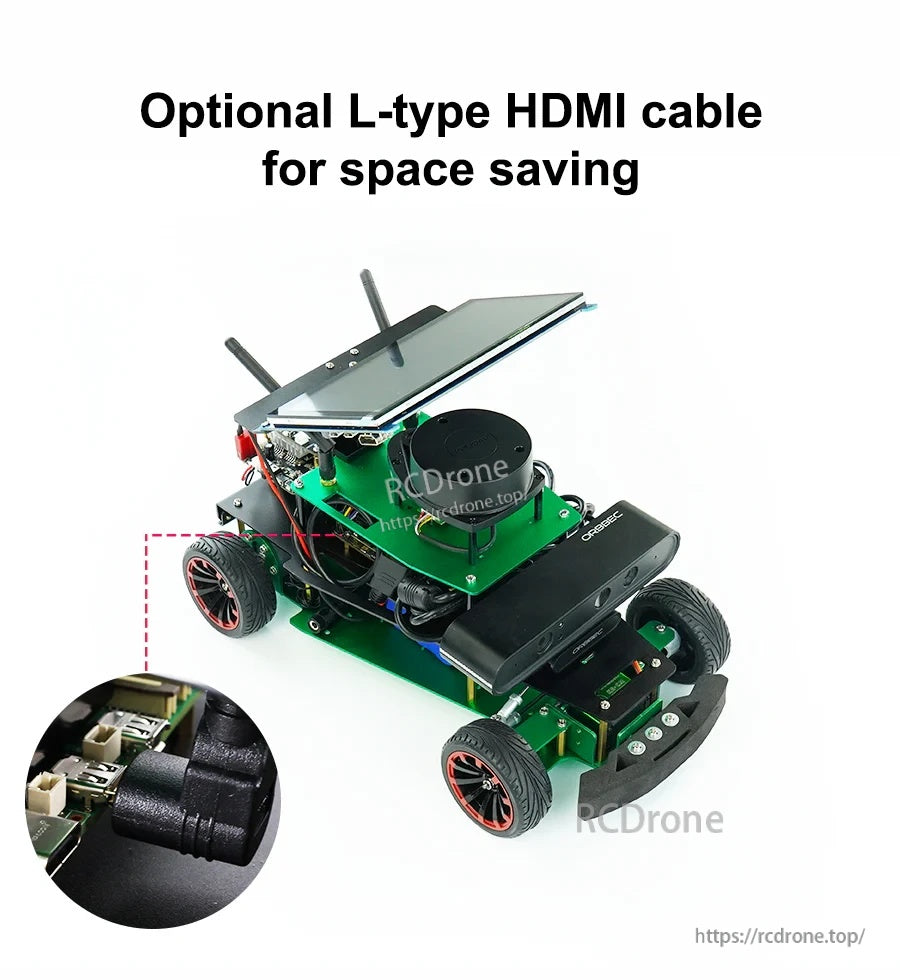
L'opzione ad angolo retto aiuta a mantenere il cavo a basso profilo quando le porte affrontano ostacoli all'interno di custodie e piattaforme mobili.
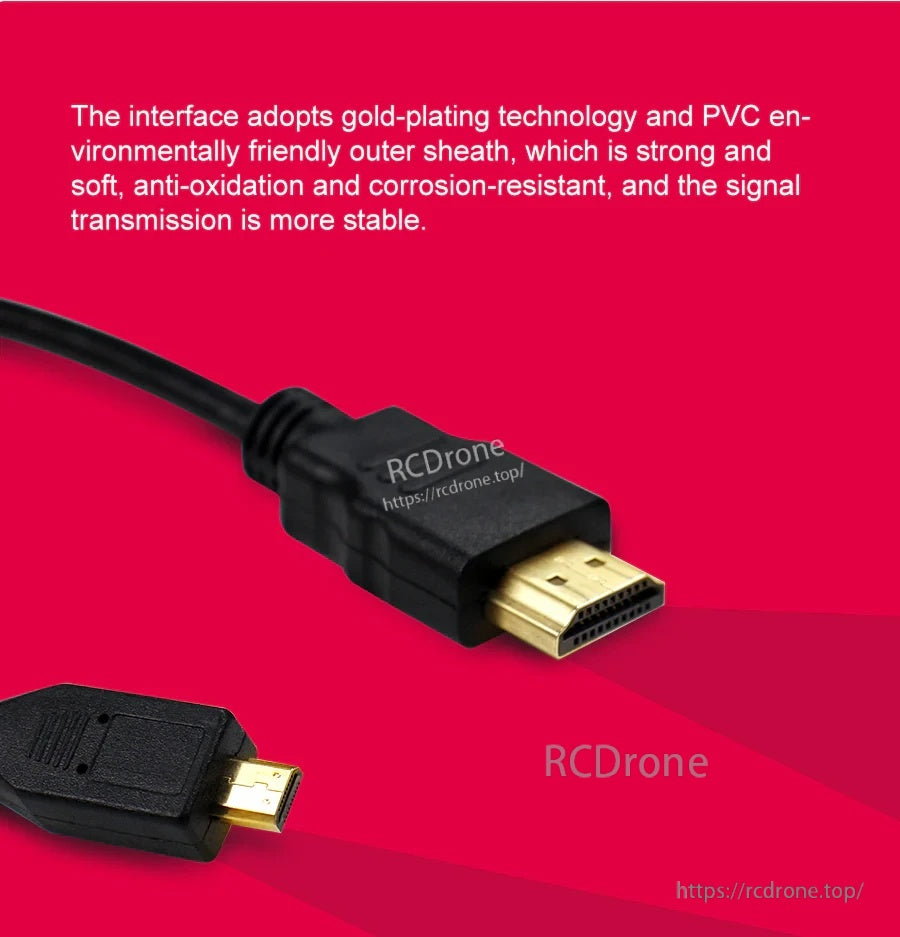
Contatti placcati in oro e una guaina in PVC resistente aiutano a mantenere un'uscita video stabile su connessioni ripetute.
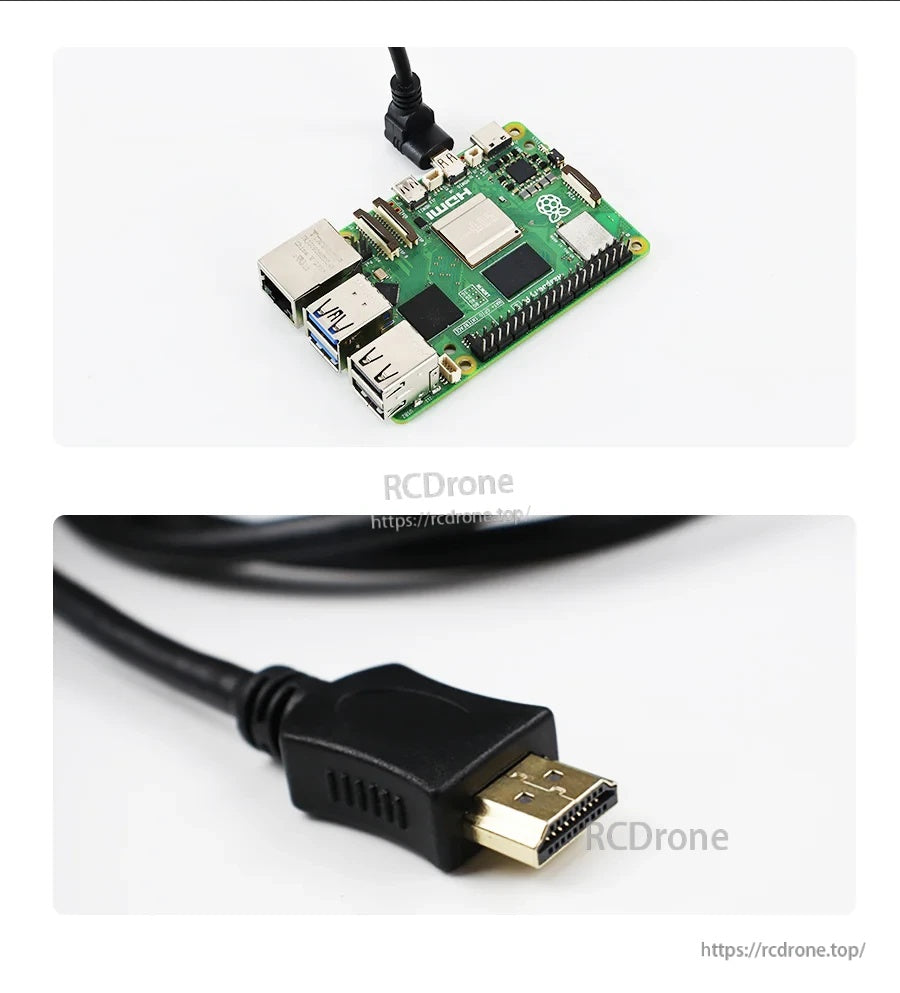
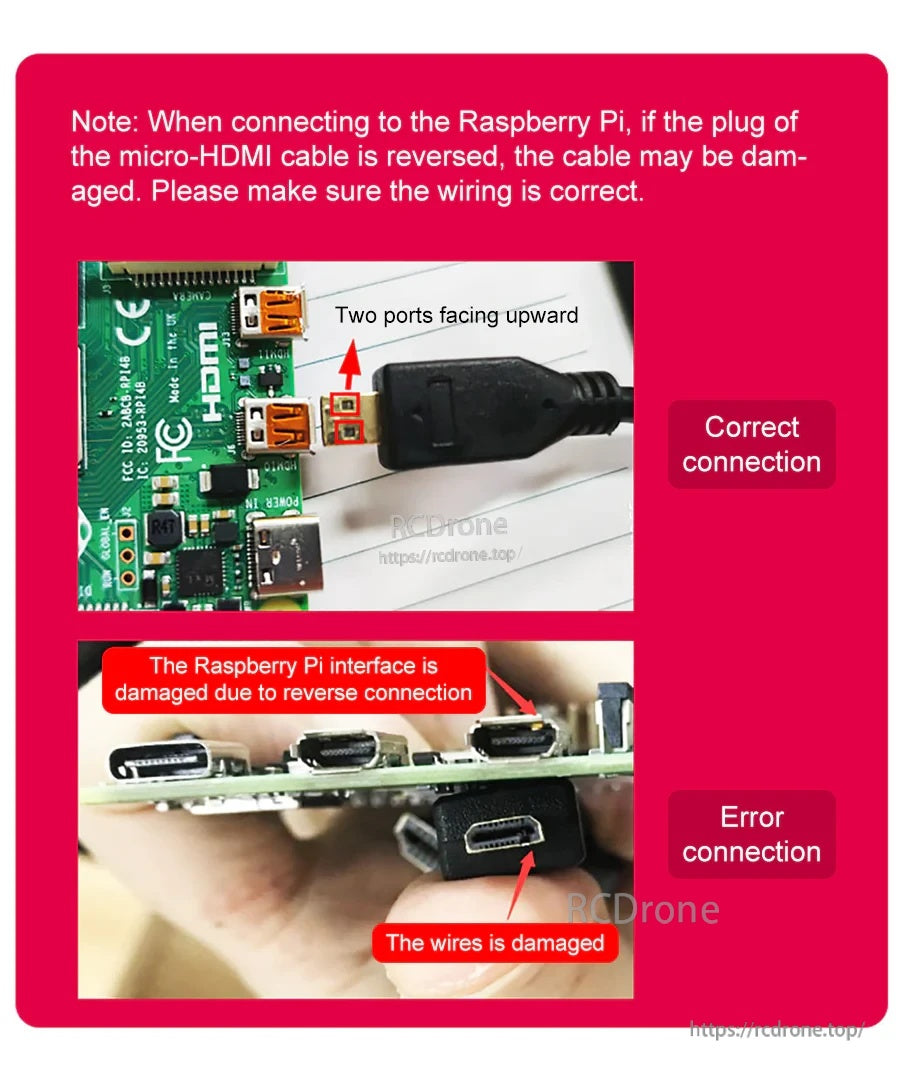
Allinea con cura il connettore micro‑HDMI—invertire il connettore può danneggiare il cavo e l'interfaccia del Raspberry Pi.