


7인치 1024x600 정전식 터치 스크린 디스플레이 (TN/IPS) HDMI+USB 라즈베리 파이, Jetson Nano, RDK X3/X5용
7인치 1024x600 정전식 터치 스크린 디스플레이 (TN/IPS) HDMI+USB 라즈베리 파이, Jetson Nano, RDK X3/X5용
Yahboom
픽업 사용 가능 여부를 로드할 수 없습니다.


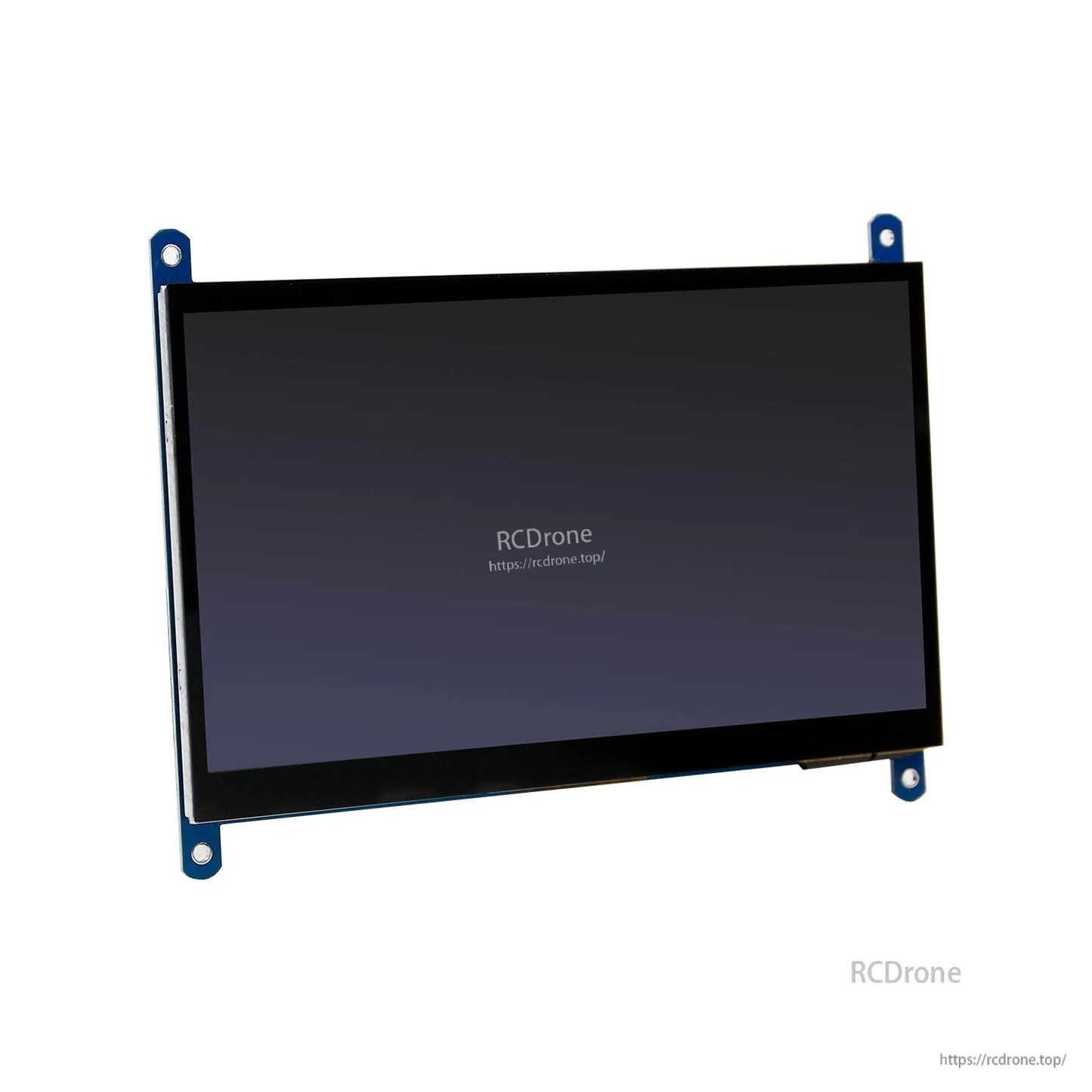
개요
이 7인치 정전식 터치 스크린 디스플레이는 Raspberry Pi 및 기타 호환 보드를 위해 설계되었으며, HDMI를 통해 비디오 입력을 받고 USB로 터치 제어를 합니다. 백라이트 제어를 지원하며 (전원 절약을 위해 백라이트를 끌 수 있음), 두 가지 패널 옵션을 제공합니다: HD 1024*600 TN 화면 또는 HD 1024*600 IPS 화면.
주요 특징
- 7인치 표준 디스플레이로 정전식 터치 지원; 최대 5포인트 터치 지원.
- 표준 HDMI 인터페이스를 통한 비디오 입력; USB 연결을 통한 터치 입력 (디스플레이는 HDMI, 터치는 USB로 연결).
- 백라이트 제어 지원.
- 호환 보드 목록: Raspberry Pi 5/4B/3B+/3B/Pi400, Jetson NANO, D-Robotics RDK X3/X5.
- Raspberry Pi 사용 시 Raspbian, Ubuntu, Kodi, Win10 IoT (단일 터치) 지원, 드라이버 불필요.
- PC 모니터 사용: Win7/Win8/Win10 5포인트 터치 지원; XP 및 이전 시스템: 단일 포인트 터치; 드라이버 불필요.(터치는 USB 연결이 필요합니다; HDMI 전용 사용은 디스플레이만 제공합니다.)
- 지원 목록: Banana Pi / Banana Pro (Lubuntu, Raspbian 이미지) 및 BB Black (Angstrom 이미지).
사양
| 화면 크기 | 7 인치 |
| 패널 옵션 | HD 1024*600 TN / HD 1024*600 IPS (두 가지 옵션) |
| 터치 유형 | 정전식 |
| 터치 포인트 | 최대 5포인트 터치 |
| 디스플레이 인터페이스 | HDMI |
| 터치 인터페이스 | USB |
| 무게 | 390.2 g |
| 크기 | 21 x 14.5 x 5 cm |
| 제품 크기 도면 주석 | 164.9 mm; 156.9 mm; 124.27 mm; 114.96 mm; M3 구멍; 수동 측정 오차 ±0. |
포함된 항목
- 7인치 1024X600 HD TN 화면 또는 7인치 1024X600 HD IPS 화면 (두 가지 옵션 가능)
- 마이크로 USB 케이블
- 양쪽 HDMI 케이블 (Raspberry Pi 3B/3B+에 적합)
- 마이크로-HDMI 어댑터 (Raspberry Pi 4B/Raspberry Pi 5에 적합)
- 고정 설치 패키지
매뉴얼
제품 선택 도움 및 기술 지원을 위해 [email protected] or 방문 https://rcdrone.top/.
세부사항
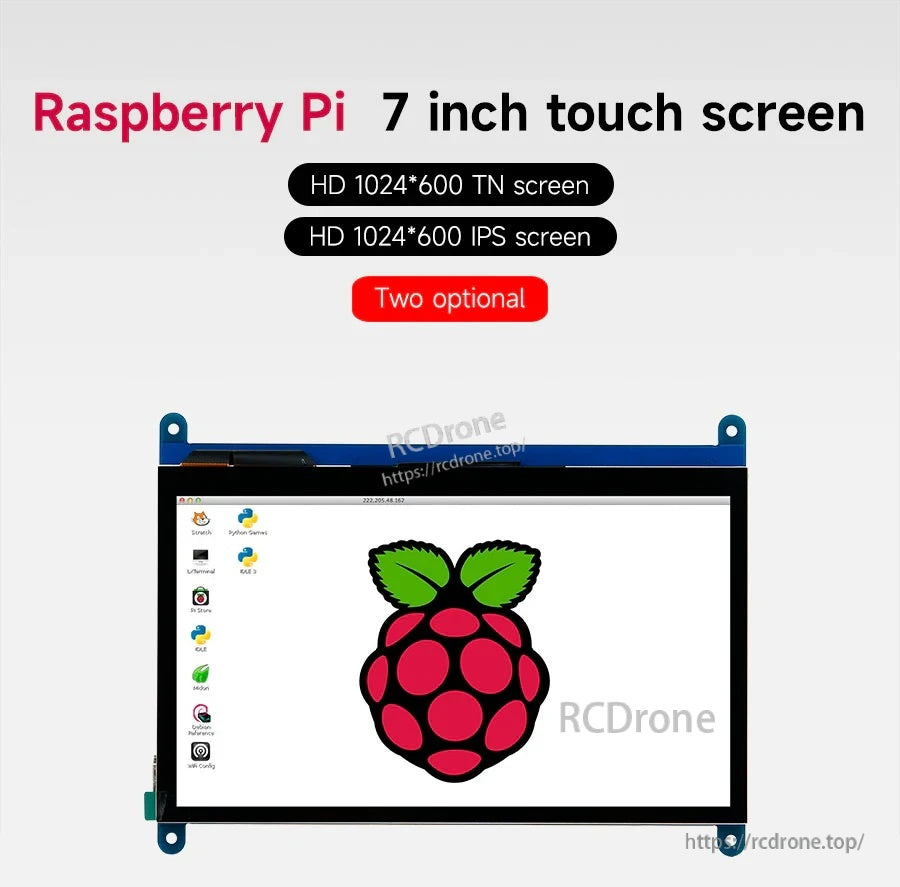
시야각 및 예산 요구에 맞춰 1024×600 TN 패널 또는 1024×600 IPS 패널 중에서 선택하세요.
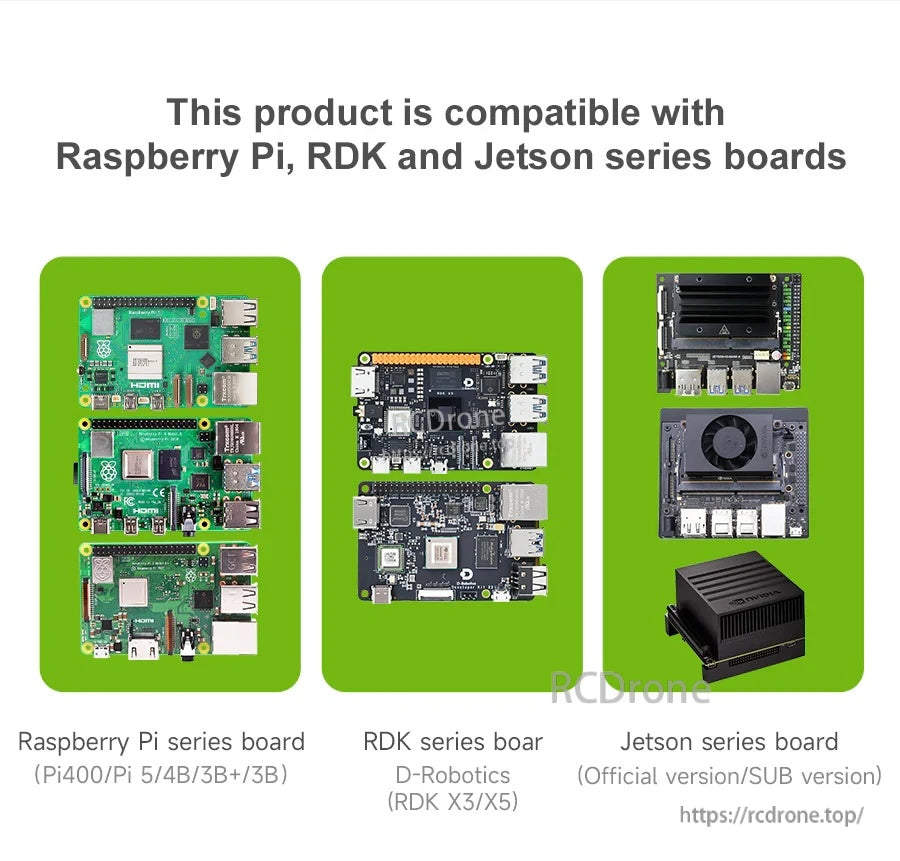
Raspberry Pi, D-Robotics RDK, Jetson 플랫폼을 포함한 인기 있는 메이커 보드와 HDMI 디스플레이 + USB 터치를 통해 작동하도록 설계되었습니다.
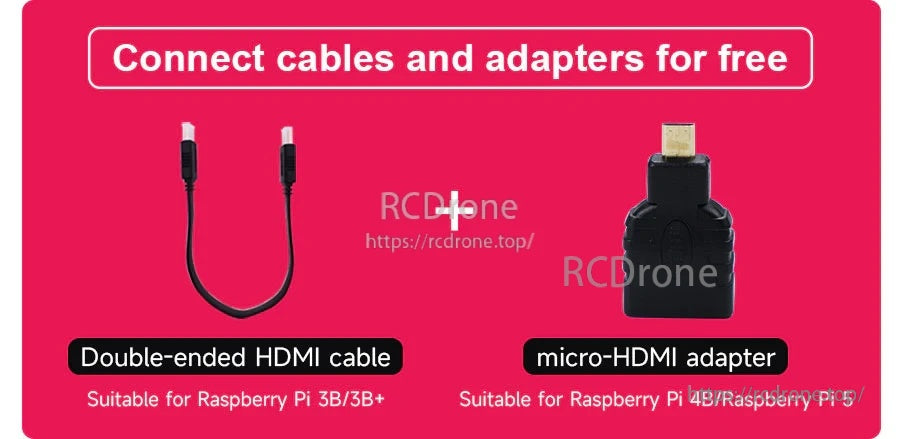
일반적인 Raspberry Pi 설정을 위해 포함된 HDMI 케이블과 마이크로‑HDMI 어댑터로 연결이 간단합니다.
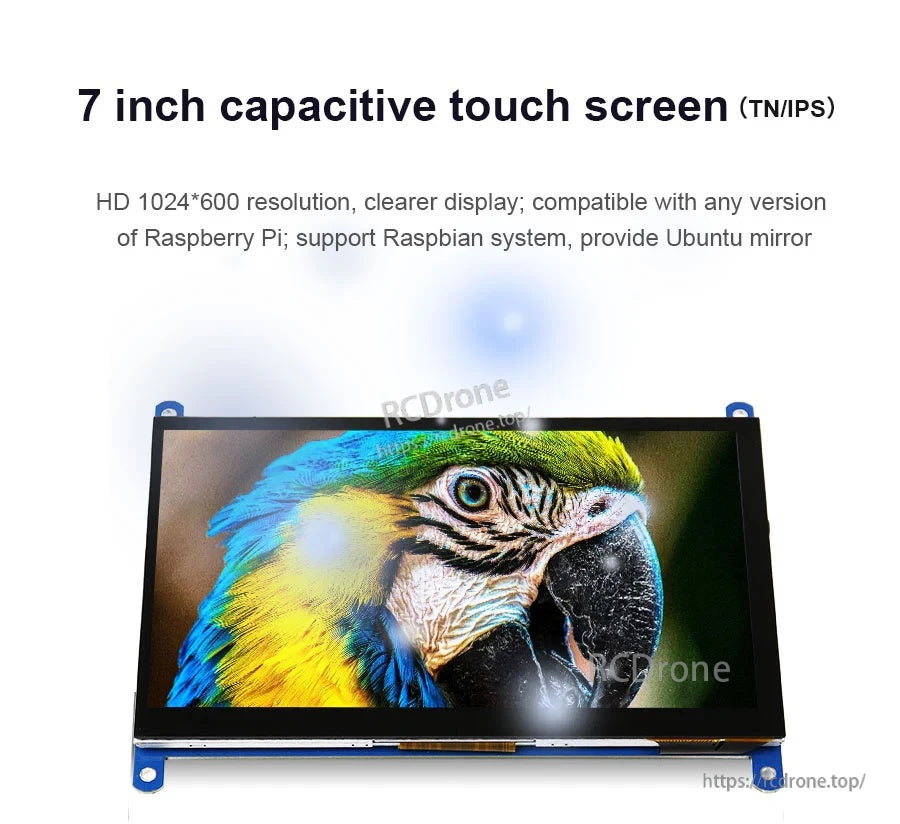
HDMI는 비디오 신호를 처리하고 USB는 최대 5개의 터치 포인트에 대한 반응형 정전식 터치 제어를 제공합니다.
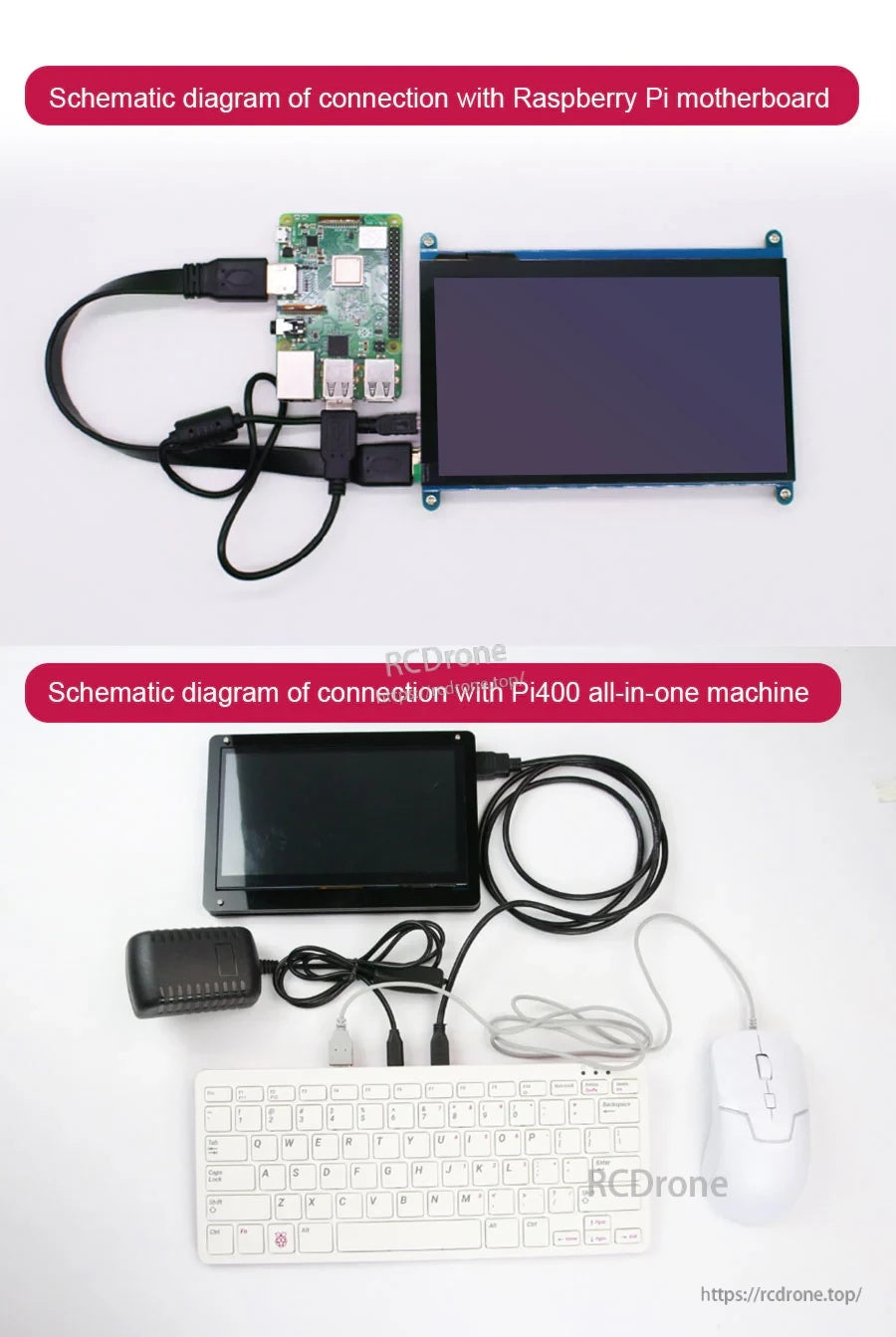
디스플레이 출력을 위해 HDMI를 사용하고 터치 기능이 필요할 때 USB를 연결하십시오; HDMI만으로는 디스플레이만 제공합니다.
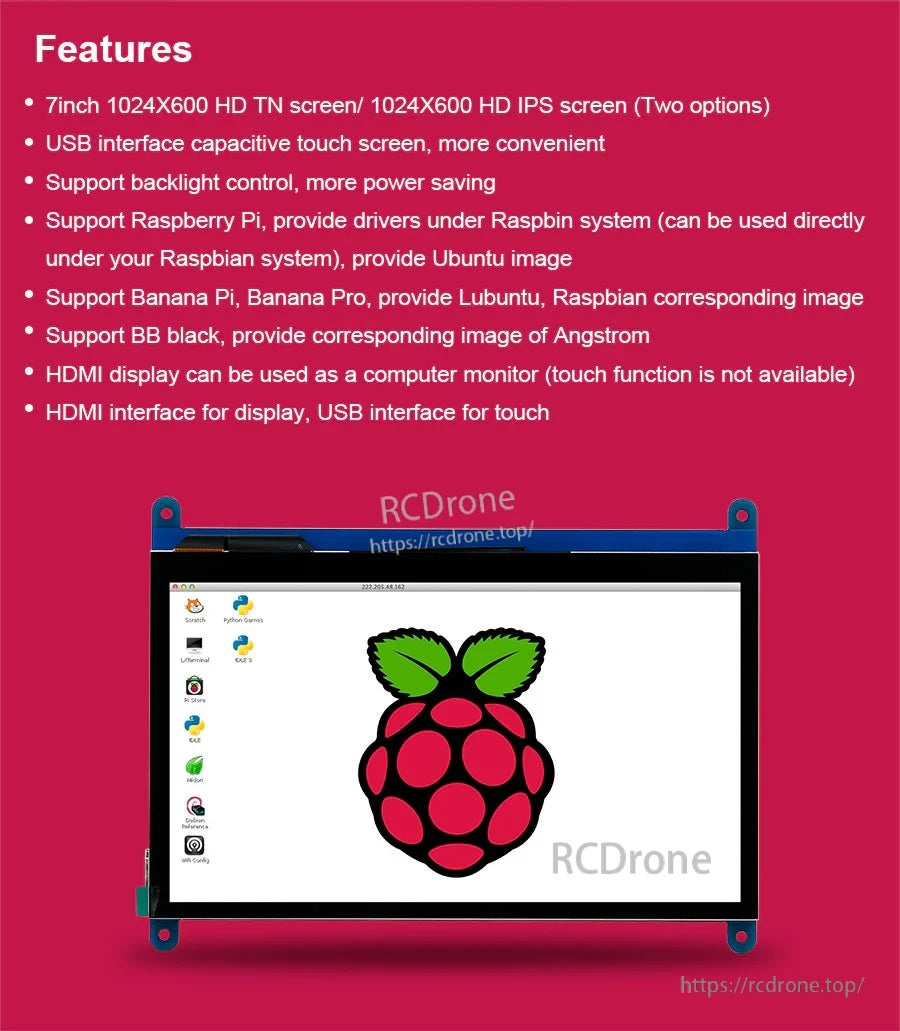
빠른 밝기 관리와 전력 절약을 위한 백라이트 제어가 지원됩니다.
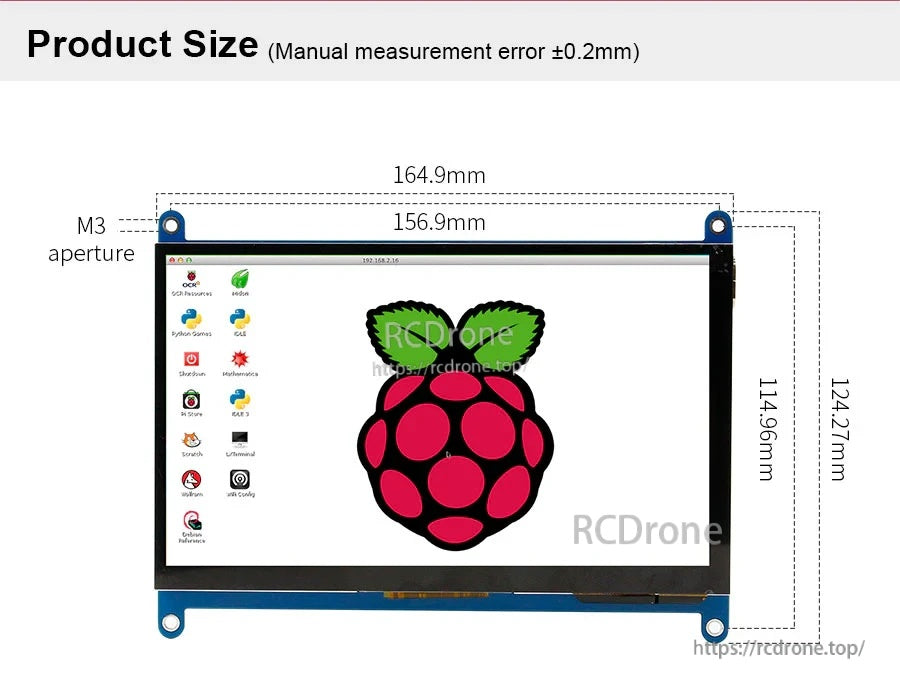
표준 장착 포인트와 명확하게 표시된 치수로 인클로저 및 DIY 프로젝트에 쉽게 맞출 수 있습니다.
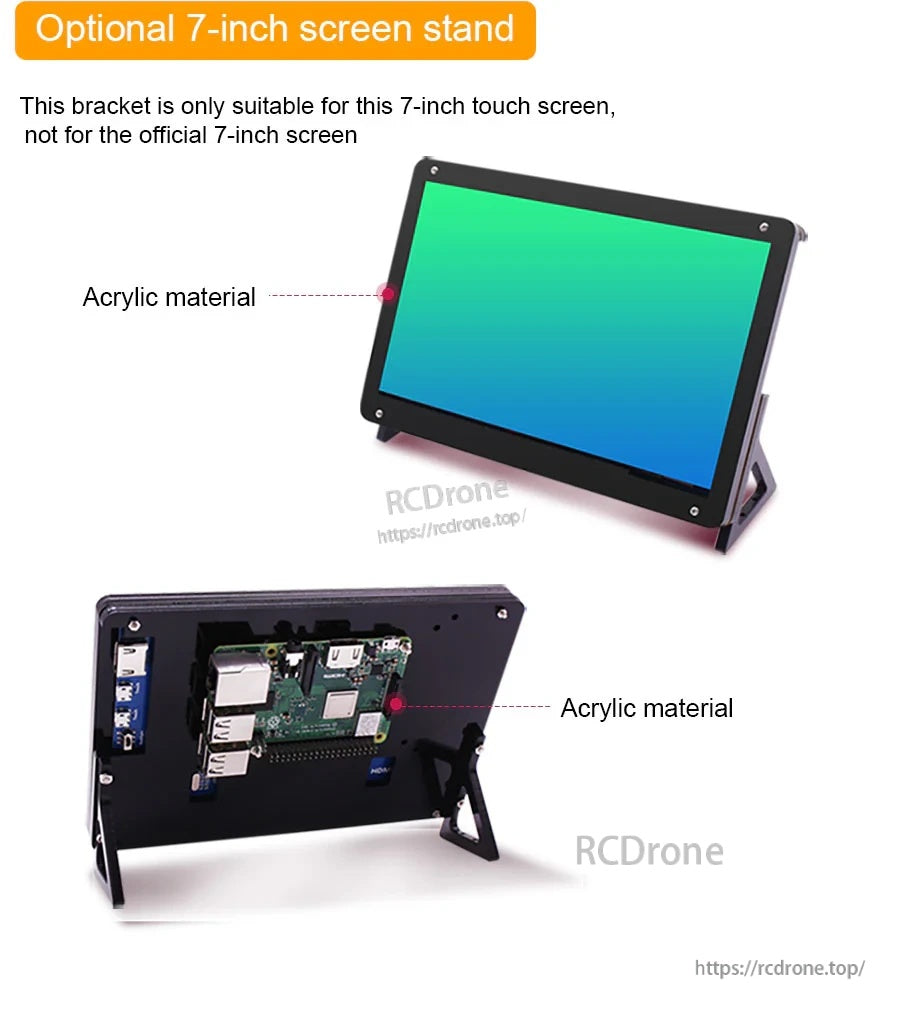
개발 및 테스트 중 안정적인 데스크탑 각도를 위한 선택적 아크릴 스탠드가 제공됩니다.
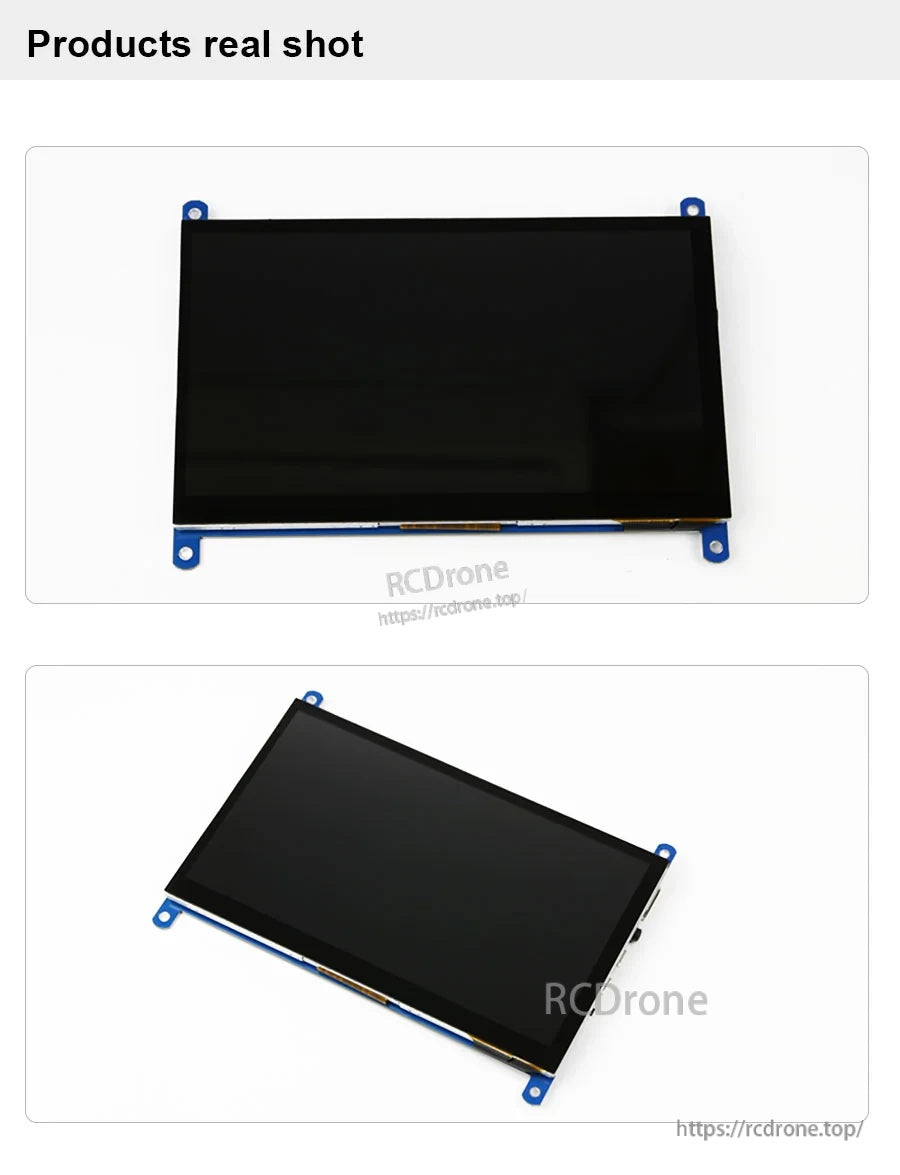
프로젝트 및 케이스에 빠르게 설치할 수 있는 코너 장착 탭이 있는 슬림 모듈입니다.
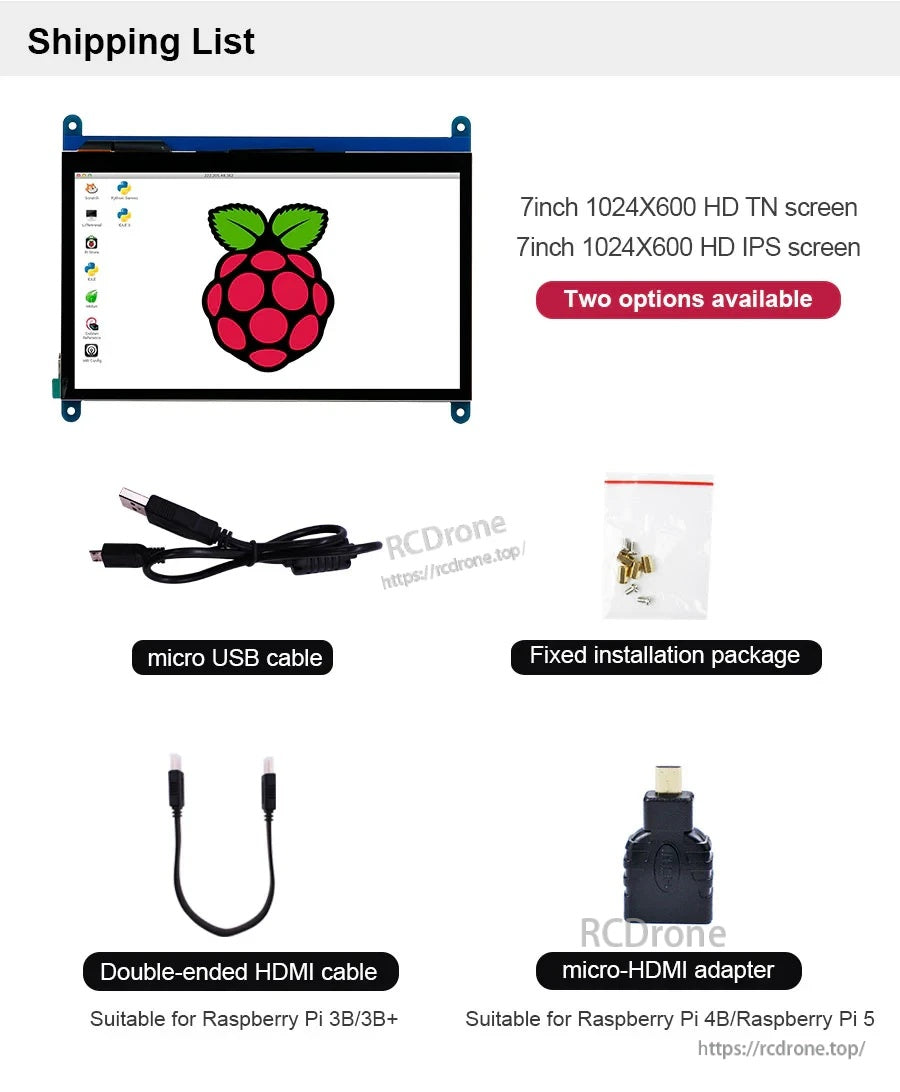
시작하는 데 필요한 모든 것이 포함되어 있습니다: 디스플레이, 케이블/어댑터, 고정 설치 하드웨어 팩.