


BetaFPV VR04 Analog FPV Goggles, 48CH 4.3in 800*480 NTSC/PAL, DVR, 2000mAh Battery
BetaFPV VR04 Analog FPV Goggles, 48CH 4.3in 800*480 NTSC/PAL, DVR, 2000mAh Battery
BETAFPV
Couldn't load pickup availability


Overview
BetaFPV VR04 is an Analog FPV Goggles product designed for 5.8G analog FPV drones, featuring a 4.3 inch 800*480 screen, NTSC/PAL support, 48CH receiver, and built-in DVR recording to microSD. A glasses-friendly interior space (144mm x 54mm) with premium PU padding and a light-blocking face fit helps improve comfort for longer sessions.
Key Features
- Glasses-friendly fit with ample internal space (144mm x 54mm).
- Full light-blocking design with contoured face padding and soft nose bridge.
- Built-in 3.7V 2000mAh battery; about 2 hours in normal mode and about 1 hours in recording mode.
- Flexible power input: can be powered by 2–6S whoop batteries (external power port available).
- One-button DVR recording to microSD card (not included), FAT32 only, maximum 64GB; recording format AVI at 480P@30fps.
- 48CH channel support with auto frequency search via 5D button.
For ordering support or compatibility questions, contact [email protected] or visit https://rcdrone.top/.
Specifications
| Size | 168.8x182.1x98.5mm |
| Weight | 425g±10g |
| Screen Size | 4.3 inch |
| Screen Resolution | 800*480 |
| Video Format (Input) | NTSC/PAL |
| Supported Channel | 48CH |
| Battery | 3.7V, 2000mAh |
| Runtime | About 2 hours in normal mode, about 1 hours in recording mode |
| Antenna Port | RP-SMA |
| Charging Port | Type-C |
| Card Slot | MicroSD card (Not included), Supports FAT32 system, maximum 64GB storage |
| Recording Resolution | 480P@30fps |
| Recorded Video Format | AVI |
| Glasses Space | 144mm x 54mm |
How to Record
- Insert a microSD card into the card slot (FAT32 only, maximum 64G).
- Short press the record button once; a red dot appears in the upper left corner and a “beep-beep” sound is emitted.
- Wait about 8 seconds; the red dot and recording LED indicator start flashing, and a timer appears to indicate recording.
- To stop recording, short press the record button again; after 2-3 seconds the red dot stops flashing, the timer disappears, and the red record LED turns off.
Notes:
1) DVR recording takes about 8-10 seconds to activate after pressing the record button.
2) Maximum length of each recording is 10 minutes; files continue automatically in a new recording when exceeding 10 minutes.
Frequency Search (48CH / 5.8G)
Press and hold the 5D button for 2-3 seconds to activate frequency search. A beep occurs after about 3 seconds and the best available frequency is selected automatically. Signal quality is indicated by colors:
- Green (0<RSSI<20): Frequency is available.
- Yellow (20<RSSI<70): Frequency has moderate interference from another transmitter.
- Red (70<RSSI): Frequency is completely in use by a transmitter.
- White: The strongest signal received in this scan.
What’s Included
- 1 * VR04 FPV Goggles
- 1 * Adjustable Headband
- 1 * User Manual
Applications
- 5.8G analog FPV drone flying
- Whoop and micro FPV setups needing a compact analog receiver display with DVR
Manuals
User Manual for VR04 FPV Goggles
Details
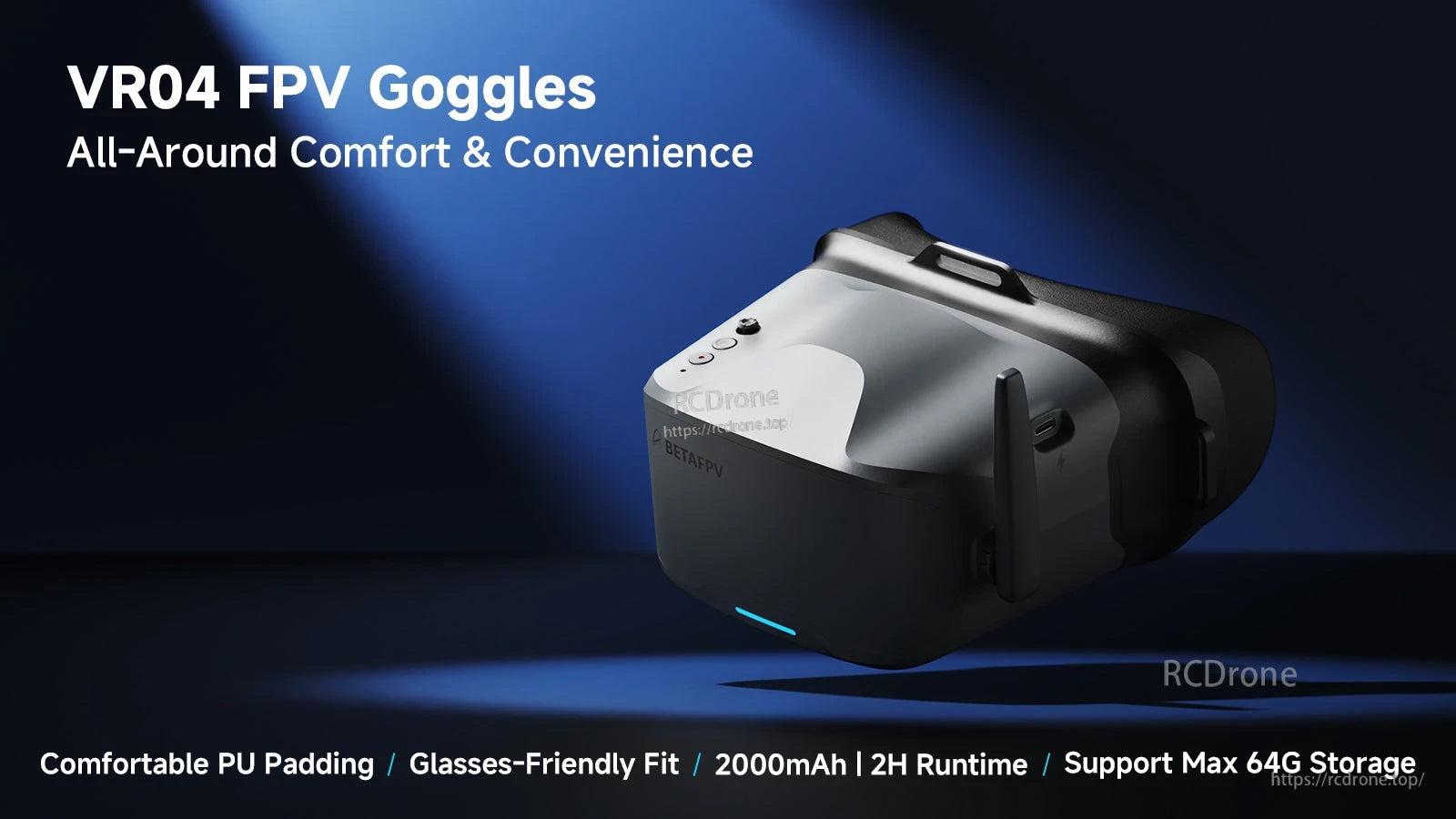
BetaFPV VR04 FPV goggles feature comfortable PU padding, a glasses-friendly fit, a 2000mAh battery rated for about 2 hours, and support for up to 64G storage.
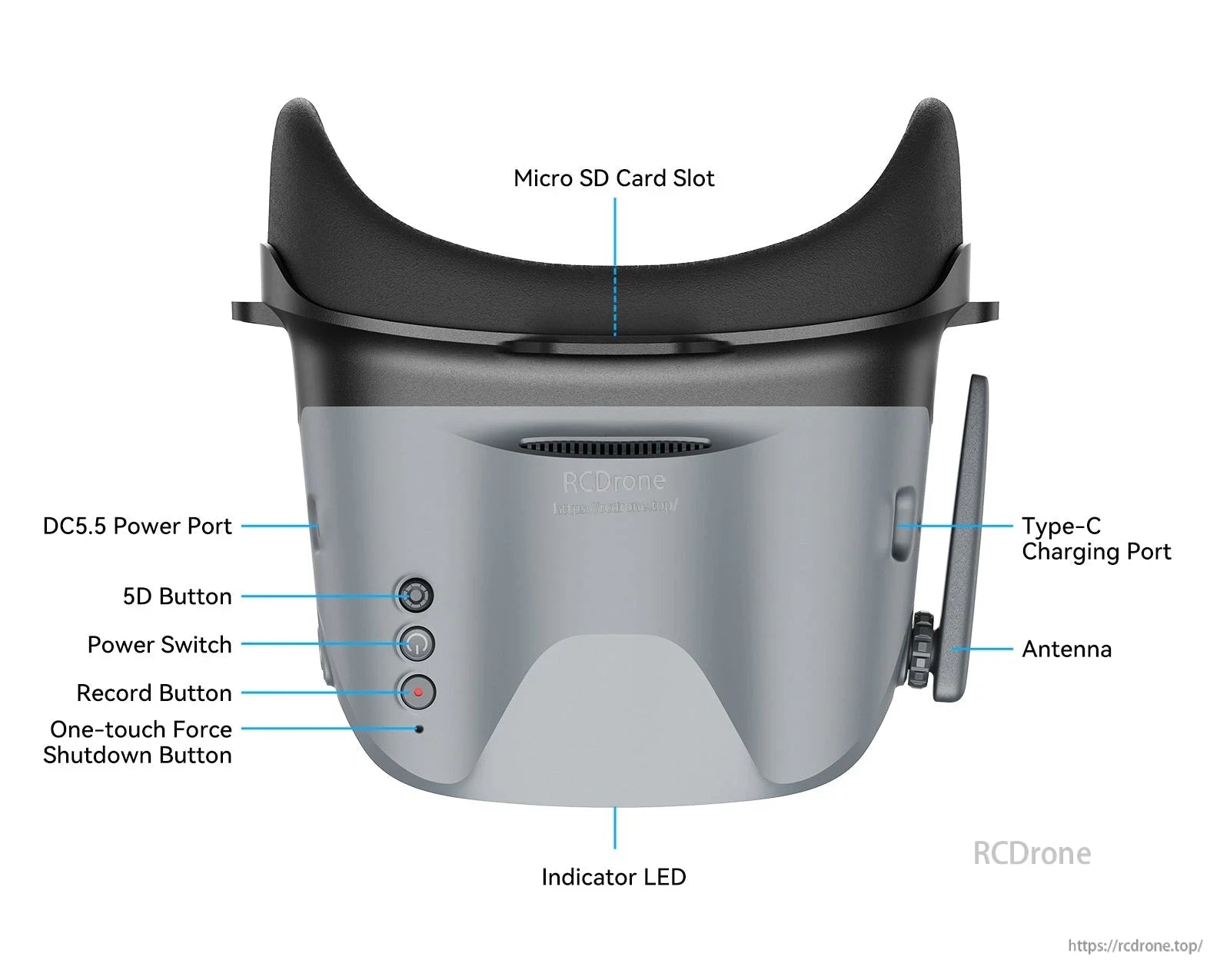
BetaFPV VR04 analog FPV goggles include a micro SD card slot, Type-C charging, DC5.5 power input, and a 5D control button for easy operation.
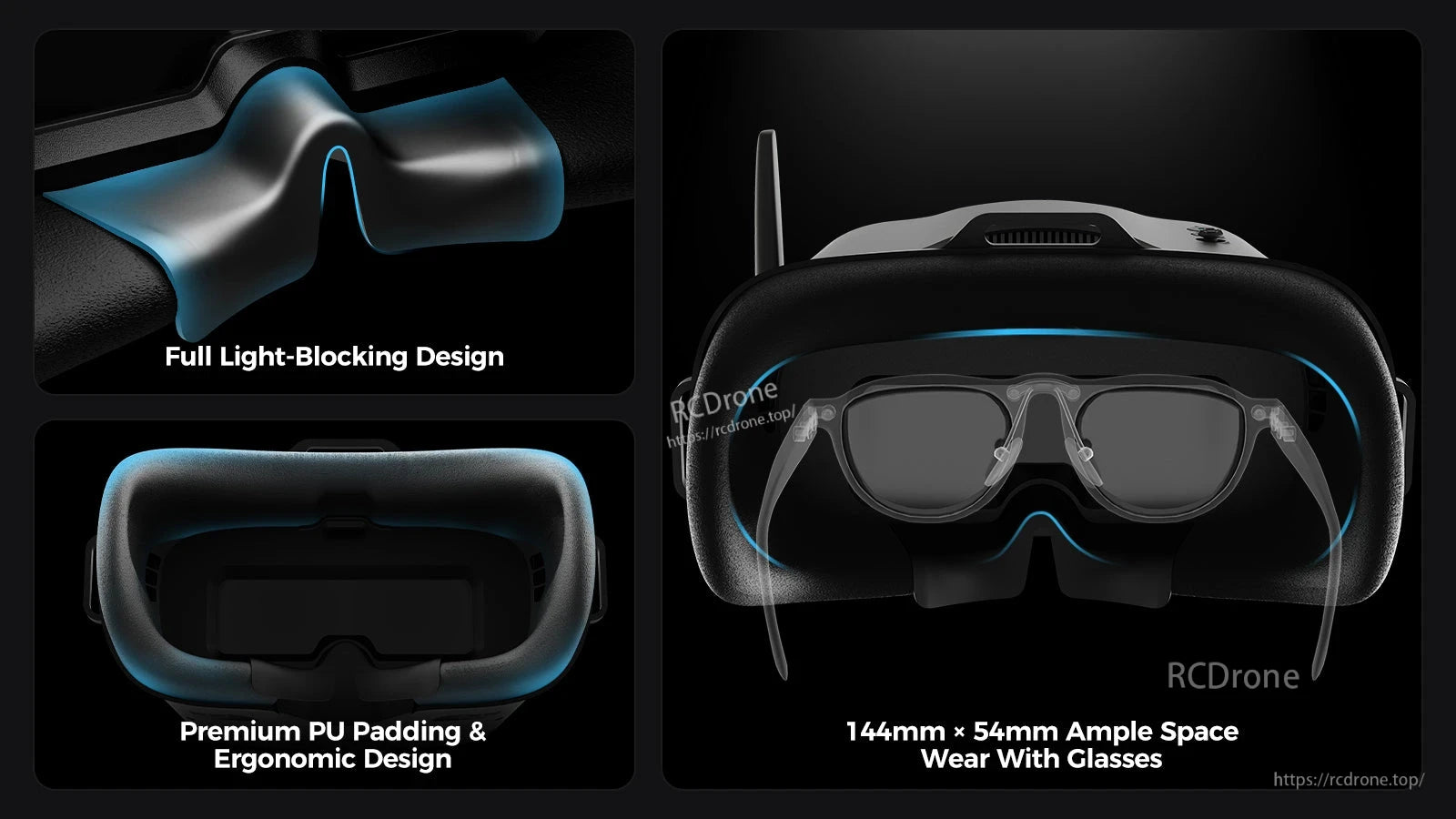
BetaFPV VR04 analog FPV goggles feature a full light-blocking face interface, PU padding, and space to wear with glasses.
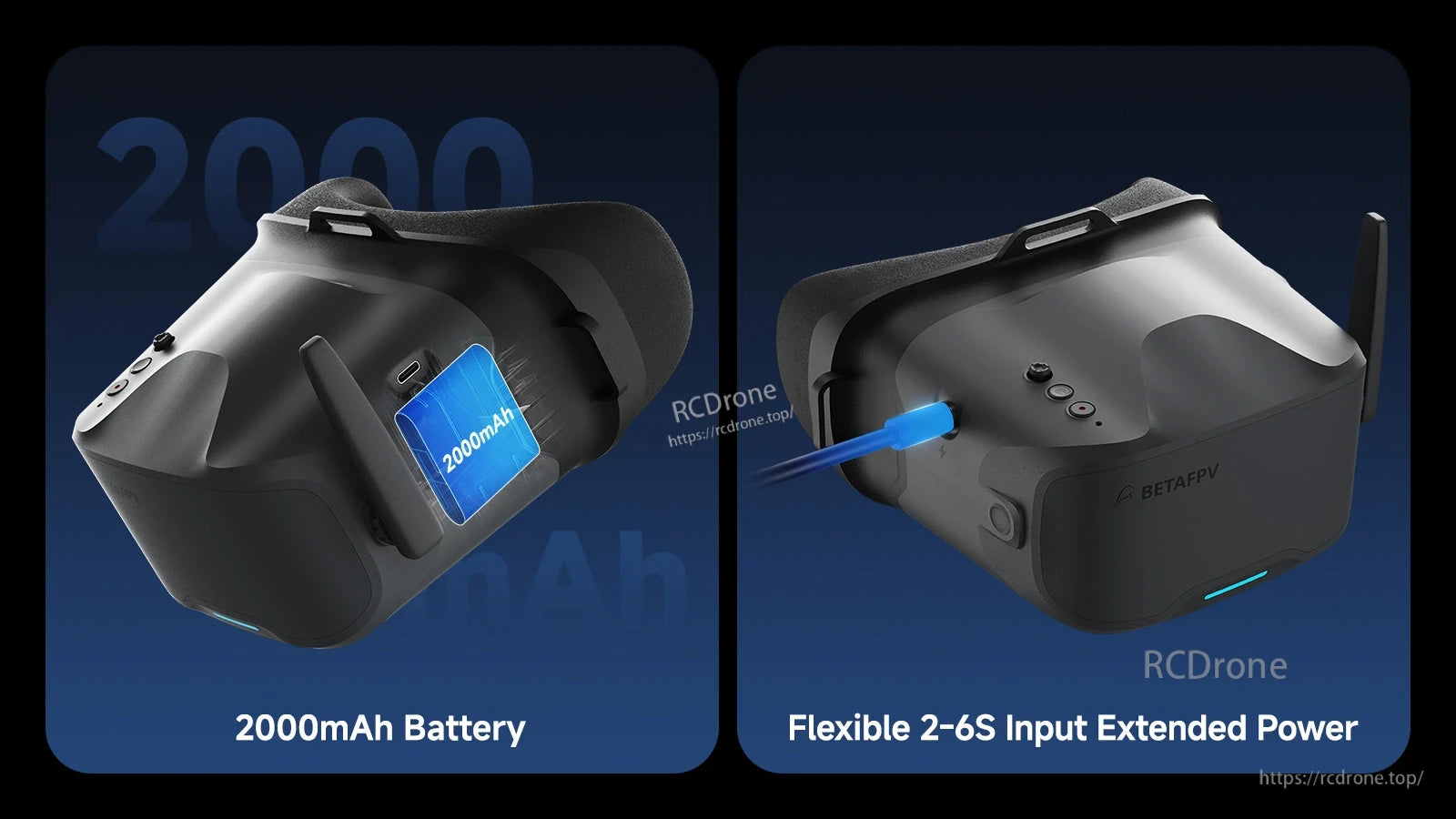
BetaFPV VR04 analog FPV goggles combine a built-in 2000mAh battery with a flexible 2–6S power input for extended run time.
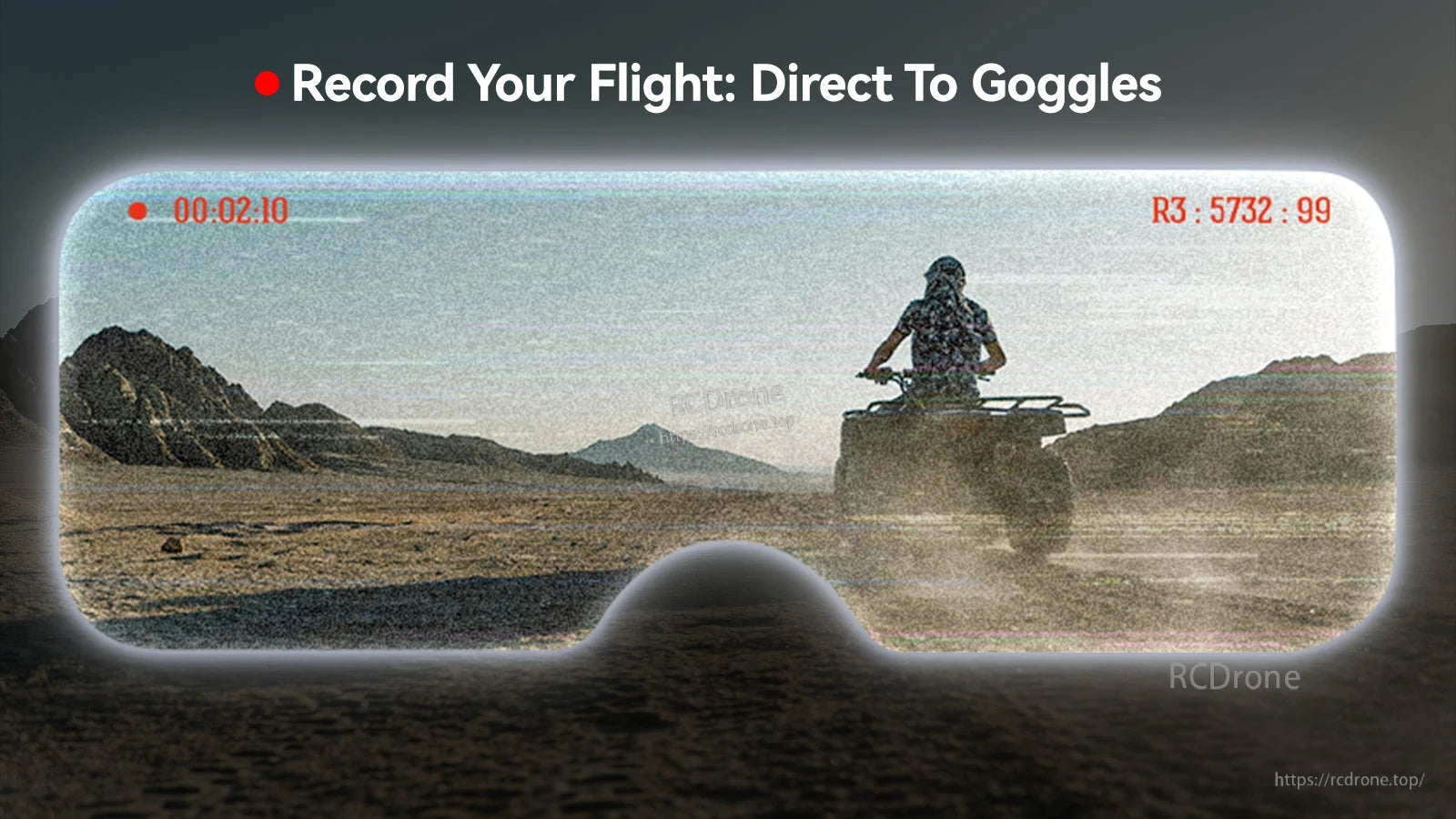
Built-in recording lets you save the live FPV feed directly to the goggles with an on-screen timer and channel readout.
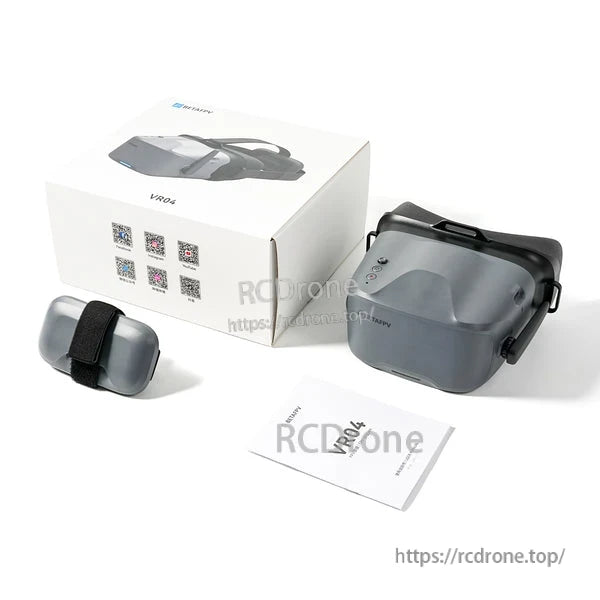
BetaFPV VR04 analog FPV goggles come with the headset, a soft carrying pouch, and a printed manual for quick setup.