Overview
The RadioMaster MT12 Gyro Control Module is a two-axis gyro that enables control of two channels using hand gestures. It integrates into the MT12 expansion slot and feeds hand movements into the control stream through the advanced mixing and programmability of EdgeTX, suitable for uses such as pan/tilt gimbal control, RC model turret control, rear wheel steering, and more.
For product selection or setup help, contact support@rcdrone.top or visit https://rcdrone.top/.
Key Features
- Two-axis gyro gesture input for controlling two channels
- Designed for installation in the MT12 expansion slot
- Works with EdgeTX mixing and model programmability
- On-module sensor neutral calibration via button (status LED indication)
Specifications
| Power Supply | DC 3.3V |
| Weight | 8.3 g |
| Dimensions | 65.0 x 33.0 mm |
| X-axis Angle Range | 90° (-45° to 45°) |
| Y-axis Angle Range | 90° (-45° to 45°) |
Installation
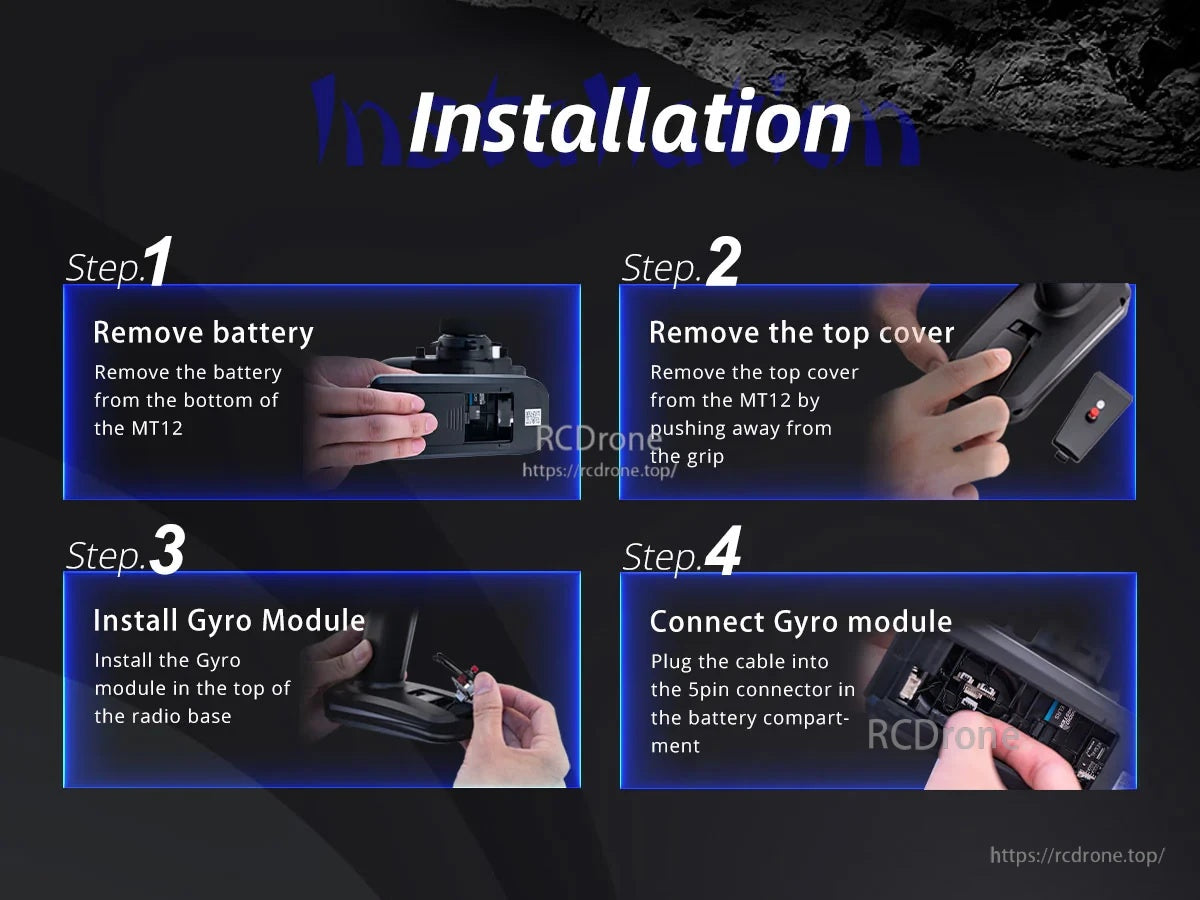
- Remove the battery from the bottom of the MT12.
- Remove the top cover from the MT12 by pushing away from the grip.
- Install the gyro module at the top of the radio base.
- Plug the cable into the 5-pin connector in the battery compartment.
How to Use
MT12 Radio Settings
- Hardware menu: Press SYS and use PAGE to navigate to HARDWARE. Set S3 and S4 under Pots to Axis X and Axis Y.
- Calibration in MT12: Press SYS and use PAGE to navigate to HARDWARE, then enter [Calibration]. At SET AXIS MIDPOINT, place the MT12 level on a table and press the scroll wheel to calibrate the neutral point. At MOVE AXIS/POTS, pick up the MT12 and move it back/forward and side-to-side with angles greater than 45 degrees.
- Input menu: Press MDL and use PAGE to navigate to INPUT. Bind the gyro output to two input channels (example: Axis X (S3) to I09 and Axis Y (S4) to I10). To set the source for an input, open the input’s Edit menu, select Source, press the scroll wheel, then tilt the MT12 so the source is detected.
- Mixer menu: Press MDL and use PAGE to navigate to MIXER. Bind the gyro inputs to receiver output channels (example: Axis X to channel 3 and Axis Y to channel 4). For a channel, open its Edit menu, select Source, press the scroll wheel, then tilt the MT12 so the input is detected.
Gyro Sensor Calibration (On Module)
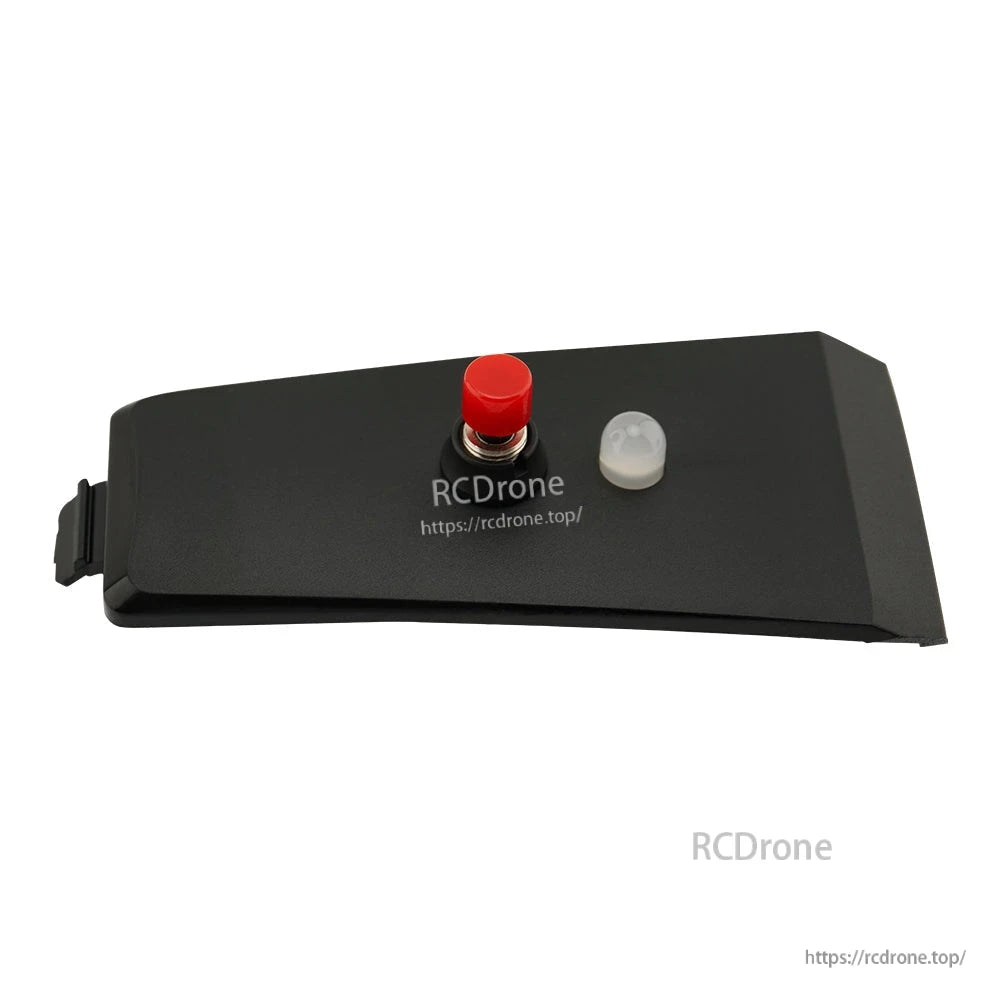
- Press and hold the red button for 2 seconds to calibrate the sensor neutral point.
- During calibration, the red light flashes.
- A steady green light indicates normal operation.
What’s Included
- 1 x MT12 Gyro Control Module
- 1 x 5-pin JST cable (installed on module)
Details

Use hand gestures to control two channels—ideal for pan/tilt gimbals, RC turrets, or rear-wheel steering.

Installation takes four quick steps: remove the battery and top cover, seat the module in the expansion slot, then plug in the 5‑pin connector.