


RadioMaster ExpressLRS USB UART Flasher V2 USB-C 3,3V/5V RM-CRSF pour mise à jour du firmware du récepteur ELRS
RadioMaster ExpressLRS USB UART Flasher V2 USB-C 3,3V/5V RM-CRSF pour mise à jour du firmware du récepteur ELRS
RadioMaster
Impossible de charger la disponibilité du service de retrait


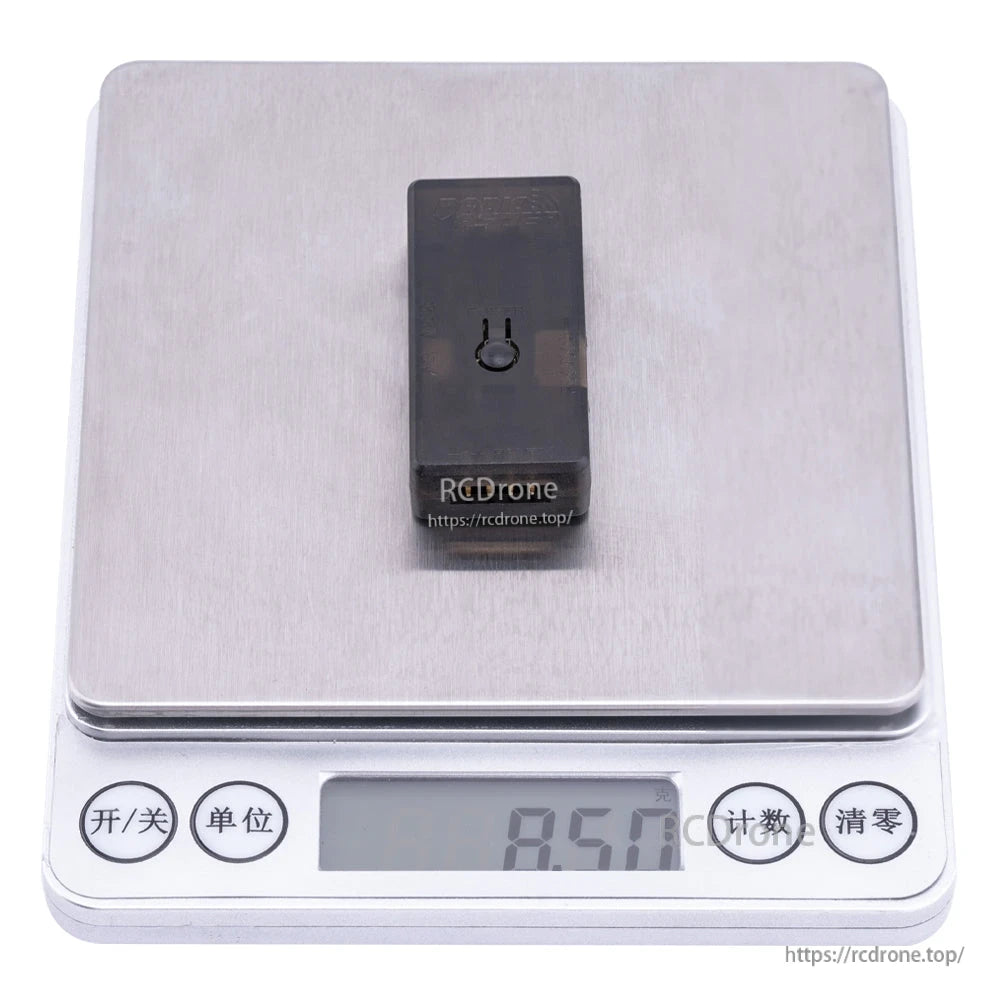
Aperçu
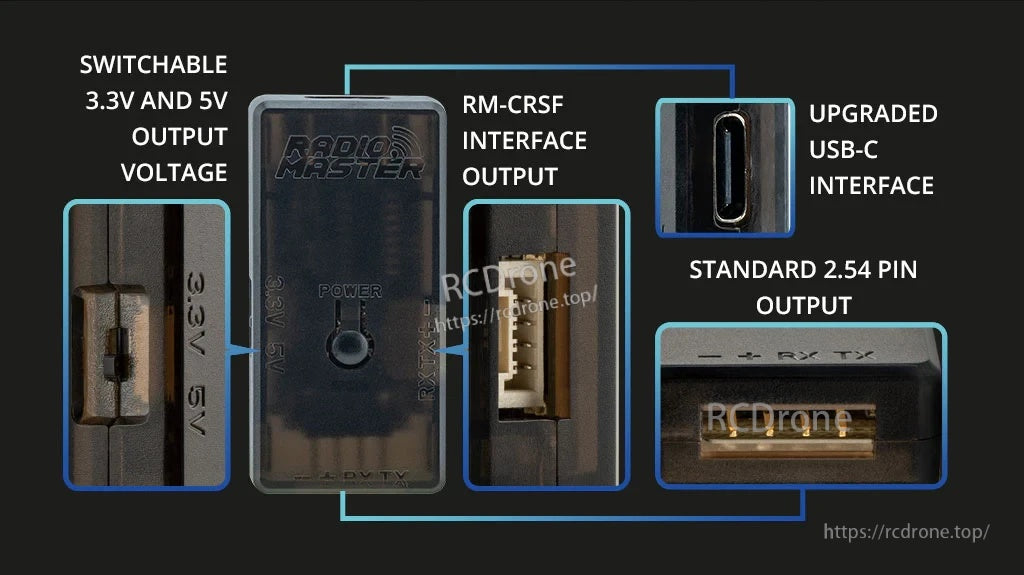
Le RadioMaster ExpressLRS USB UART Flasher V2 est un flasheur USB UART pour des mises à jour de firmware de récepteur ExpressLRS (ELRS) fiables et une récupération de firmware via une connexion série (UART). La V2 passe à une interface USB-C et ajoute un bouton d'alimentation intégré pour un cycle d'alimentation à une touche pendant le flashage, aidant à éviter l'instabilité parfois rencontrée avec les mises à jour Wi-Fi.
Il prend en charge plusieurs méthodes de connexion, y compris une sortie de broche standard de 2,54 mm et un port RM-CRSF JST-GH pour une connexion plug-n-play avec les récepteurs de la série ER de RadioMaster. Pour la sélection de produits ou de l'aide à la configuration, contactez [email protected] or visitez https://rcdrone.top/.
Caractéristiques clés
- Interface USB-C améliorée (câble USB-C non inclus)
- Bouton d'alimentation pour un cycle d'alimentation facile ON/OFF
- Équipé de plusieurs circuits de protection
- Protection contre les surintensités et protection contre la polarité inversée
- Protection contre les surtensions
- Alimentation commutable entre 3.3V et 5V
- Broches standard de 2,54 mm
- Port RM-CRSF JST-GH pour une connexion simple plug-n-play avec les récepteurs de la série ER de RadioMaster
- Prises de broches incluses
- Câbles Dupont pour des tests pratiques
Spécifications
| Modèle | Flasheur USB UART ExpressLRS V2 |
| Interface USB | USB-C |
| Tension de sortie | Tension commutable 3.3V / 5V |
| Sorties / ports | Sortie standard de broche 2,54 ; sortie d'interface RM-CRSF (JST-GH) |
| Contrôle | Bouton d'alimentation intégré (cycle d'alimentation) |
| Taille | 46,30 mm x 21,50 mm x 10,20 mm |
Récepteurs compatibles
Utilisation de 2.54mm sortie de broche et adaptateur à broche à ressort ou adaptateurs de test :
- Tous les RÉCEPTEURS ELRS DE LA SÉRIE RP
Utilisation de la sortie de broche standard de 2,54 mm (fiches Servo) :
- Récepteur PWM ELRS 2.4GHz ER3C-i
- Récepteur PWM ELRS 2.4GHz ER5C-i
- Récepteur PWM ELRS 2.4GHz ER4
- Récepteur PWM 2.4GHz ER5A
- Récepteur PWM 2.4GHz ER5A V2
- Récepteur PWM 2.4GHz ER5C
- Récepteur PWM 2.4GHz ER5C V2
- ER6G & Récepteur PWM ELRS ER6GV
Veuillez noter : Le deuxième canal est réaffecté en tant que TX pour le port RX de l'outil de port série, tandis que le troisième canal est réaffecté en tant que RX connecté au port TX de l'outil de port série.
Firmware mis à jour par la sortie d'interface RM-CRSF :
- Récepteur PWM ELRS 2.4GHz ER6
- Récepteur PWM 2.4GHz ER8 2.4GHz ELRS PWM Récepteur
- ER8G & ER8GV ELRS PWM Récepteur
Veuillez noter : Les récepteurs ci-dessus peuvent être connectés au port CRSF du récepteur à l'aide d'un câble CRSF à 4 fils.
Instructions de mise à jour du firmware
- Connectez le câble de port série avec le récepteur.
- Connectez-vous à l'ordinateur avec un câble d'extension USB, appuyez sur le bouton BOOT du récepteur, puis appuyez sur le bouton POWER de l'outil série.
- Suivez les instructions de l'outil de mise à jour ELRS pour compléter la mise à jour.
Téléchargements
Le paquet comprend
- 1 * RadioMaster ExpressLRS Flasher USB UART V2
- 1 * Pogo Probe
- 1 * Fil CRSF
- 1 * 2.Câble de port série 54 mm - Type B
- 1 * Crochet de test de port série - Blanc
- 1 * Crochet de test de port série - Vert
- 1 * Crochet de test de port série - Rouge
- 1 * Crochet de test de port série - Noir
- 1 * Carte utilisateur
Détails

Mettez à jour et récupérez le firmware du récepteur ExpressLRS via une connexion UART stable en utilisant le Flasher USB‑C V2.

Les circuits de protection intégrés aident à protéger contre les surintensités et la polarité inversée lors du flashage sur banc.
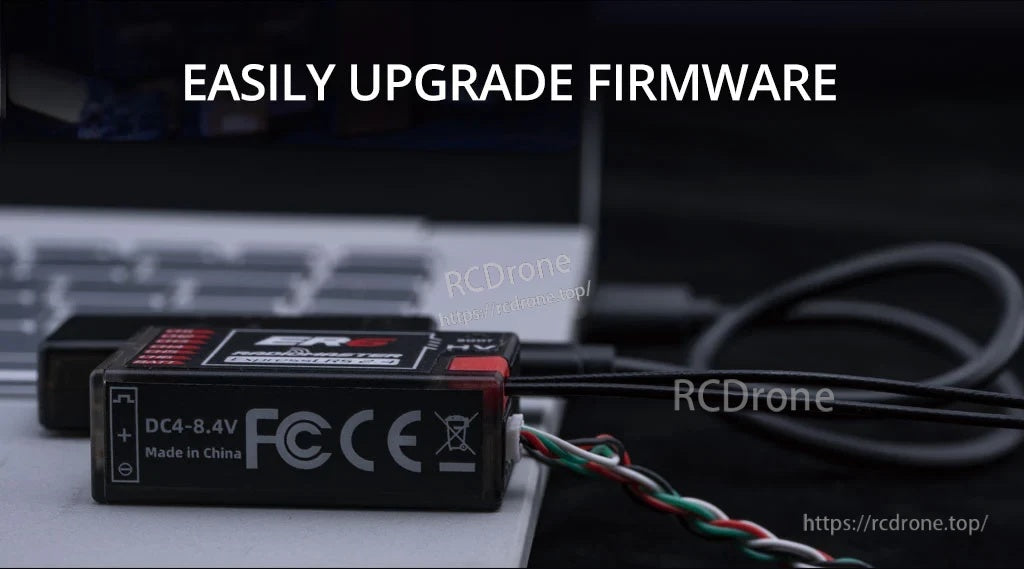
Une connexion série directe maintient les mises à jour du firmware fiables lorsque le flashage Wi‑Fi est instable.
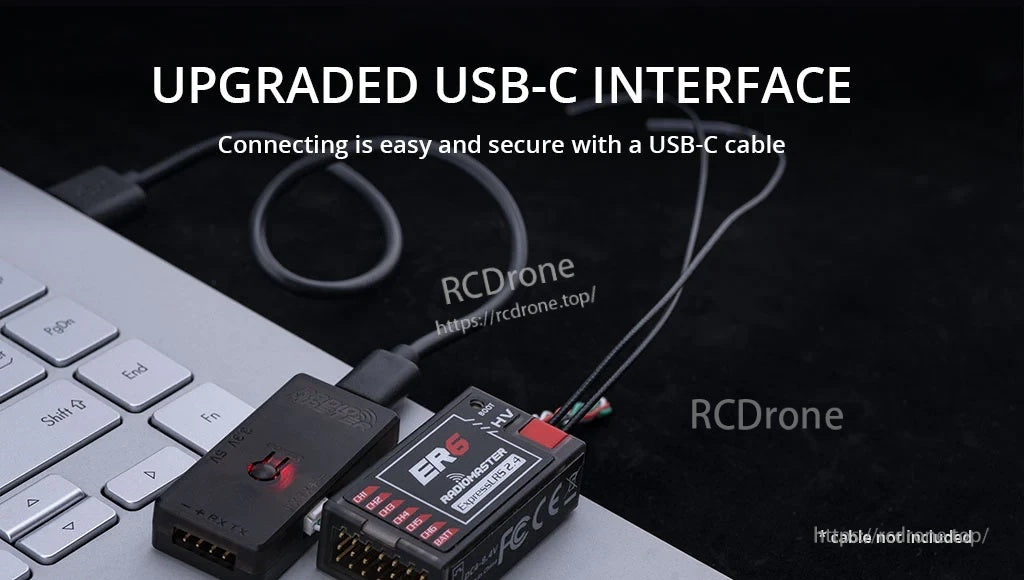
USB‑C facilite la connexion à votre ordinateur, tandis que le flasher alimente le récepteur pendant les mises à jour.
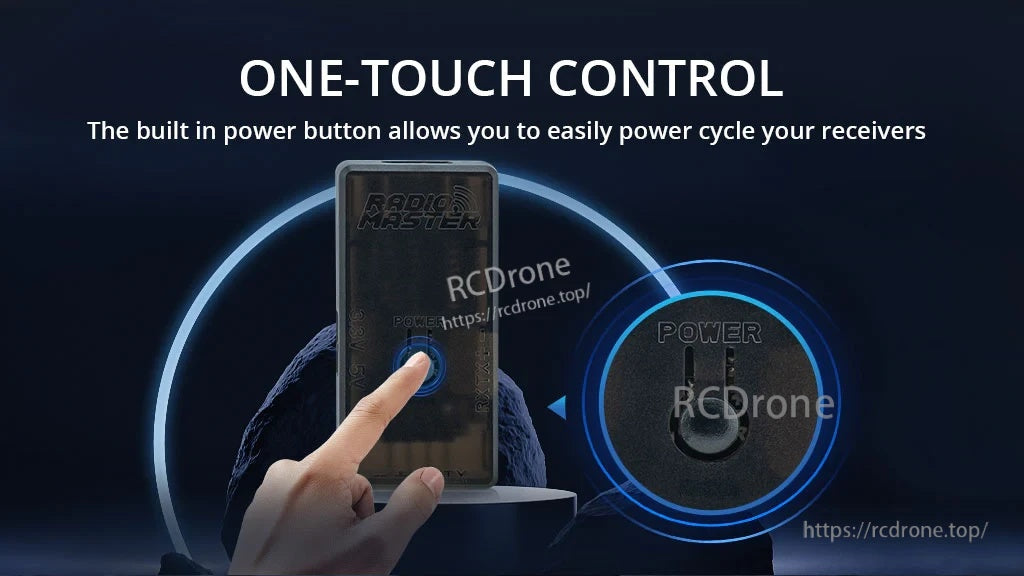
Le cycle d'alimentation à une touche via le bouton intégré aide à accélérer les étapes de démarrage/flash sans rebrancher les câbles.
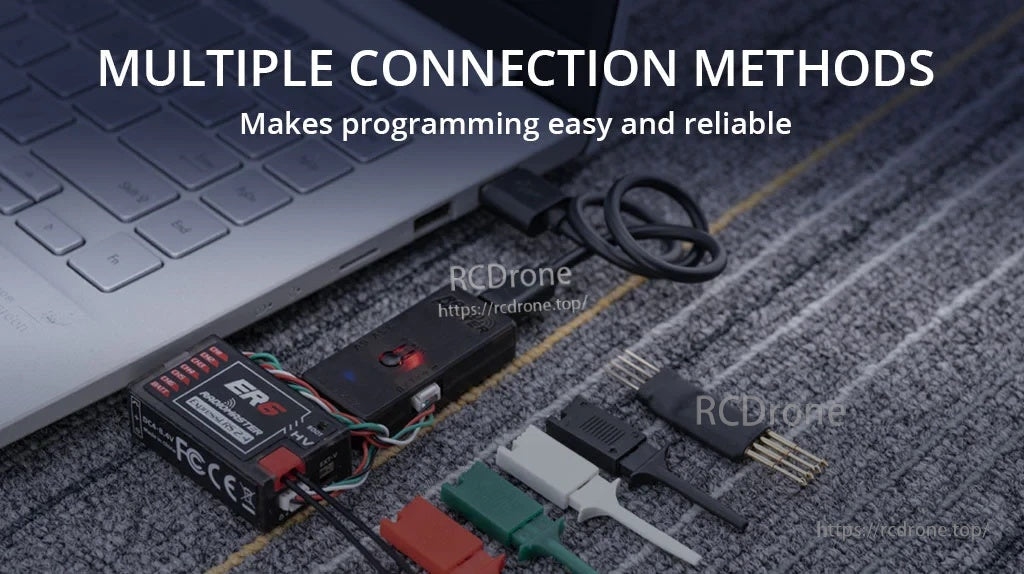
Choisissez entre les connexions plug-and-play RM‑CRSF ou les connexions standard à broche/fils pour s'adapter à différents agencements de récepteurs.

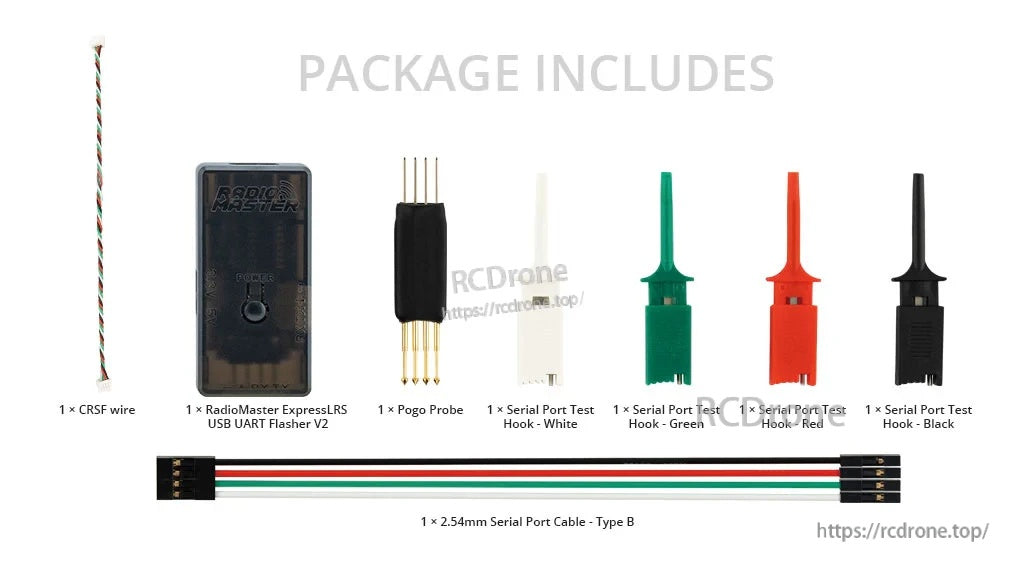
Tout ce qui est nécessaire pour les configurations courantes est inclus : flasher, câble CRSF, sonde pogo, crochets de test et un câble UART de 2,54 mm.