


Yahboom Placa de Controlo de Servo de Canal Único com Duplo PWM, Testador de Servo 5-8.4V para Robótica
Yahboom Placa de Controlo de Servo de Canal Único com Duplo PWM, Testador de Servo 5-8.4V para Robótica
Yahboom
Não foi possível carregar a disponibilidade de recolha


Visão Geral
A placa de depuração de controlo de servo PWM de canal único Yahboom é uma placa de depuração de controlo de servo plug-and-play, projetada para servos PWM em robótica inteligente DIY. Com um chip STC8G1K08A a bordo, pode gerar sinais PWM sem a necessidade de escrever qualquer programa. Os servos podem ser controlados tanto girando o botão do potenciômetro como utilizando o botão de mudança de modo para alterar os modos de operação. A alimentação pode ser fornecida através de Micro USB (5V) ou de um bloco de terminais KF301 (6–8.4V), tornando-o conveniente para testes em bancada e construções portáteis.
Principais Características
- Controlador de servo de canal único com duas interfaces de servo de 3 pinos; dois servos podem ser ajustados ao mesmo tempo através de um único botão.
- Suporta três modos de controlo: Manual (controlo por botão), Modo de Centralização (um toque para 90°) e Modo Recíproco (0°–180°).
- Botão do potenciômetro a bordo e botão de mudança de função/modo.
- Apoio a uma ampla gama de voltagem para depuração de servo: 5–8.4V (use a voltagem nominal do servo como referência).
- Portas de alimentação dupla: Micro USB (5V) e bloco terminal KF301 (6–8.4V) (duas fontes de alimentação não podem ser usadas ao mesmo tempo).
- Compatível com peças Lego.
- Acessório de depuração de hardware (sem software e dados).
Especificações
| Parâmetro | Valor |
|---|---|
| MCU | STC8G1K08A |
| Faixa de voltagem suportada para servo | 5–8.4V |
| Entrada de energia (Micro USB) | 5V |
| Entrada de energia (bloco terminal) | 6–8.4V (KF301) |
| Saídas de servo | Interface de servo de 3 pinos x2 (energia do servo retirada da fonte de alimentação de entrada) |
| Modos de controlo | Modo manual; Modo de centralização (90°); Modo de reciprocidade (0°–180°) |
| Precisão de controlo do servo | 0.09 graus (valor de mudança pequena limite PWM 1us) |
| Ciclo de controlo PWM | 20ms |
| Intervalo de largura de pulso | 0.5ms–2.5ms |
| Entradas a bordo | Botão de mudança de modo x1; potenciômetro x1 |
| Luzes indicadoras | Indicador de energia de 5V (vermelho); 6–8.Indicador de potência 4V (azul); indicador de modo de funcionamento do potenciômetro (vermelho); indicador de neutro do servo (azul) |
| Proteção | Proteção contra ligação reversa; proteção contra sobrecorrente (proteção acima de 1A) |
| Marcação da placa | YB-MF01 VER1.0 |
| Tamanho do produto | 49.5 x 35 mm |
Como Usar
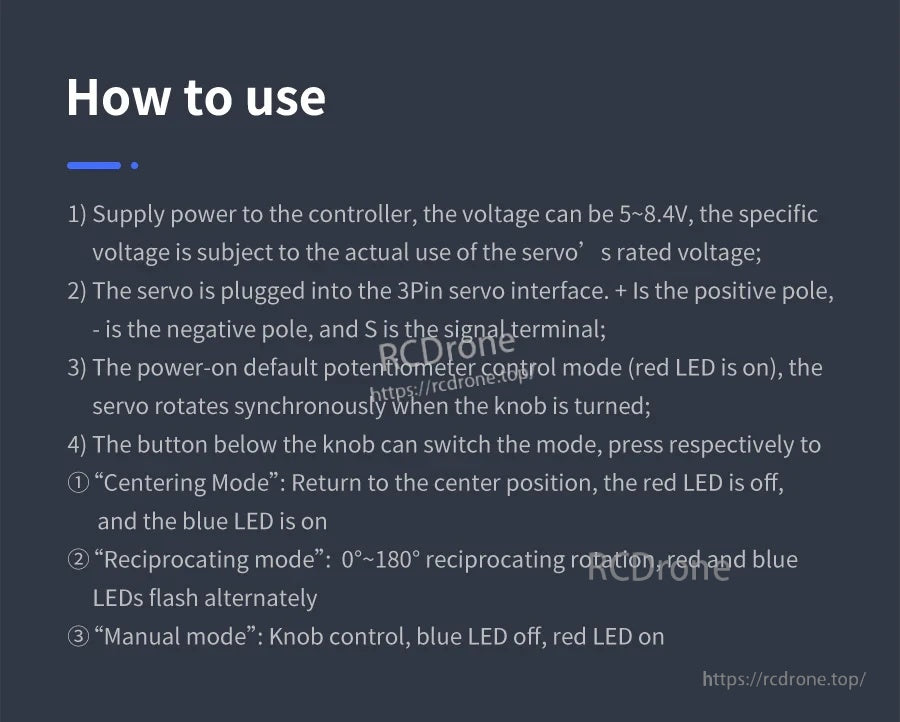
- Forneça energia ao controlador. A voltagem pode ser de 5–8.4V; use a voltagem nominal do servo como referência.
- Conecte o servo à interface de 3 pinos: + é positivo, - é negativo, e S é o terminal de sinal.
- O padrão após a ligação é controle por potenciômetro (LED vermelho aceso). Gire o botão para rotacionar o servo de forma síncrona.
- Pressione o botão para alternar modos:
- Modo de centralização: Retornar à posição central (90°). LED vermelho desligado; LED azul ligado.
- Modo recíproco: Rotação recíproca de 0°–180°. LEDs vermelho e azul piscam alternadamente.
- Modo manual: Controlo por botão. LED azul desligado; LED vermelho ligado.
Aplicações
- Teste de servos e controlo de atuadores de modelos/robôs
- Teste de garra mecânica
- Teste de braço robótico
- Projetos de robótica inteligente DIY
Notas de Uso
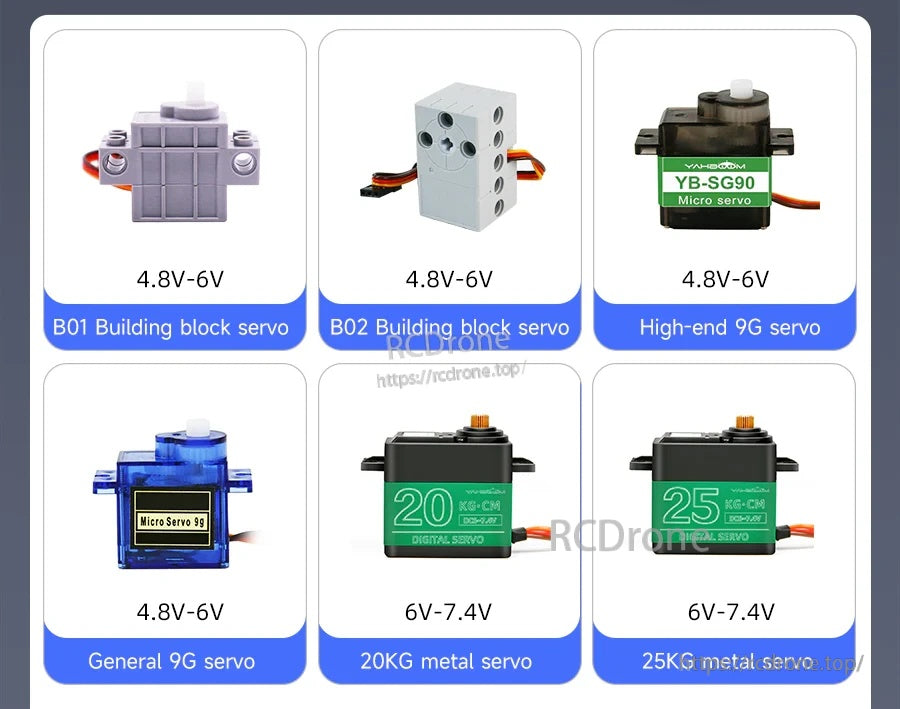
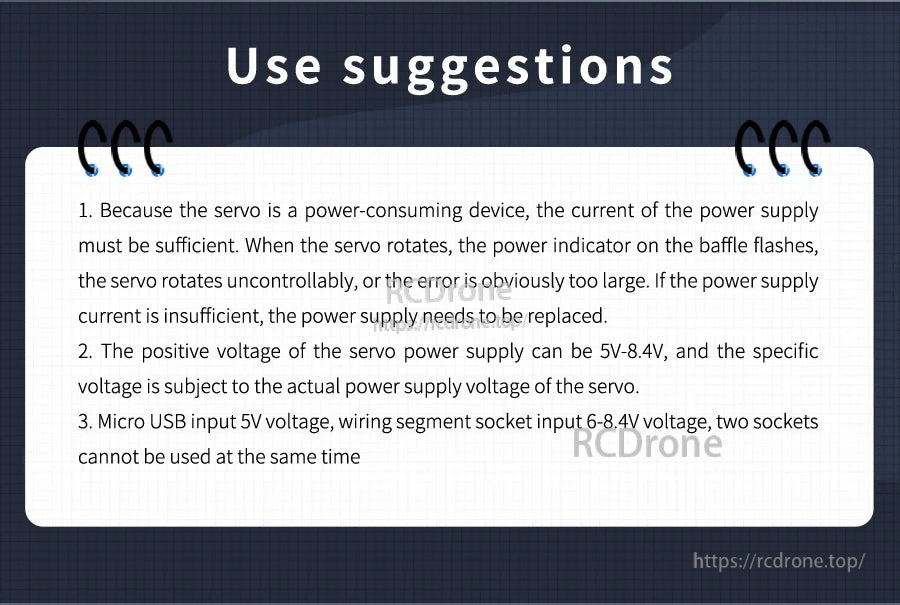
- Os servos podem consumir alta corrente; assegure-se de que a corrente da fonte de alimentação é suficiente para evitar comportamentos anormais.
- A entrada Micro USB é 5V; a entrada do bloco de terminais é 6–8.4V.
- Não utilize as entradas de alimentação Micro USB e bloco de terminais ao mesmo tempo.
Para perguntas pré-venda e orientações sobre compatibilidade para a tensão do seu servo e configuração do projeto, entre em contato com o suporte em https://rcdrone.top/ ou envie um e-mail para [email protected].
Detalhes
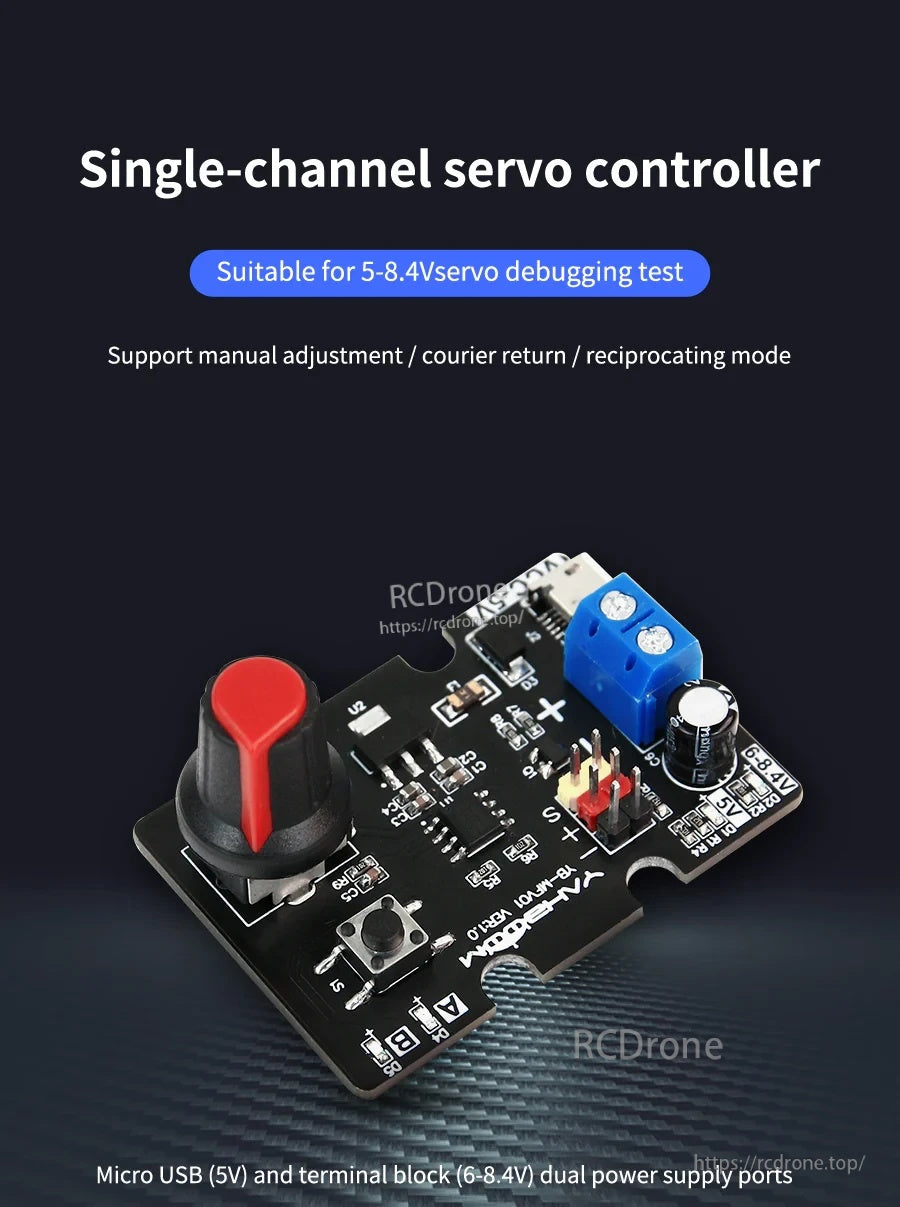
Uma placa de depuração de servo PWM plug-and-play que gera sinais de controlo sem programação—gire o botão ou mude de modo para testar servos rapidamente.
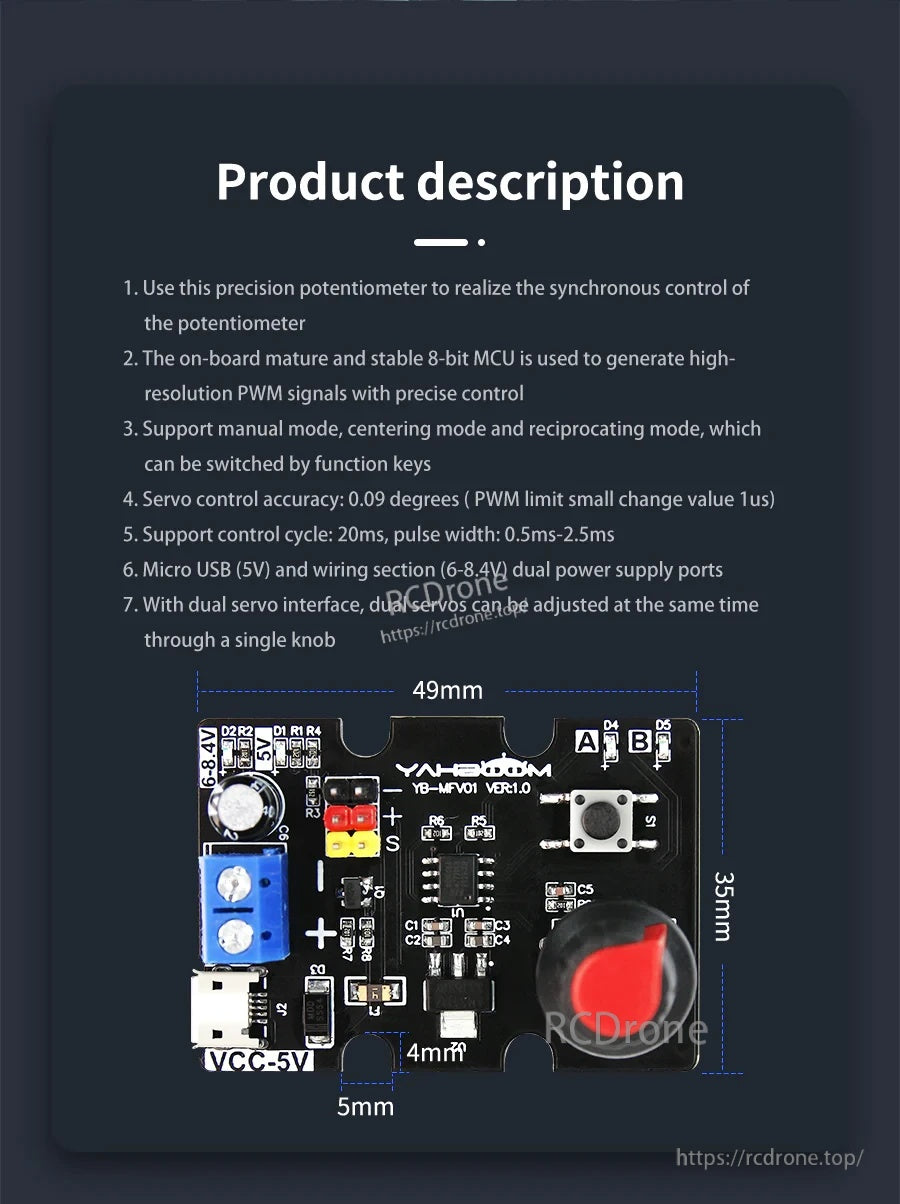
Layout compacto da placa de 49,5 × 35 mm para fácil teste em bancada e integração em construções de robótica DIY.
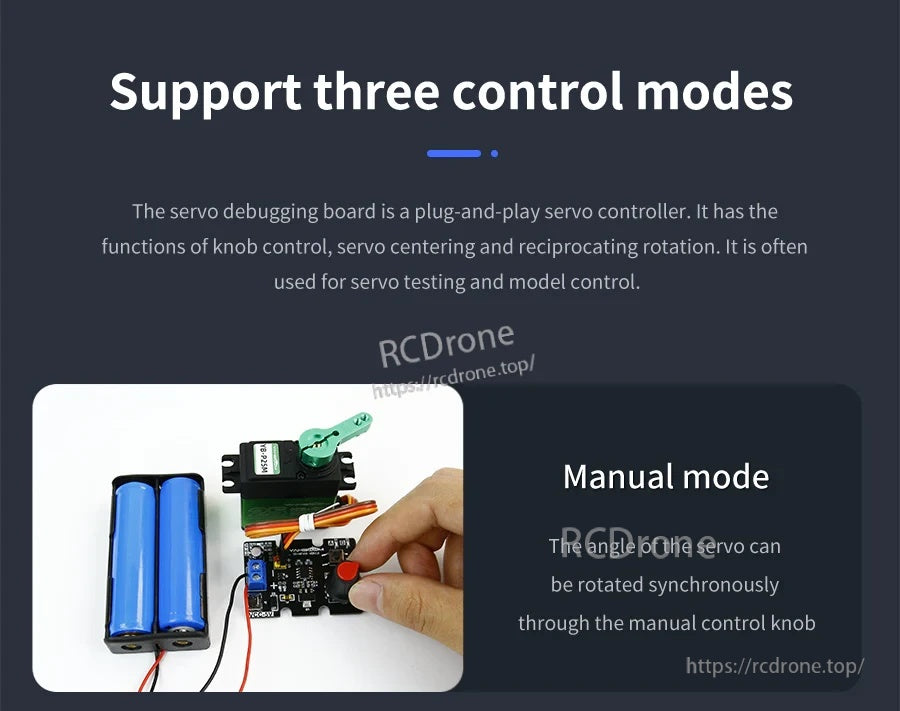
O modo manual fornece controlo direto pelo botão para ajuste suave e síncrono do servo.
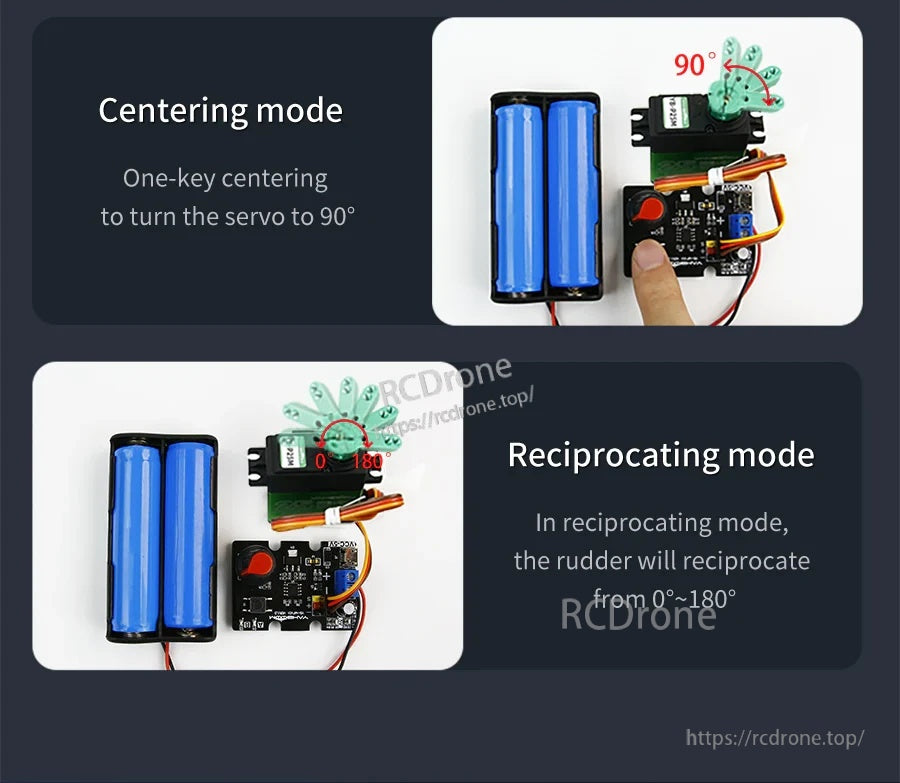
Use o centragem com uma tecla para retornar a 90°, ou execute a reciprocidade automática de 0°–180° para verificações rápidas de movimento.
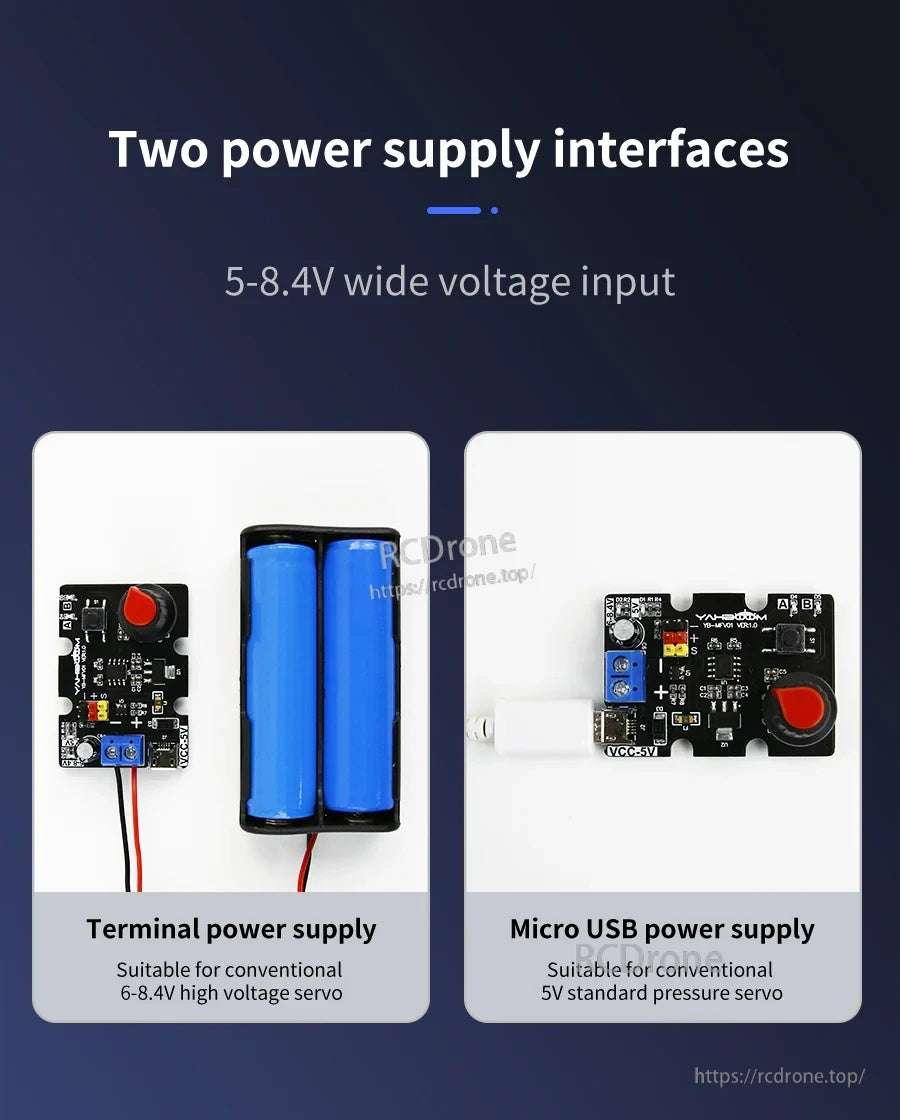
Alimente a placa via Micro USB (5V) ou pelo bloco de terminais KF301 (6–8,4V)—use apenas uma fonte de alimentação de cada vez.
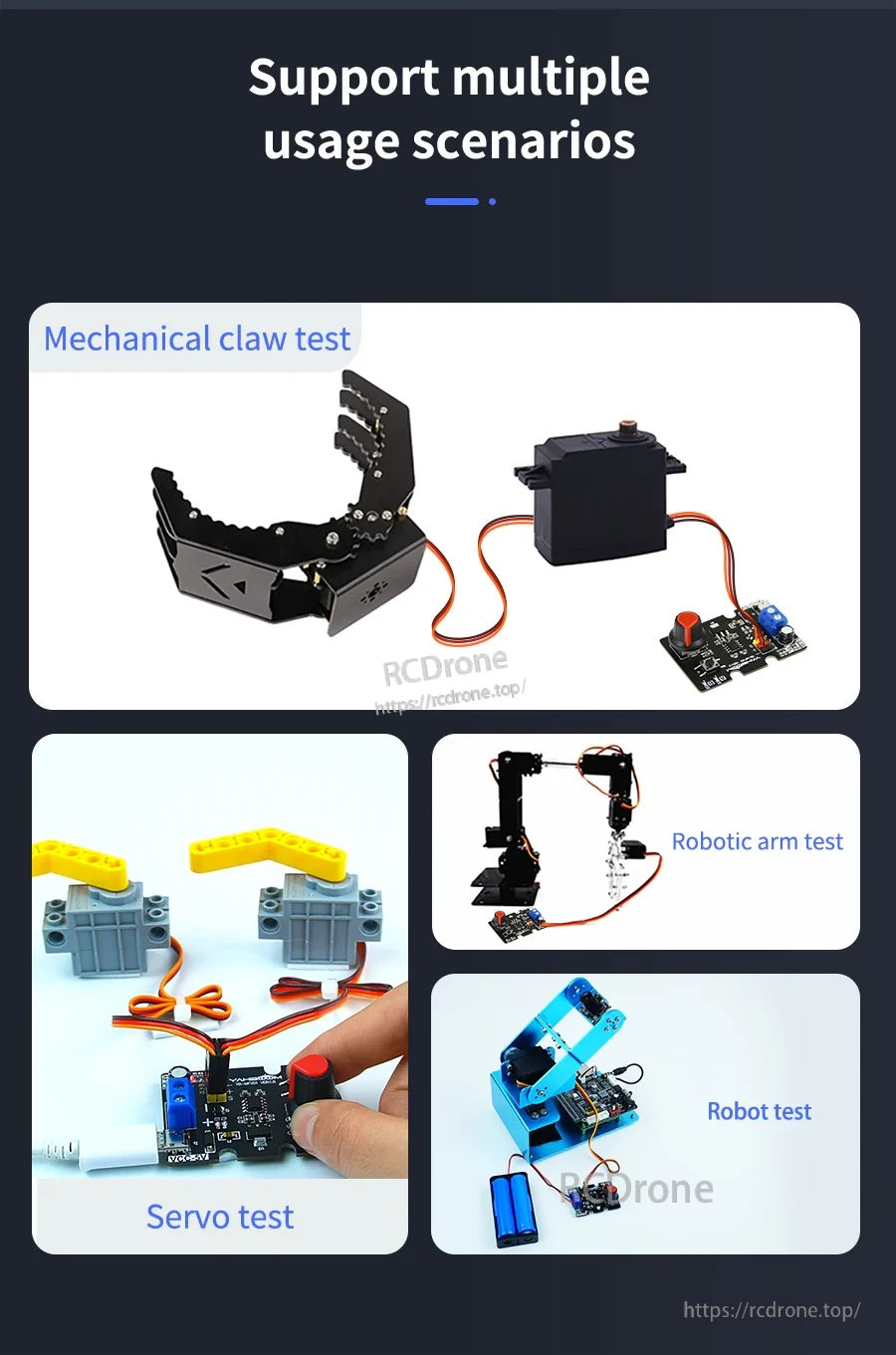
Adequado para tarefas comuns de teste de servo, como garras, braços robóticos e pequenos mecanismos de robôs.
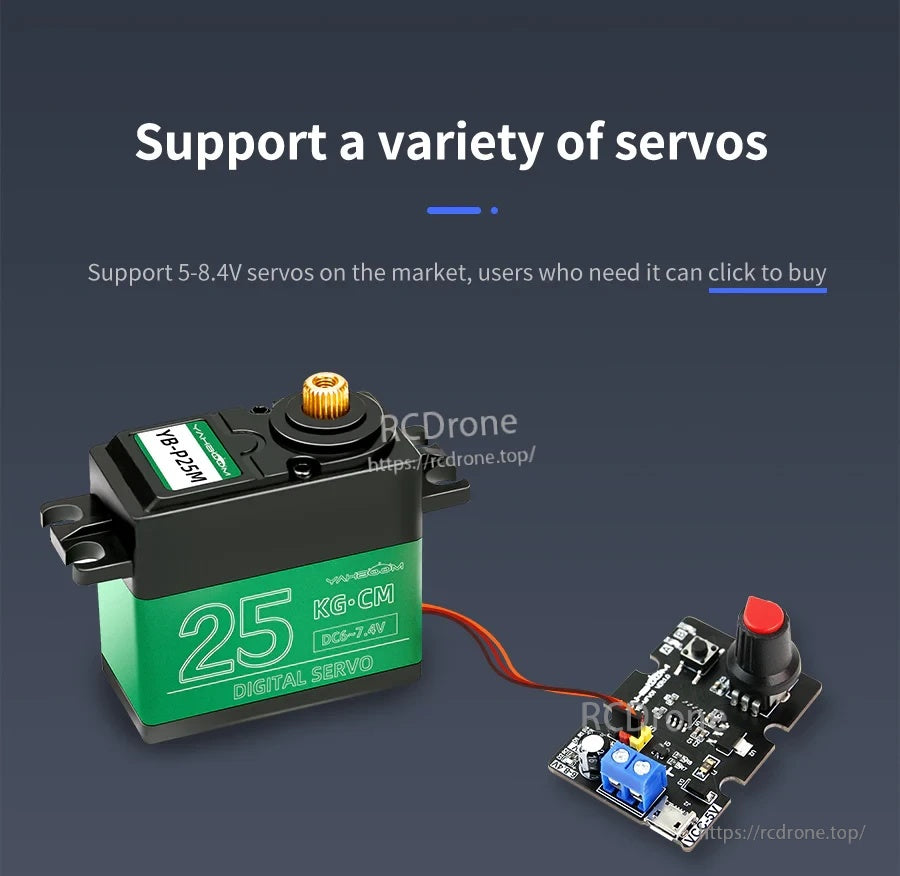
Projetado para servos PWM em uma ampla faixa de entrada (5–8,4V), com base na tensão nominal do servo.

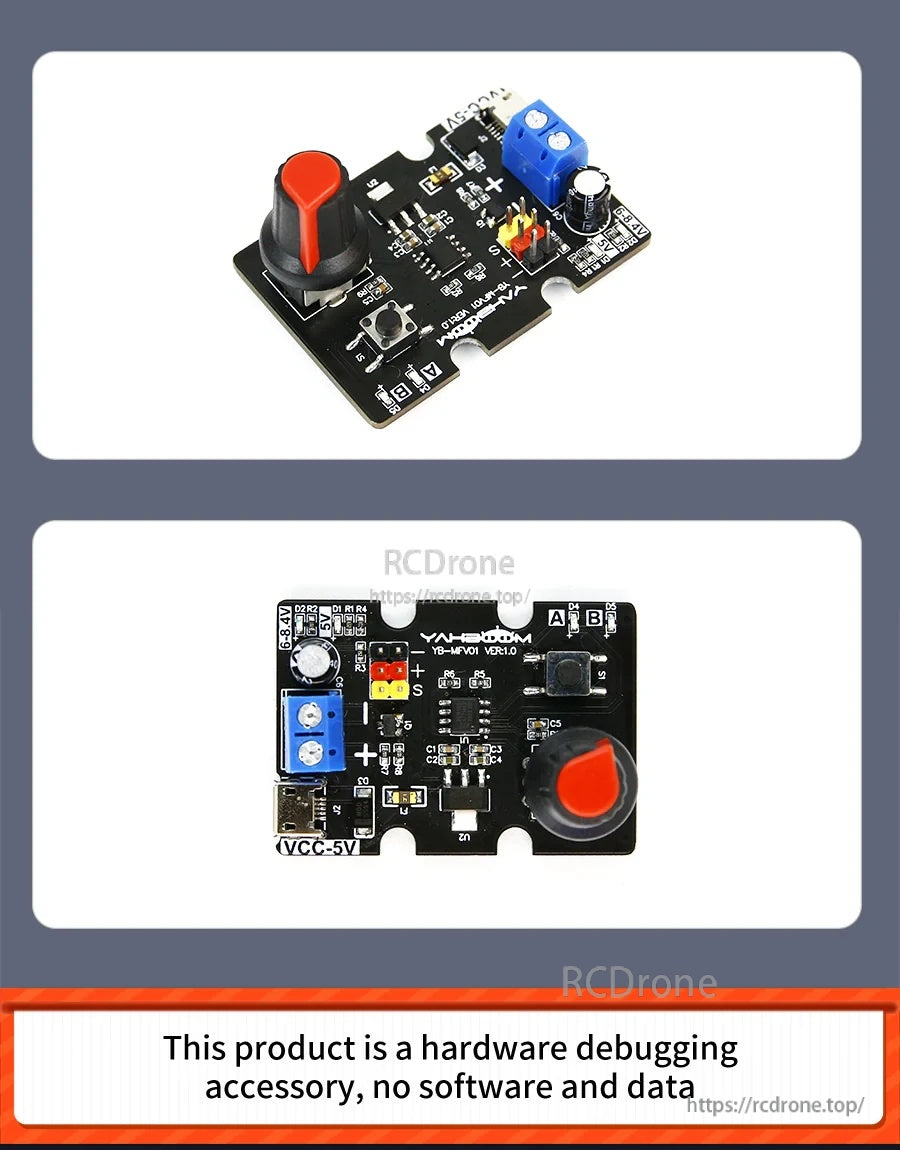
Uma visão geral rápida dos principais controlos e conectores antes de ligar um servo e a alimentação.
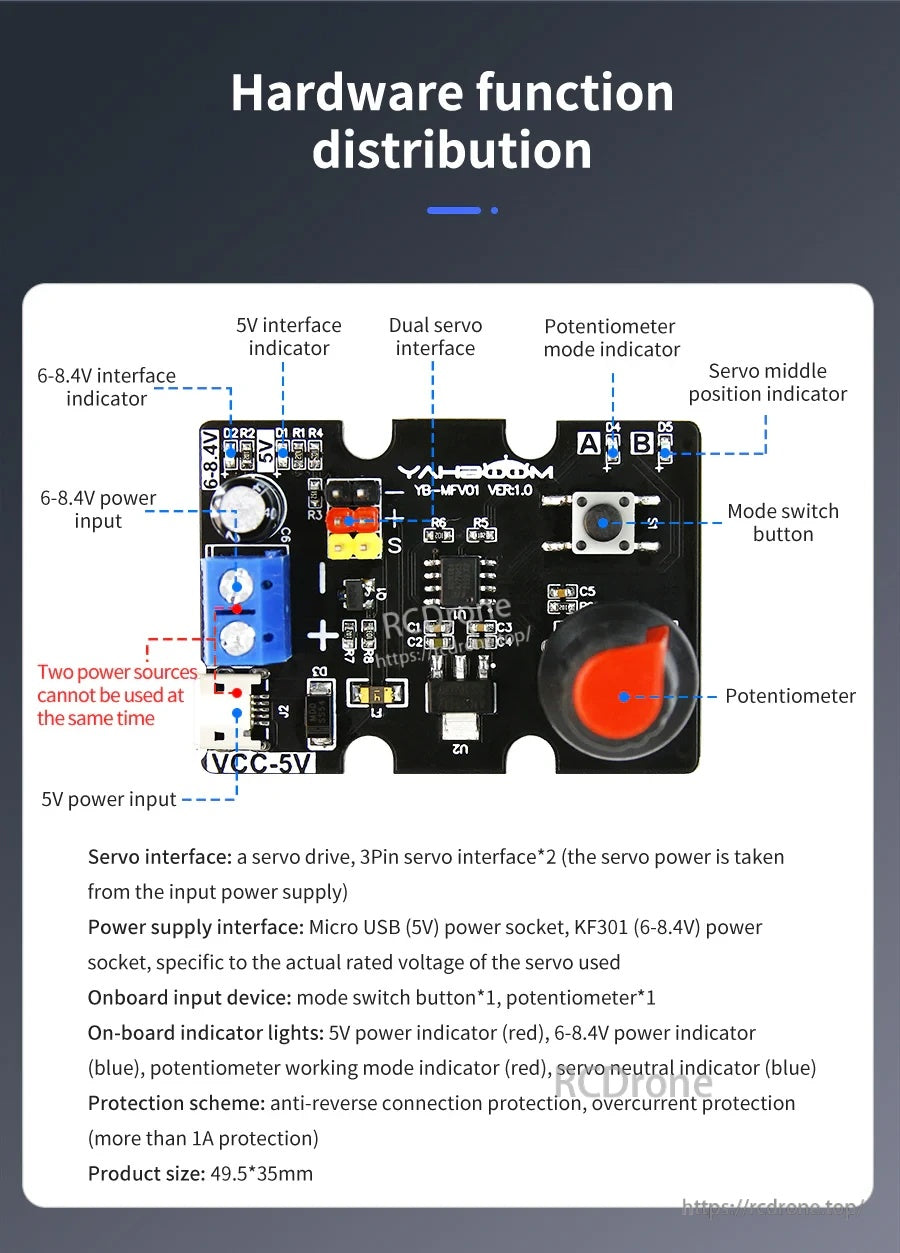
Marcas claras e LEDs indicadores ajudam a confirmar a alimentação e o modo de operação durante a depuração do servo.